A short press that shuts the PC down when you expected sleep is a setting worth checking before blaming the case. Power button action in Windows assigns a purpose to that press. Set it deliberately, especially on a laptop that can behave differently when connected to mains power.
Quick Answer
Open Control Panel, select Power Options and choose what the power buttons do. Select an available action for the short power-button press, review battery and plugged-in columns where shown, then save the change. This is a R0 adjustment. An ASUS Vivobook X1504ZA Core i3 laptop was R7999 in the catalogue on 12 October 2026; changing power behaviour does not require buying one.
🔘 Distinguish a short press from an emergency hold
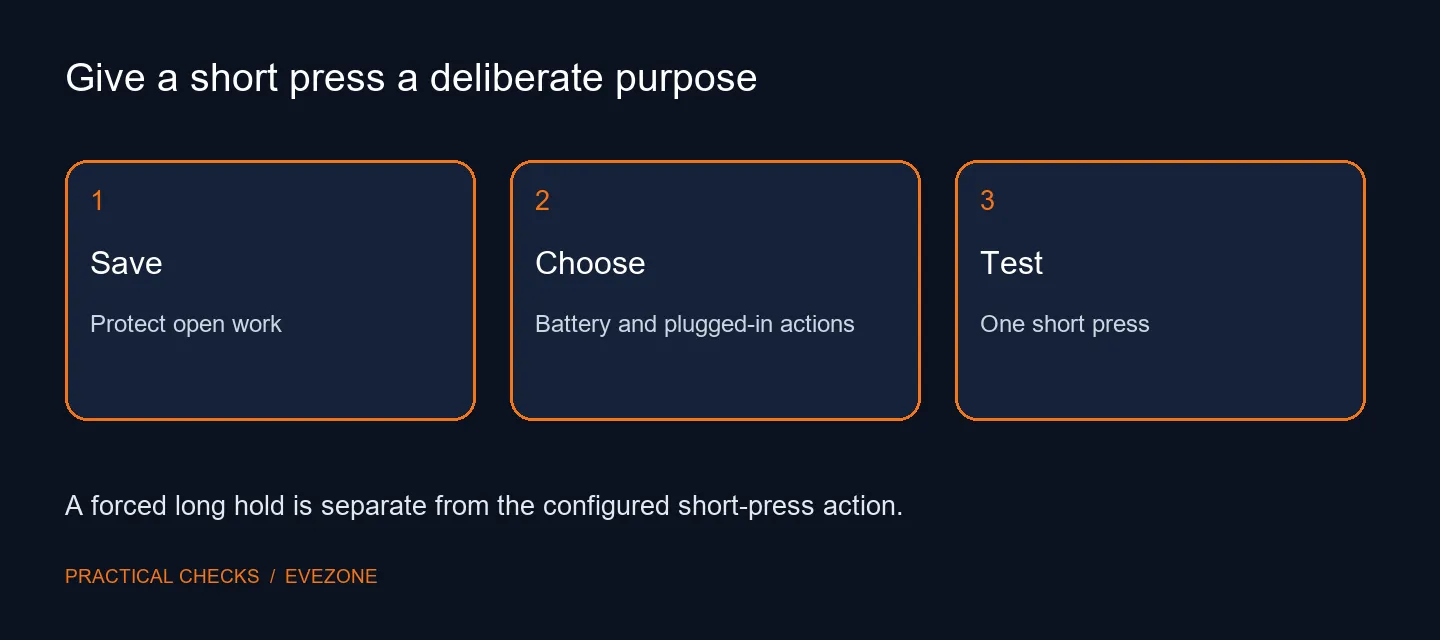
Use one brief press for the configured action. Holding the button down to force a shutdown is a different operation and can interrupt unsaved work. It is not an appropriate way to test whether the short-press setting was applied. Before experimenting, save open files and finish any task that should not be interrupted.
Write down what you want the button to do during a normal day. Someone who uses the PC repeatedly may prefer a readily resumable state, while another person may want an intentional shutdown. The visible options on your machine are the relevant starting point. Avoid copying a screenshot from another device when your own menu offers different choices.
🔋 Review both power conditions
On a laptop, the battery and plugged-in columns describe separate situations. Choosing an action in one does not establish what happens in the other. Check both before saving, and consider the way the laptop is actually used at a desk and away from it. A configuration that is convenient while connected can be unsuitable for travel.
If the choices are unavailable or an organisation manages them, note that restriction rather than making unrelated changes. The available power states depend on hardware and system configuration. A missing Hibernate option alone does not prove a broken physical button, and changing button behaviour does not add hardware support for a missing state.
✅ Test once with your work protected
After applying the chosen action, close any disposable test document and give the button a short press. Observe the result and resume or restart through the normal method. If it differs from the setting, record whether the device was plugged in and exactly what happened. That description gives support a more useful starting point than repeated forced shutdowns.
Keep this adjustment separate from a hardware upgrade. Browse gaming PCs around performance needs, or laptop deals around mobility and battery requirements, only when those are genuine purchasing questions. A power-action mismatch can often be investigated in the current machine. Establish the setting and the observed response before deciding that a button, case or whole computer needs replacement.
Frequently Asked Questions
Where can I choose the power-button action?
Use Control Panel, Power Options, then Choose what the power buttons do. Available choices depend on the device.
Are battery and plugged-in choices separate?
A battery-powered device can show separate choices for battery and mains power. Review both columns before saving.
Does this control a forced long hold?
No. The configured short press and an emergency forced power-off are different behaviours. Avoid a long hold during the test.
Why is Hibernate missing?
Available power states and visible options vary by hardware and configuration. Do not assume every PC offers the same menu.
Does choosing Sleep save all my files?
No. Save important work yourself before testing any power action. Sleep is not a replacement for saving a document.
What should this adjustment cost?
The Windows settings change costs R0. The dated R7999 ASUS Core i3 laptop listing is only a hardware reference, not a required purchase.
Give the power button a clear job
Choose the available short-press action, review both power conditions and make one saved-work test.