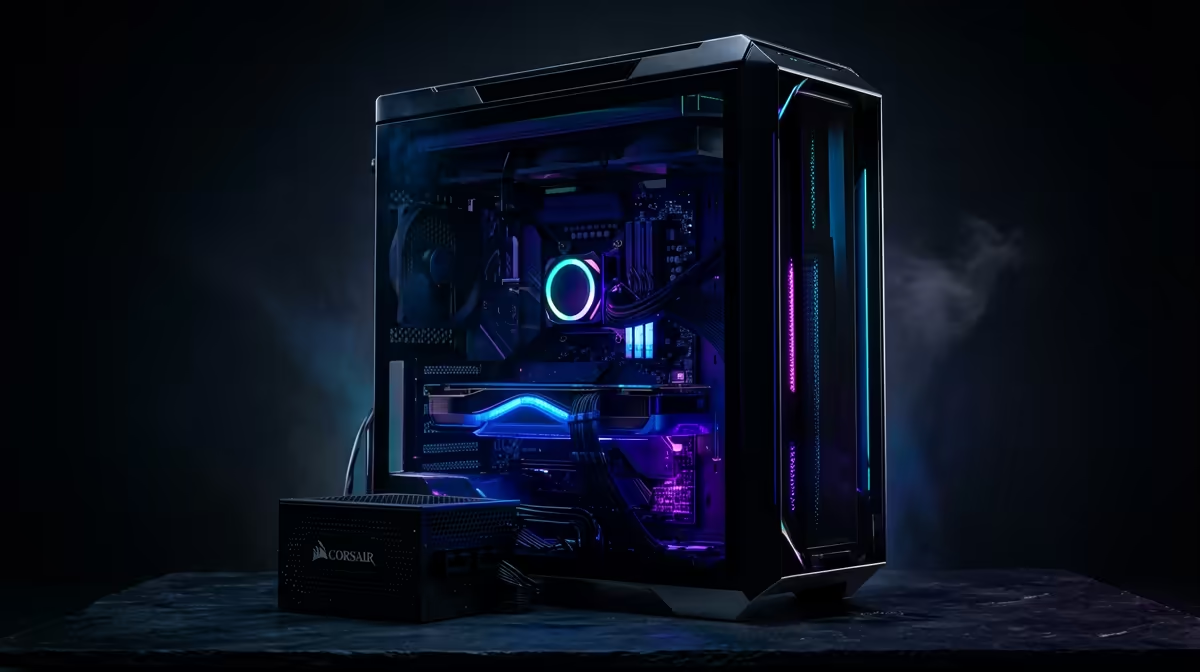
So, you want to be the next big South African YouTuber, streamer, or content creator? Awesome. But your current laptop starts wheezing the moment you import a 4K clip, right? We get it. Stepping into video editing can feel expensive, but you don't need to sell a kidney to get started. Building a powerful editing PC under R30k is more than possible… it’s about making smart choices where it counts. Let's break it down.
CPU: The Brains of Your Editing PC 🧠
Your Central Processing Unit (CPU) is the single most important component for video editing. It handles everything from smooth timeline playback to the final export (rendering). When you're looking for an editing PC under R30k, you need to balance core count with clock speed.
- More Cores = Better Multitasking: More cores allow your PC to handle multiple tasks at once, which is crucial for rendering effects and exporting your final video faster.
- Higher Clock Speed = Smoother Playback: A faster clock speed (measured in GHz) means snappier performance in your editing software, making for a less frustrating creative process.
For a budget-friendly build, look towards modern Intel Core i5 or AMD Ryzen 5 processors. These chips offer a fantastic blend of performance and value, making them the heart of a great beginner's editing PC. Many of the most capable PCs under R20k are built around these powerful yet affordable processors.
RAM & Storage: Your Digital Workspace
Think of RAM (Random Access Memory) as your desk space. The more you have, the more projects and applications you can have open and active without your system slowing to a crawl.
How Much RAM is Enough?
For video editing, 8GB is the absolute bare minimum, and you'll feel it. We strongly recommend 16GB as the starting point for a smooth 1080p workflow. If you can stretch your budget for an editing PC under R30k to include 32GB, you'll thank yourself later, especially when working with 4K footage or complex effects.
Storage: Speed Is Everything 🚀
Your storage drives determine how quickly you can load your operating system, launch Adobe Premiere Pro, and access your project files.
- NVMe SSD (Non-Volatile Memory Express Solid-State Drive): This is non-negotiable for your main drive. Installing your OS and editing software here ensures lightning-fast boot times and application loading.
- SATA SSD or HDD: A second, larger drive is perfect for storing your raw footage, project files, and completed videos. An SSD is faster, but a traditional Hard Disk Drive (HDD) offers more storage for your money.
Many excellent budget gaming PCs already come with this ideal SSD+HDD combo.
Editing Workflow Pro Tip ⚡
Use a proxy workflow for 4K footage on a budget machine. Most editing software (like Premiere Pro and DaVinci Resolve) can create low-resolution copies of your large files for smooth editing. The software automatically switches back to the high-quality originals for the final export. It's a lifesaver for performance!
The GPU: More Than Just for Gaming
While the CPU does the heavy lifting, the Graphics Processing Unit (GPU) is your rendering accelerator. A good graphics card can dramatically cut down your export times and enable smooth playback of GPU-accelerated effects and transitions.
NVIDIA's CUDA technology is widely supported in editing software, giving their cards a slight edge for content creation. However, a modern AMD card will still do a fantastic job. The good news? The hardware that makes for a great gaming experience often translates directly to editing. This means many of the best gaming PC deals double as incredible-value editing rigs.
Putting It All Together: Pre-Built vs. Custom
Building a PC from scratch is a rewarding experience, but it can be daunting for a beginner. A pre-built system takes the guesswork out of component compatibility and saves you the hassle of assembly. For your first editing PC under R30k, a pre-built machine offers peace of mind with a full system warranty.
You can find some incredible value in systems that are already assembled, tested, and ready to go. By focusing on builds in the R20k-R30k bracket, you'll hit the sweet spot of performance and price. Check out Evetech's range of powerful PCs above R20k to see what's possible. These machines are often optimised for performance, giving you a solid foundation for your creative journey. And for the absolute best value, keeping an eye on great pre-built PC deals can help you score a powerhouse rig for less. ✨
Ready to Create Without Limits?
Building the perfect editing PC under R30k is totally achievable in South Africa. It's about smart choices, not just expensive parts. Explore our range of powerful pre-built PC deals and find the perfect machine to bring your vision to life.