


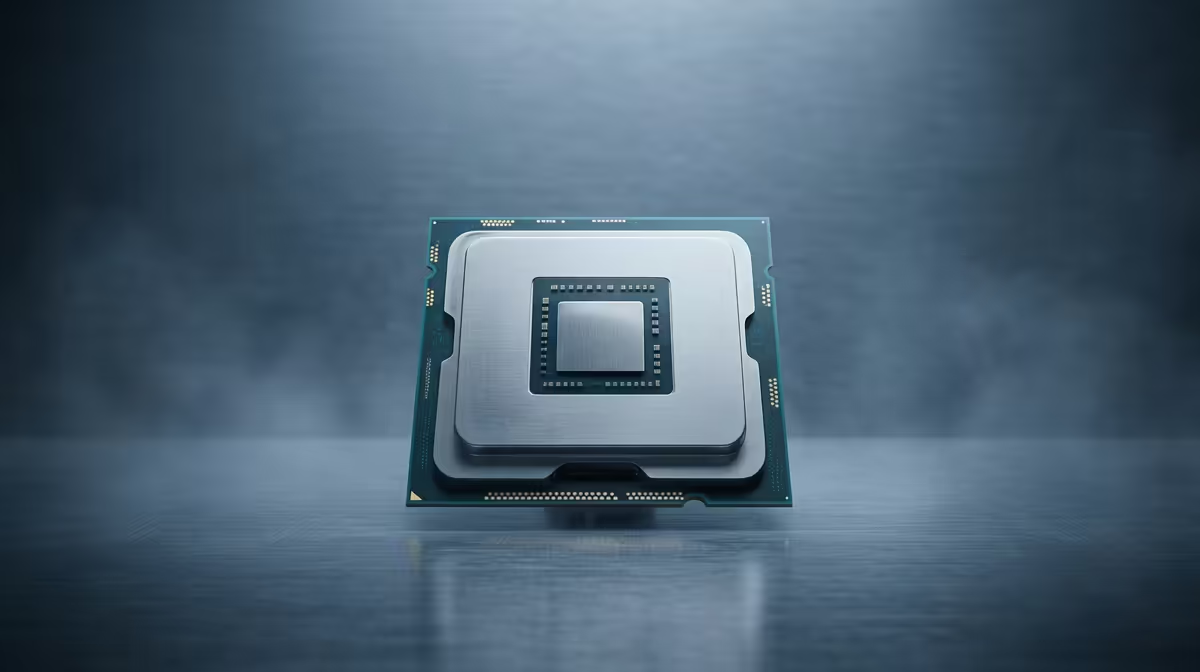
Staring at a render bar that moves slower than rush-hour traffic on the N1? We've all been there. Building a powerful editing PC in South Africa without breaking the bank feels like a challenge, especially when your budget is capped at R30,000. The heart of any content creation rig is its processor. Choosing the best CPU for your editing PC under R30k is the single most important decision you'll make. Let's get it right. 🚀
What Defines the Best CPU for an Editing PC?
Before you splash the cash, let's cut through the jargon. For video editing, photo manipulation, and 3D rendering, a CPU's performance isn't just about speed. It's about having the right kind of power.
- Core Count: Think of cores as individual workers. More cores mean you can tackle more tasks at once, which is brilliant for exporting videos or running multiple creative apps.
- Clock Speed (GHz): This is how fast each worker operates. A higher clock speed means smoother performance when you're actively scrubbing through a 4K timeline or applying complex effects.
- Architecture: Modern CPUs from Intel and AMD use clever designs to balance high-power tasks with background efficiency.
Finding the sweet spot is key, especially when you're working within a budget. Even some excellent budget gaming PCs have processors that can double as content creation workhorses.
Top CPU Picks for a R30k Editing Build in 2025
For a total system budget of around R30,000, you have some incredible options. The goal is to allocate a healthy portion to the CPU without crippling the budget for other vital components like RAM and storage. Here are our top contenders for the best CPU for an editing PC under R30k right now.
The Multi-Core Monster: AMD Ryzen 7 Series
AMD's Ryzen 7 processors have consistently offered a fantastic number of cores for their price. If your workflow involves heavy 4K rendering, 3D modelling, or intense multitasking, a modern Ryzen 7 is a beast. The high core and thread count chews through export queues, saving you precious time. A build centered around this kind of chip often provides incredible value, fitting comfortably within the specs of many powerful PCs available for over R20k.
The Hybrid Powerhouse: Intel Core i5 & i7 Series
Don't sleep on Team Blue. Intel's recent Core i5 and i7 CPUs use a powerful hybrid architecture with Performance-cores (P-cores) and Efficient-cores (E-cores). This design is incredibly smart, using P-cores for your active tasks (like timeline editing) and E-cores for background processes. The result? A snappy, responsive system that doesn't bog down. For many creators, a high-end Core i5 offers the perfect balance, making it a cornerstone for fantastic systems under R20,000.
Intel's Secret Weapon ⚡
Many Intel CPUs include Quick Sync Video technology. This is a dedicated media engine on the chip that dramatically accelerates video encoding and decoding in apps like Adobe Premiere Pro and DaVinci Resolve. If you work with H.264 or H.265 footage, Quick Sync can make your timeline playback buttery smooth, even without a high-end graphics card.
Balancing the Rest of Your R30,000 Editing Rig 🔧
Remember, a great CPU is only as good as the components supporting it. A lightning-fast processor will feel sluggish if it's waiting on slow RAM or storage.
- RAM: Aim for at least 32GB of DDR5 RAM. This gives you enough headroom to handle large project files and multiple applications without your system grinding to a halt.
- Storage: A fast NVMe SSD is non-negotiable. Install your operating system, editing software, and active project files here for instant load times.
- Graphics Card (GPU): While the CPU does the heavy lifting for rendering, a decent GPU accelerates effects, colour grading, and timeline playback.
If piecing it all together sounds like a mission, exploring pre-built PC deals is a great way to get a professionally balanced system without the hassle. Often, the best gaming PC deals also feature the perfect component mix for a powerful editing machine. ✨
Ready to Build Your Editing Beast? Choosing the right CPU is the first step. Building a balanced rig that smashes through renders and never slows you down is the goal. Take control and design your perfect editing PC with our powerful and easy-to-use tool. Start configuring your dream PC with the Evetech PC Builder and bring your creative vision to life.









