




Build a Hollow Knight-Ready Gaming PC for R40,000
Hollow Knight R40,000 PC build planning starts with balanced parts. For SA gamers, compare CPU and GPU fit, RAM needs, SSD space, PSU headroom and cooling before buying.
Read moreIn a face-brick house in SA, a fanless mini PC setup should be planned around the room, cabling, and network spot where the machine will actually be used. The Minisforum NAB6 Lite is R4,150, while UM750L and AI-X1-255 sit around R4,600 for heavier work.
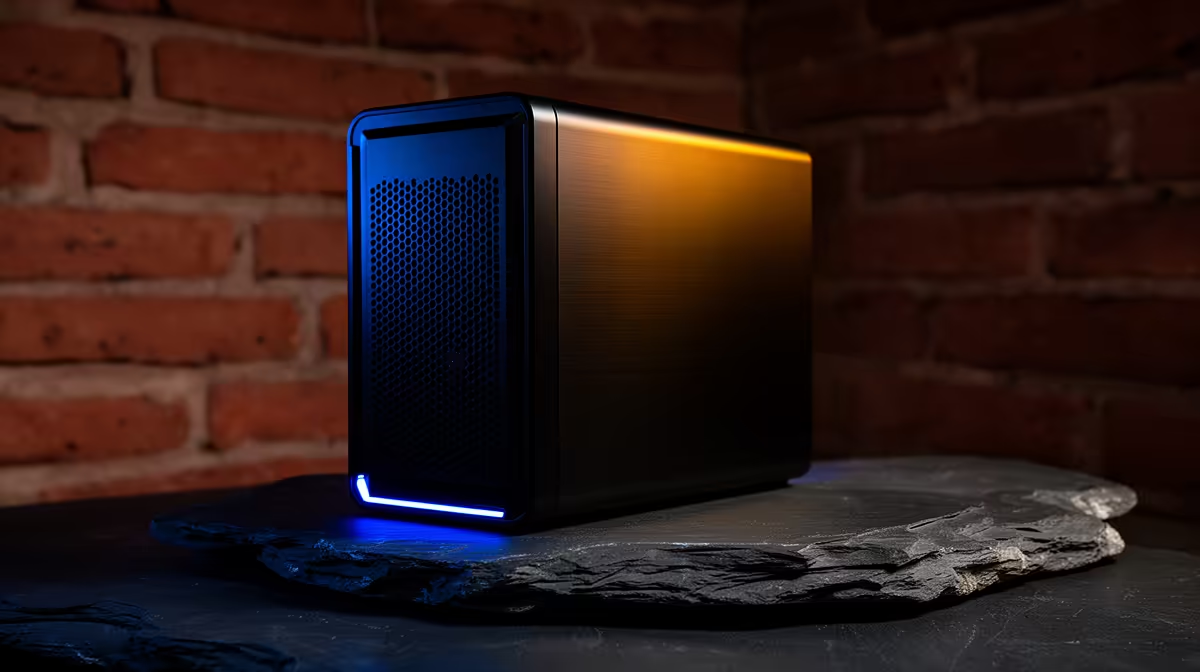
The Minisforum NAB6 Lite i5 8GB/512GB at R4,150 suits a quiet face-brick home office where a compact mini pc must handle browser work, documents, streaming, and admin without taking over the desk. It is the strongest value starting point here because the i5, 8GB memory, and 512GB storage cover everyday use while keeping the setup small enough for a shelf, study nook, or lounge TV unit.
For a smoother everyday setup, the UM750L 16GB/1TB at R4,600 is the better jump if you keep many browser tabs open or store photos, school files, and media locally. The 16GB memory gives the system more breathing room than the Minisforum NAB6 Lite i5 8GB/512GB at R4,150, and the 1TB storage is useful when the PC becomes a shared family machine.
The NINKEAR M7 16GB/512GB at R4,650 is a sensible middle option for a work counter or study desk where responsiveness matters more than huge local storage. If you want more headroom in the same compact category, the NINKEAR M8 16GB/1TB at R8,350 adds the larger 1TB drive, while the NINKEAR L12 PRO i9 at R8,150 is the performance-leaning choice when the processor matters more than the listed storage figure.
Face-brick rooms often have hard surfaces, so place the unit where cable runs stay neat and the device is not boxed tightly behind decor. The GEEKOM A8 Max 32GB/1TB at R12,900 is the clean premium pick for a quiet creator desk or home server shelf because 32GB memory and 1TB storage give it space for heavier multitasking and a larger media library.
Ready to choose the right mini pc? Let the fanless setup face brief start with Minisforum NAB6 Lite i5 8GB/512GB at R4,150, then confirm its listed spec fits the room or workload.
For a face-brick house, place the mini PC where the screen, power, and network setup are already practical.
Room choice matters because thick walls and fixed furniture can shape where a compact, quiet computer is convenient.
Check display cabling, keyboard reach, storage access, and internet quality at the exact spot before selecting the model.
Lighter household use can start with the R4,150 NAB6 Lite, while heavier workloads point toward the R4,600 range.
The best setup is the one that stays quiet, reachable, connected, and unobtrusive in the chosen room.
Replace the main unit when the room setup reveals display, storage, or responsiveness limits that accessories cannot correct.
Hollow Knight R40,000 PC build planning starts with balanced parts. For SA gamers, compare CPU and GPU fit, RAM needs, SSD space, PSU headroom and cooling before buying.
Read more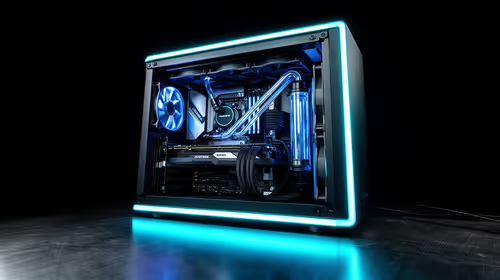
iRacing R80,000 builds should target smooth sim racing, not vanity specs. This recommended build for iRacing at R80 000 SA buyer's guide should weigh CPU strength, GPU headroom, triples or VR plans, cooling, and reliable peripherals.
Read more
A podcast recording setup is worth buying for a small SA online store when clear product audio will support listings, clips or customer explainers.
Read more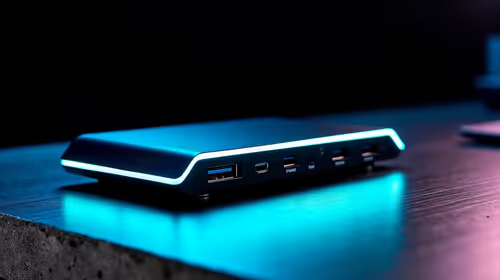
A USB-C dock is a practical first setup buy when one laptop must feed desk accessories cleanly. Start with Promate EZHUB-7 at R270 or TransHub-Lite at R305, while VersaHub-MST at R1,500 and Minisforum TB4-01 at R2,600 suit more demanding desks.
Read more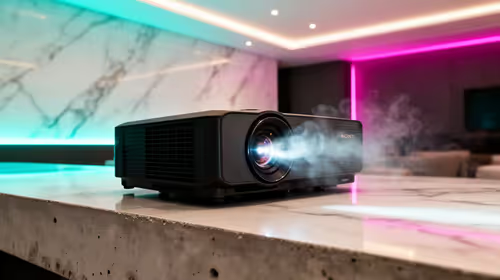
A townhouse short-throw setup works best when the projector can create a large picture from a close wall position without taking over the lounge. The Yaber T1 Pro Full HD HDR10 at R2,900, ViewSonic M1X portable LED at R5,996, and ViewSonic PA502X XGA short-throw at R7,493 suit different room setups.
Read more
Streamers should choose a clean Windows install that gives them a reliable software base before adding recording, chat and security tools in South Africa. Microsoft 365 options are listed at R39, R159 and R199, and genuine licensing, antivirus and backups carry more value than grey-market software.
Read more
Firefox private browsing separates a temporary session from normal browsing history. It does not make you anonymous online, and files or bookmarks you deliberately save can remain after the last private window closes.
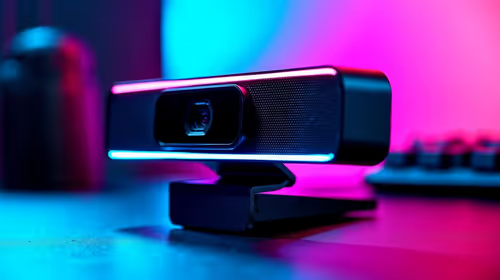
Where bryanston gamers buy a webcam that's needs careful context before choosing parts. Use this guide to compare options, trade-offs, platform fit, and upgrade timing for a South African gaming PC without relying on live stock, price, or benchmark promises.

RTX 5080 build low FPS after a GPU driver update needs a careful rollback path. Check drivers, firmware, cables, USB ports, overlays, and recent settings before replacing hardware in an SA gaming setup.

Cheapest 180Hz 1440p build for cinematic story games in SA helps SA readers plan hardware, settings, compatibility, and upgrade trade-offs. Check GPU, CPU, RAM, storage, monitor, and stability needs without risky performance claims.

Firefox can clear temporary page files without clearing cookies. Select the cached-files option carefully, then reload the affected page before changing unrelated browser settings.

Firefox PDF viewer opens documents in the browser and provides annotation and form tools. Check the PDF action, work on a saved copy and reopen the final file to confirm the information you entered survived before submitting an application or assignment.

Learn how to share WiFi password on iPhone using nearby Apple devices. Keep Wi-Fi and Bluetooth on, check contacts and the connected phone, then use Share Password; separate this process from sharing a mobile-data hotspot or changing a router password.

Firefox screenshot offers a selected region, visible-page capture and full-page capture. Choose the smallest useful area, copy or download the result, and inspect the saved image before sharing account details or assuming every part of a page was captured.
Firefox private browsing separates a temporary session from normal browsing history. It does not make you anonymous online, and files or bookmarks you deliberately save can remain after the last private window closes.

Firefox export bookmarks creates an HTML file for transfer to another browser or computer. A Firefox bookmark backup and a continuing Sync connection serve different purposes, so choose the format before changing your current collection.

Firefox pin tabs keeps frequently used pages compact at the left of the tab strip. Pinning organises an open page; a bookmark serves a different purpose, and neither should be mistaken for saving unfinished work inside a website.

Firefox task manager opens the about:processes view for estimated CPU and memory use. Inspect the busy process, protect unsaved work and retest one change at a time; the combined Extensions row is not a per-extension verdict.