Choosing a motherboard in SA feels like a mission, right? You're staring at a wall of specs, trying to balance your budget with the power needed to run the latest titles without a hiccup. Get it wrong, and you bottleneck your entire rig. Get it right, and you unlock pure performance. This guide helps you find the best gaming motherboard in South Africa by cutting through the noise and focusing on what truly matters for your build. 🔧
Why Your Motherboard Choice Is Crucial
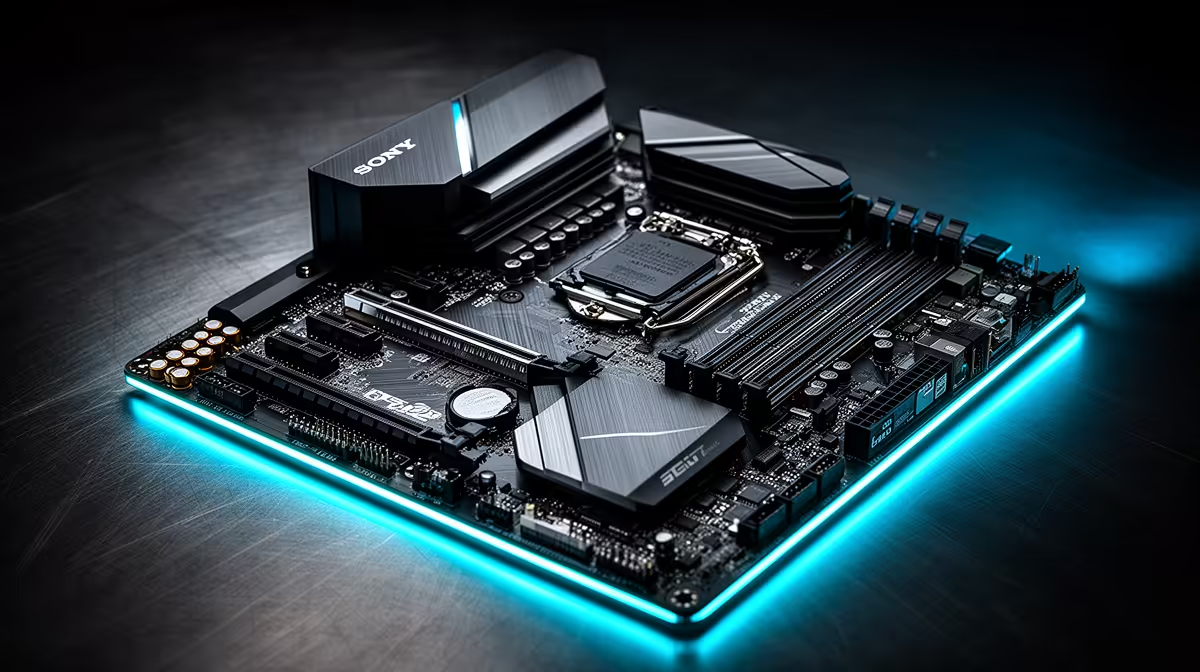
Think of your motherboard as the central nervous system of your PC. It’s not just a circuit board; it's the foundation that connects every single component—your CPU, GPU, RAM, and storage—and allows them to communicate. A poor choice here can limit your processor's power, cap your RAM speed, or leave you with no room for future upgrades.
Investing in a quality motherboard ensures stability, unlocks the full potential of your other components, and future-proofs your rig for years to come. It’s the unsung hero of every great gaming PC.
Finding the Best Gaming Motherboard in South Africa: Key Factors
Navigating the options can be tricky, but it boils down to a few key decisions. Let's break down the jargon so you can choose with confidence.
Chipset & Socket: The Intel vs. AMD Showdown
This is your first and most important choice, as it determines which CPU family your PC will be built around.
- Socket: The physical slot where your CPU sits. Intel uses LGA sockets, while AMD uses AM sockets. They are not interchangeable.
- Chipset: The motherboard's onboard intelligence. It controls data flow and determines features like the number of USB ports, PCIe lanes, and overclocking capability.
For Team Blue fans, our range of powerful Intel motherboards covers everything from entry-level H-series to overclocking-ready Z-series boards. If you're backing Team Red, our selection of AMD motherboards offers incredible value and performance with their B-series and X-series chipsets. ⚡
Features That Actually Boost Performance
Don't get lost in marketing buzzwords. Focus on these three elements:
- VRMs (Voltage Regulator Modules): These deliver clean, stable power to your CPU. A board with a robust VRM setup is essential for high-end processors or if you plan on overclocking.
- RAM Support: Check for the number of slots (four is the sweet spot for future upgrades) and whether it supports DDR4 or the newer, faster DDR5 standard.
- PCIe Slots: Your graphics card and high-speed NVMe SSDs use these. A board with at least one PCIe 5.0 slot gives you a direct line to next-generation speed.
Quick VRM Check
When comparing two similarly priced boards, check the VRM phase design (e.g., 14+2). A higher number generally means cleaner power for your CPU, leading to better stability and overclocking potential. It's a small detail with a big impact!
The Price vs. Power Sweet Spot for SA Gamers 🚀
Let's be real… rands matter. You don't need to spend R10,000 on a motherboard to get incredible gaming performance. The secret is finding the balance. Often, the best gaming motherboard for South African gamers is a high-quality B-series board (like AMD's B650 or Intel's B760) that delivers 95% of the performance of its top-tier cousins for a fraction of the price.
These boards offer excellent features, strong power delivery, and enough connectivity for almost any build. This is where you can find some serious value, with a curated selection of cheap Intel and AMD-based motherboards that don't skimp on quality.
Find Your Rig's Foundation
Now you're armed with the knowledge to pick the perfect motherboard for your needs and budget. Stop guessing and start building a PC that's optimised for performance from the ground up. Explore our full range of motherboards and find the perfect match for your next build today.