Is your gaming PC starting to sound like a jet engine during a tense lobby? We've all been there. Here in South Africa, the combination of summer heat and fine dust can turn a high-end rig into a stuttering mess. That's why choosing the best PC cooling for gaming isn't just an upgrade… it's a mission-critical strategy for keeping your frames high and your temperatures low. Let's break down how to keep your machine frosty. ❄️
Why PC Cooling Matters More in SA
Your PC's performance is directly tied to its temperature. When components like your CPU or GPU get too hot, they "thermal throttle"—a fancy way of saying they slow down to prevent damage. In a country with our ambient temperatures, this happens much faster. A good PC cooling solution ensures your hardware can run at its peak speed, giving you the smooth, responsive gameplay you paid for, whether you're building worlds or battling for survival.
This is especially true for graphically intense titles that push your hardware for hours. A rig built for the stunning visuals of Cyberpunk 2077 needs a robust system to handle the load without breaking a sweat.
The Big Debate: Air vs. Liquid Cooling
When it comes to the best PC cooling for gaming, the choice usually boils down to two options: traditional air coolers or modern All-In-One (AIO) liquid coolers. Neither is strictly better; they just excel in different areas.
The Case for Air Coolers: Simple & Reliable
Air coolers use a combination of a heatsink (a block of metal fins) and fans to draw heat away from your CPU. They are famously reliable, easy to install, and often more affordable. For many builds, a high-quality air cooler is more than enough to deliver fantastic performance. They're a perfect, no-fuss solution for PCs designed to run popular, well-optimised games like Minecraft or even fast-paced shooters.
The Allure of AIO Liquid Coolers: Peak Performance & Aesthetics
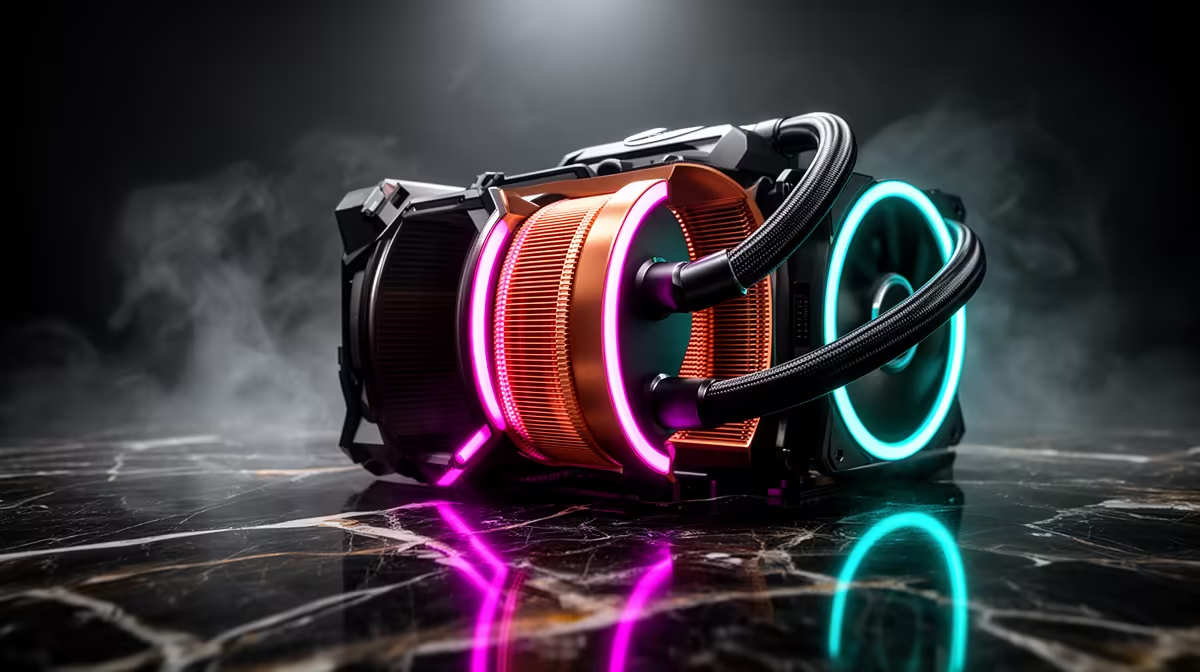
AIO liquid coolers use a closed loop of liquid to transfer heat from the CPU to a radiator, where it's dispersed by fans. They generally offer superior cooling performance, making them ideal for overclocking or taming the hottest high-end processors. If you're running a beast of a machine for something demanding like Microsoft Flight Simulator, an AIO can provide the thermal headroom you need. Plus, they look incredibly clean and often feature customisable RGB lighting. ✨
Don't Forget Case Airflow! 💨
fancy new CPU cooler can't do its job if it's suffocating in hot air. Ensure your PC case has a clear airflow path: intake fans at the front pulling cool air in, and exhaust fans at the back and top pushing hot air out. Good cable management is key to preventing blocked airflow.
Finding the Best Cooling for Your Gaming PC
So, which path should you choose? It depends on your specific needs and the games you play.
A solid mid-range air cooler is often the sweet spot for a versatile machine capable of handling the most popular titles, from squad-based shooters like Fortnite to sprawling open worlds. These systems offer a great balance of price and performance.
However, if you're chasing every last frame in competitive games or running marathon sessions where heat builds up over time, investing in better cooling pays off. Long, intense matches in PUBG or hours spent causing chaos in GTA V will definitely benefit from a more powerful cooling setup.
Expertly Cooled for Maximum Frags 🚀
Ultimately, the best PC cooling for gaming is part of a balanced system. At Evetech, we ensure every pre-built PC has a cooling solution perfectly matched to its components. This means you can jump straight into the action without worrying about thermal throttling, whether you're climbing the ranks in Overwatch 2 or fighting for that final circle in Verdansk on a dedicated Call of Duty: Warzone 2.0 gaming PC. Your focus should be on the game, not your temperature gauge.
Ready to Beat the Heat?
Choosing the best PC cooling for gaming is a critical step to unlocking peak performance. Don't let thermal throttling ruin your killstreak. Explore our wide range of PC cooling solutions and build a rig that stays frosty, no matter how intense the action gets.