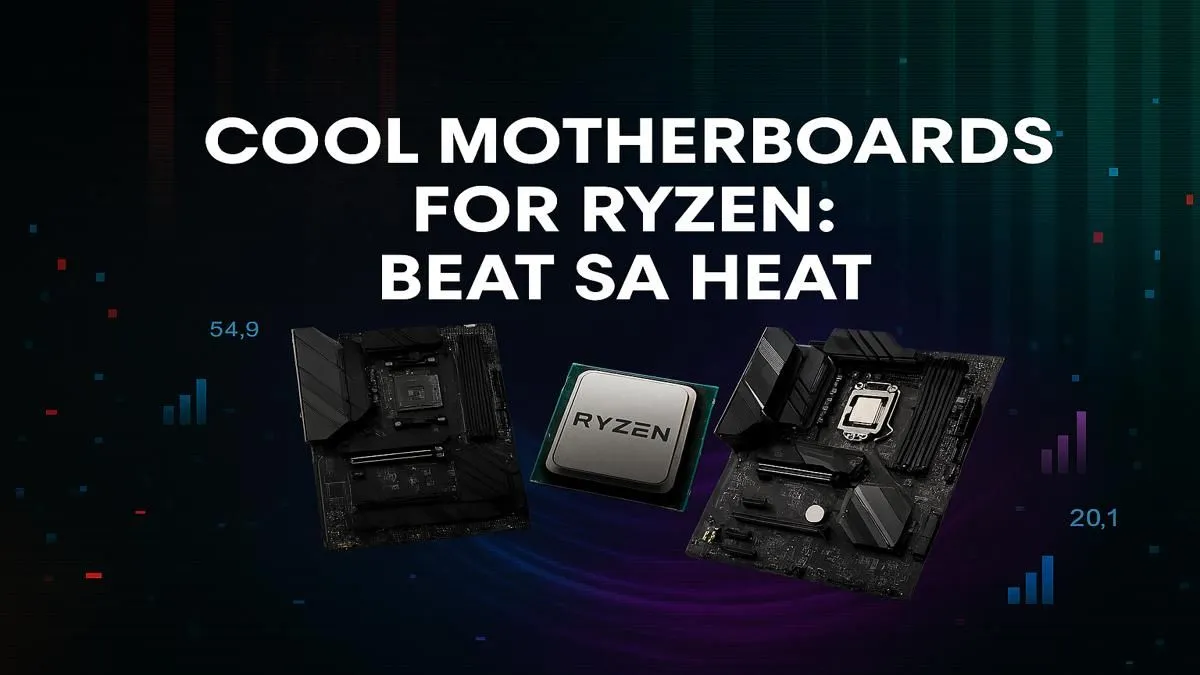
Feeling the heat? When that South African sun starts blazing, the inside of your PC case can feel like a braai. A hot CPU means throttled performance, stuttering gameplay, and potential long-term damage. But what if the secret to an ice-cold rig wasn’t just your CPU cooler, but the motherboard itself? Let's find the best Ryzen motherboard for cooling your battle station. 🚀
Why Your Motherboard is Your First Defence Against Heat
When building a PC, we obsess over the CPU cooler and case fans, but the motherboard is the unsung hero of thermal management. It’s the central hub that distributes power and directs airflow. Your choice from the vast range of AMD motherboards is more than just a place to plug things in; it’s the foundation of a cool and stable system.
The most critical components for cooling are the Voltage Regulator Modules (VRMs). These tiny parts feed clean, stable power to your powerful Ryzen CPU. The harder your CPU works, the hotter the VRMs get. A quality motherboard uses large, well-designed heatsinks to draw this heat away, preventing performance loss and ensuring your processor gets the power it needs, even during intense gaming sessions.
Key Features for a Cool-Running Ryzen Build
Finding the best Ryzen motherboard for cooling involves looking past the RGB lights and focusing on practical design. Here’s what to prioritise.
Robust VRM Heatsinks
Don't just look for any piece of metal. The best motherboards have chunky, finned heatsinks with a large surface area. This design maximises contact with the air moving through your case, efficiently dissipating heat. A board with solid VRM cooling can sustain higher CPU boost clocks for longer, giving you a tangible performance advantage.
Smart Fan Control 🔧
A motherboard with plenty of fan headers (at least 4-5) is essential. This allows you to connect multiple case fans and your CPU cooler directly to the board. More importantly, look for boards with intuitive software that lets you create custom fan curves. This means you can tell your fans to spin faster as temperatures rise, keeping your rig quiet during light tasks and frosty during a heated match.
M.2 Heatsinks
Your super-fast NVMe SSD can also get toasty under load, causing its speeds to drop dramatically—a phenomenon called thermal throttling. Many modern motherboards come with integrated M.2 heatsinks or "heat shields." These simple additions can make a huge difference, ensuring your games and apps load at lightning speed, consistently.
Matching the Chipset to Your Cooling Needs
AMD offers several chipsets, each with different features and thermal capabilities. Choosing the right one is key to building a balanced and cool-running PC.
For budget-conscious builders who still want excellent performance, the reliable AMD B550 motherboards remain a stellar option. They offer PCIe 4.0 support and many models feature surprisingly robust cooling solutions that can easily handle mid-range Ryzen CPUs.
Stepping up to the latest generation, AMD B850 motherboards are the new sweet spot. Designed for the latest Ryzen processors, they provide modern connectivity and are built with enhanced power delivery and cooling to manage the demands of cutting-edge CPUs without breaking a sweat.
Cooling Pro Tip ❄️
motherboard's great heatsinks won't help much if hot air is trapped. Ensure your case has a clear airflow path: intake fans at the front bottom pulling cool air in, and exhaust fans at the back top pushing hot air out. Good cable management is key to preventing blockages!
For overclockers and creators who demand absolute peak performance, the premium AMD X870 motherboards are the top tier. These boards feature the most over-engineered VRMs and the largest, most effective heatsinks, designed to push high-end Ryzen CPUs to their absolute limits while maintaining stability. ✨
Ultimately, the best Ryzen motherboard for cooling is one that matches your CPU's power draw and fits within your budget. Don't let your dream PC become a victim of our warm climate. Start with a solid foundation, and you'll enjoy smooth, throttle-free performance for years to come.
Ready to Build a Cooler PC?
Choosing the best Ryzen motherboard for cooling is the first step to beating the South African heat and unlocking peak performance. Don't let thermal throttling ruin your game. Explore our massive range of AMD motherboards and find the perfect foundation for your ice-cold rig.