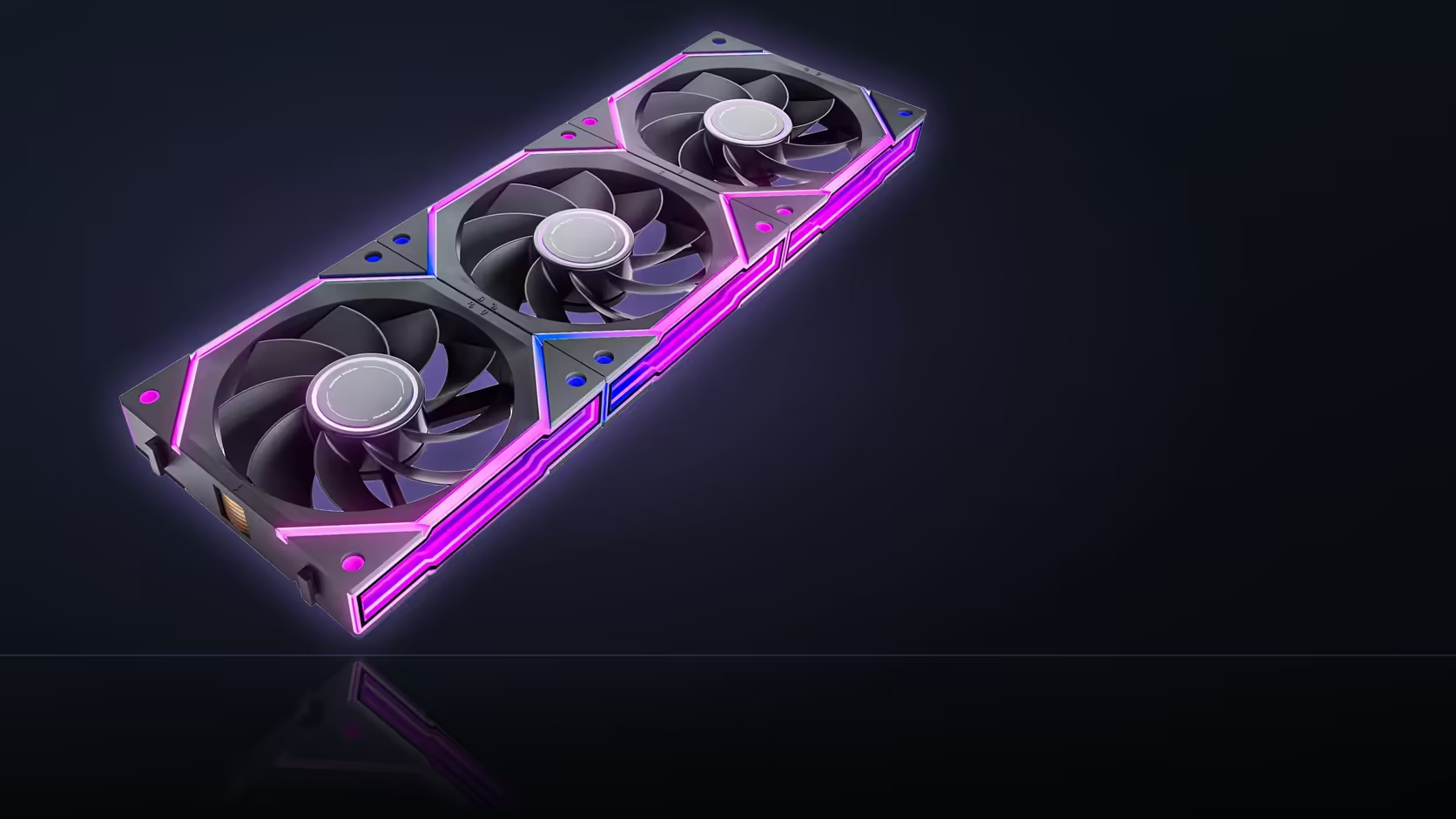
A large graphics card eats into space nobody thinks about until the build is half finished, and the floor beneath it is one of the first areas to run short. Fitting Nyota Ultra fans into a bottom intake row next to a long card means planning for two things competing for the same narrow gap, not just the fans themselves.
Quick Answer
Bottom intake fans sit directly under the graphics card, so both the fan bodies and the cable run linking them compete for that clearance, and a long card narrows the available gap considerably. Measure the space before committing to a bottom row rather than discovering a fit that only just works once everything is mounted.
🧩 What actually competes for the available space
Three things share that narrow gap beneath the card: the fan bodies themselves, which have their own depth even before anything else is added; the daisy-chain cable linking the fans together; and whatever hangs beneath the card, including a backplate that can add a few extra millimetres nobody accounts for until it is already installed.
📏 How a long card changes the calculation
A longer graphics card extends further over the bottom mounting positions than a shorter one would, which reduces the clearance along more of the fan row rather than just at one end. On a case where the bottom mount already sits close to the card's typical resting height, a long card can turn a comfortable fit into a tight one, or a tight one into no fit at all.
🛤️ Where the cable run should actually travel
Routing the daisy-chain cable along the floor of the case towards the nearest available opening keeps it clear of both the fans and the card, rather than threading it up into the gap between them where space is already tightest. The 550mm cable length AsiaHorse specifies across the Ultra range gives room to route around obstacles rather than straight across, provided that path is planned before the fans go in rather than worked out afterwards.
👀 Weighing visibility against fan count
A bottom row is only partly visible through a side window even in the best case, since a large card shades much of it from most viewing angles, which is worth knowing before paying extra for lit fans in a position that will be substantially hidden anyway. Running two fans instead of three in that row eases both the clearance and the cable routing, at some cost to intake airflow, which is a reasonable trade on a particularly tight build. Check clearances against the case fan range before ordering, and browse case accessories for the cable routing hardware a bottom row benefits from.
📐 Measuring the gap before ordering anything
The practical check is straightforward: with the card already installed, measure the vertical distance from the underside of the card, backplate included, down to the bottom of the case where the fan mount sits. Compare that figure against the fan's own depth plus a few millimetres of working clearance for the cable to pass through without pinching. Doing this before the fans arrive avoids the awkward discovery of a fit that technically works but leaves no room to route anything cleanly.
🧩 What to do when the numbers do not quite work
Where the measured clearance genuinely does not allow for three fans and their cabling, a two-fan bottom row is not a compromise so much as the correct answer for that specific case and card combination. Reducing fan count in the tightest position, rather than forcing three fans into a gap that was never going to route cleanly, keeps the rest of the build looking intentional instead of squeezed. The airflow difference between two and three bottom intakes is usually smaller in practice than it sounds, particularly where the case already draws most of its air through a larger front intake bank.
Frequently Asked Questions
What actually competes for space in a bottom intake row?
The fan bodies, the daisy-chain cable linking them, and whatever hangs beneath the card, backplate included.
How much clearance does a bottom row generally need?
Enough for the fan depth plus room for the cable to exit without pressing against the card or the case floor.
Does a longer graphics card make the fit tighter?
Yes, it extends further over the bottom positions and reduces the available gap along more of the row.
Where should the cable run be routed in this layout?
Along the case floor towards the nearest opening, rather than up through the already-tight gap between the fans and the card.
Are bottom row fans actually visible through a side window?
Only partly. A large card shades much of the row from most angles, worth weighing before choosing lit fans there.
Would running fewer fans in that row help?
Two fans instead of three eases both clearance and cable routing, at some cost to overall intake airflow.
Ready to measure your bottom clearance before ordering a full fan row?
Browse Evetech's case fan range once you know exactly how much space is left.