


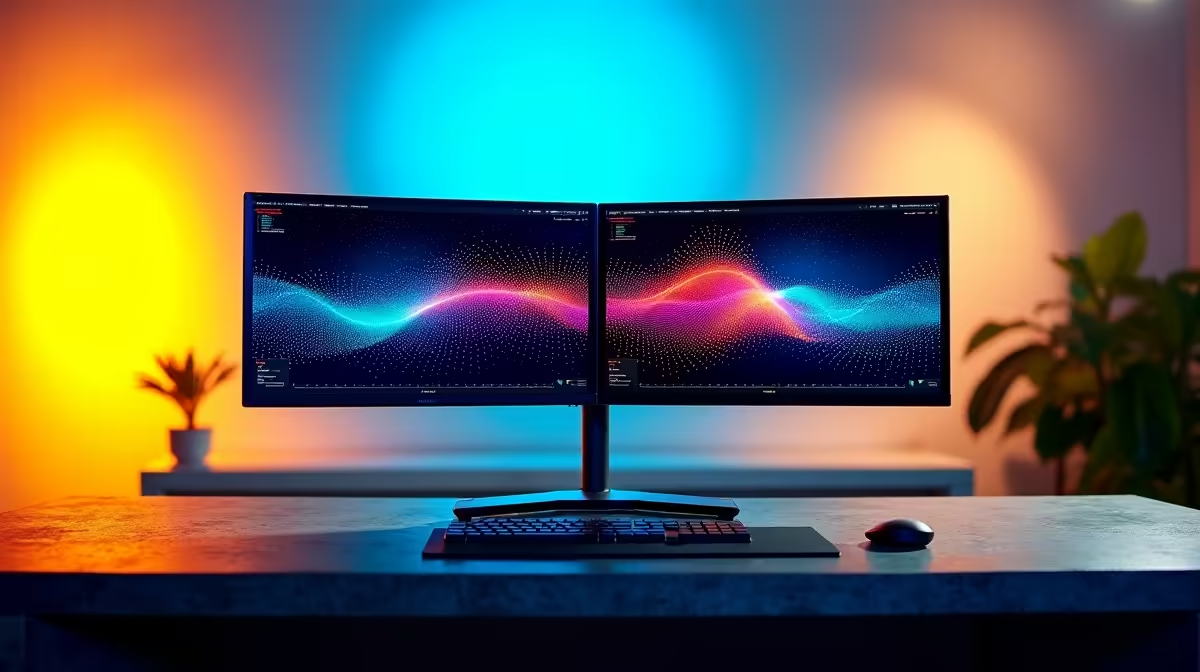
Tired of alt-tabbing through a dozen windows just to reply to a Discord message while in a game? Or maybe your code editor, browser, and terminal are fighting for space on one small screen. A second monitor feels like a luxury, but building a budget dual monitor setup in South Africa is easier and more affordable than you think. It's the single biggest productivity and multitasking boost you can give your PC. Let's get it done. 🔧
Why Go Dual? The Productivity Payoff
Before we dive into the "how," let's quickly cover the "why." Spreading your work across two screens is more than just a convenience... it's a fundamental workflow upgrade. Imagine having your game running on your main screen while your stream chat, OBS, or a guide is open on the other. For work or study, you can have your research on one display and your document on the other.
This simple change drastically reduces the mental load of constantly switching between apps, keeping you in the flow state for longer. The best part? You don't need to spend a fortune to achieve this. A smart, cost-effective dual monitor setup is well within reach.
Planning Your Budget Dual Monitor Setup
Building an affordable multi-monitor workspace is all about smart choices, not big spending. Here’s how to approach it without breaking the bank.
Start With What You Already Own
The cheapest second monitor is the one you already have. Got an old 1080p monitor collecting dust? Or even a small flat-screen TV with an HDMI port? That’s your starting point. It doesn't need to be a perfect match for your main display. Its job is to hold secondary applications like Spotify, Discord, or Slack, freeing up your primary screen for the main event.
Mixing & Matching Monitors
You don't need two identical displays for a great experience. The key is to create a functional pair. When browsing Evetech's vast range of PC monitors, consider these points:
- Size: A similar physical size helps create a more seamless look, but it's not essential.
- Resolution: Try to match the resolution if possible (e.g., two 1080p screens). Using two different resolutions can work, but it sometimes causes scaling issues where windows change size as you drag them across screens.
- Orientation: You can even turn a secondary monitor 90 degrees into a vertical "portrait" orientation. This is amazing for reading documents, writing code, or scrolling through long social media feeds. ✨
Windows Pro Tip 💻
Once your monitors are connected, right-click your desktop, go to 'Display settings', and make sure you select 'Extend these displays'. This turns your two monitors into one giant desktop. You can also drag the monitor icons around in this menu to match their physical placement on your desk!
Finding the Sweet Spot: Performance vs. Price
For your main screen, especially for gaming, you’ll want the best specs your budget allows. Many of the best PC monitor deals feature high-refresh-rate panels that make gameplay incredibly smooth. You could pair one of these fast high-refresh-rate gaming monitors with a standard 60Hz secondary monitor for utilities. This gives you the best of both worlds: peak performance where it counts and major savings on the second screen.
While super crisp 4K monitors are incredible, Full HD (1920x1080) is the undisputed king of budget setups, offering great performance without needing a monster graphics card.
Creative & Ergonomic Setup Ideas
Your budget dual monitor setup can be more than just two screens side-by-side. Why not get creative?
- Go Curved: Using one of today's immersive curved monitors as your primary display can make gaming and movie-watching feel more engaging, with a standard flat panel on the side for work.
- The Portable Option: If you're using a laptop, one of the best upgrades is adding a second screen. Modern portable monitors are lightweight, USB-C powered, and perfect for expanding your workspace on the go.
- Mount Up: Desk space is precious. Consider using a dual-monitor arm. This lifts your screens off the desk, giving you a cleaner look and perfect ergonomic positioning. You can find a variety of stands and arms in our monitor accessories section.
Ultimately, creating an affordable and effective dual monitor setup is about optimising for your specific needs. With a little planning, you can massively upgrade your PC experience for a surprisingly low cost. 🚀
Ready to Double Your Screen Space? A budget dual monitor setup is one of the best upgrades you can make. From intense gaming sessions to focused work, the extra real estate is a massive boost. Explore our incredible monitor deals and build the perfect setup for your desk and your wallet.









