Staring at a loading screen while your mates are already dropping into the action? We’ve all been there. Choosing the right budget gaming PC storage can feel like a nightmare, with a confusing alphabet soup of HDDs, SSDs, and NVMes. But what if the single biggest upgrade to your gaming experience isn't your graphics card, but the drive your games live on? Let's cut through the noise and find the perfect storage for your rig and your wallet. 🚀
The Reliable Workhorse: Why HDDs Still Have a Place
For decades, the Hard Disk Drive (HDD) was the king of storage. Think of it as a digital library with a tiny robotic arm fetching data from spinning metal platters.
The Good and The Bad
Their biggest advantage is simple: cost per gigabyte. You can get massive amounts of storage space for a fraction of the price of an SSD. A 2TB HDD can hold a huge library of games, movies, and files without breaking the bank, making it a key component in many of our entry-level budget gaming PCs.
The downside? Speed. Because it has moving parts, an HDD is significantly slower. This translates to longer boot times for Windows, and of course, those painfully long game loading screens.
The Sweet Spot: SATA SSDs for Speed and Value
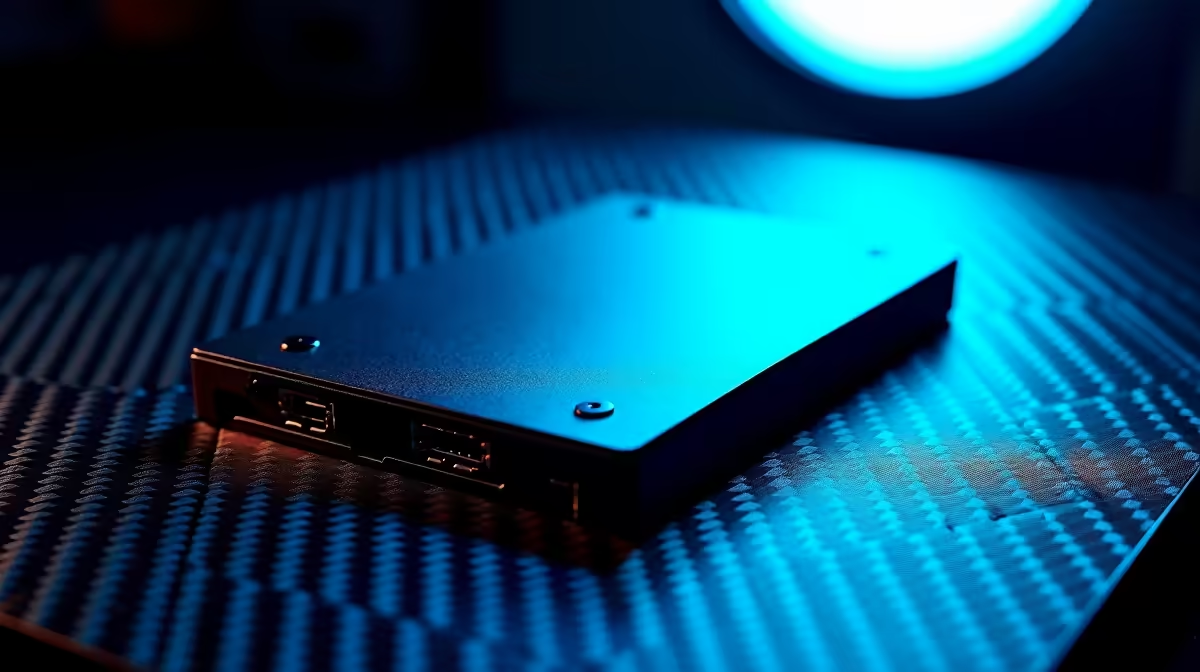
Enter the Solid-State Drive (SSD). With no moving parts, an SSD uses flash memory—similar to a USB stick, but much faster and more robust. It's the modern standard for a reason.
The Massive Leap Forward
A SATA SSD connects to your PC using the same cable as an old HDD, but the performance difference is night and day. Games that took a minute or more to load on an HDD can fire up in seconds. Your whole system feels snappier and more responsive. For most gamers, a quality SATA SSD offers the best balance of speed and price, which is why you'll find them in many of our great value PCs under R20k.
Unleashing the Beast: NVMe SSDs for Peak Performance
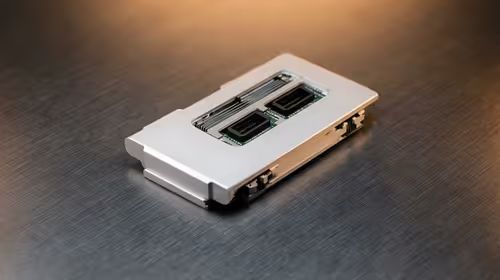
If a SATA SSD is a sports car, an NVMe (Non-Volatile Memory Express) M.2 SSD is a Formula 1 rocket. These small drives plug directly into a special slot on your motherboard, bypassing older data cables entirely for mind-blowing speeds. ⚡
Is It Worth It for Gaming?
NVMe drives offer sequential read/write speeds that are several times faster than even a SATA SSD. For tasks like video editing or transferring massive files, this is a massive advantage. For gaming? The difference in loading times between a good SATA SSD and an NVMe can often be just a few seconds. While it's the absolute fastest option, for a pure budget gaming PC storage setup, the extra cost might be better spent elsewhere. However, they are the default choice in powerful systems over R20k where every ounce of performance matters.
Budget Gaming PC Storage: The Head-to-Head Numbers
Let's put some real-world context to these specs. We benchmarked loading into the first area of Elden Ring from the main menu on three different drives.
| Drive Type | Avg. Load Time | Typical Speed (Read) | Best Use Case |
|---|---|---|---|
| HDD | ~45 seconds | ~150 MB/s | Mass storage for large game libraries & media. |
| SATA SSD | ~12 seconds | ~550 MB/s | OS, favourite games, and primary applications. |
| NVMe SSD | ~8 seconds | 3,500+ MB/s | OS and performance-critical applications. |
The numbers don't lie. The jump from an HDD to any SSD is enormous. It's the single most impactful upgrade you can make for day-to-day use, and you'll find smart combinations across all of the best gaming PC deals available today.
The Winning Combo: How to Build Your Storage Smarter
So, what’s the ultimate strategy for storage for your budget gaming PC? Go hybrid. 🔧
The most cost-effective and powerful setup for a South African gamer is to combine the strengths of both technologies.
- Primary Drive (SSD): Use a 500GB or 1TB NVMe or SATA SSD for your Windows installation, key programs, and the 2-3 games you play most often. This ensures your system is lightning-fast and your favourite titles load in a flash.
- Secondary Drive (HDD): Add a large 2TB or 4TB HDD for your extended Steam library, video captures, and other media. This gives you bulk storage without the high cost.
This two-drive solution gives you elite speed where it counts and vast space where you need it. Many of our best pre-built PC deals are configured this way right out of the box.
Storage Management Pro Tip ✨
Don't want to re-download a massive game? You can easily move games between your fast SSD and your big HDD. In Steam, go to Settings > Storage. Add your HDD as a new "Steam Library Folder." Now, you can right-click any installed game, go to Properties > Installed Files, and select "Move Install Folder" to transfer it between drives!
Ultimately, the right choice depends on your needs. But for anyone still running their games from a mechanical hard drive, upgrading to an SSD isn't just a recommendation… it's essential.
Ready to Banish Loading Screens for Good? The right storage transforms your entire gaming experience. From lightning-fast boot drives to massive game libraries, we have the perfect solution for your build and budget. Explore our huge range of SSDs and give your PC the speed it deserves.