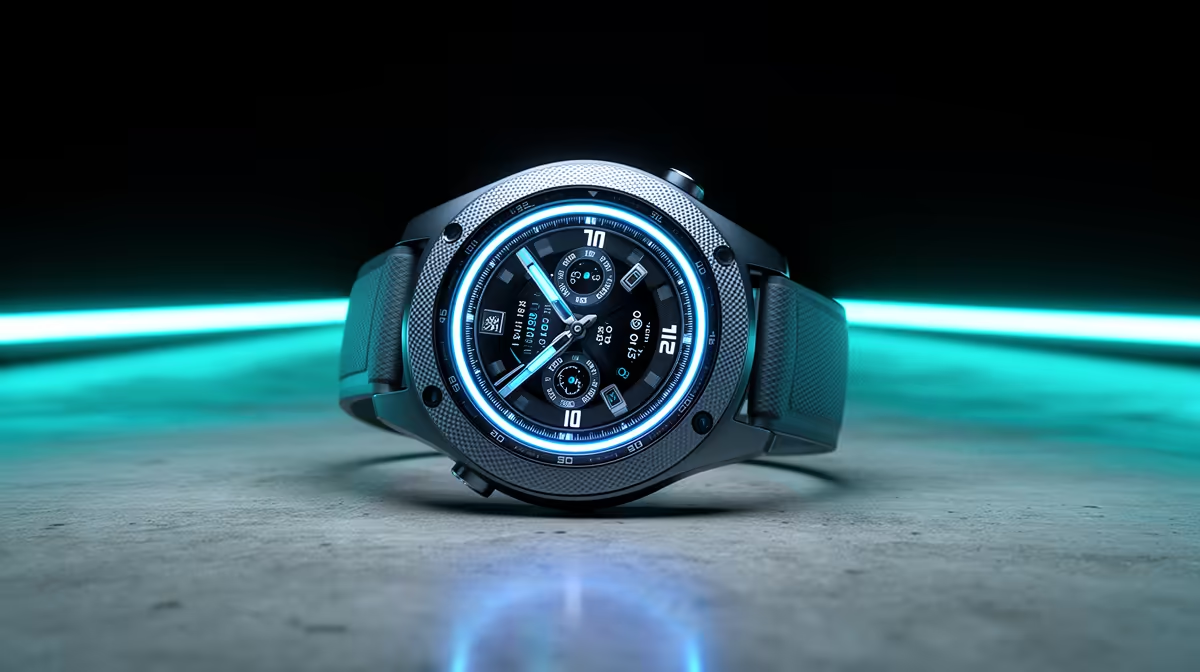
A budget smartwatch is not a substitute for a first computer. It can show notifications, timers and basic activity information, but it cannot handle normal documents, web research, file management or desktop applications. Choose the PC first, then decide whether a wearable solves another daily need.
Separate computing from wrist convenience
List the software, school or work tasks and peripherals required from the computer. After those are covered, define two useful watch jobs such as calendar alerts or activity reminders. Confirm phone compatibility, because the watch may depend on a companion app rather than the new PC.
The factpacks verify the Kospet Tank ORB smartwatch at R450 and the Kospet S2 at R800. The Kospet M4C appears at R930. Treat them as current price references, then confirm phone support, application, notification controls, battery expectations, charging method, sensors and warranty. Do not infer functions from price alone.
Secure the paired account, enable only useful alerts and test the watch for a full week. If the buyer does not already have a compatible phone, factor that dependency into the decision. Spend the primary allocation on a computer that completes the real tasks before adding wearable convenience. Repeat the weeklong watch test after every major phone, app, firmware or daily routine change cycle.
Planning a first tech setup? > Compare verified Kospet watches with Evetech only after the computer and phone needs are clear.