Fibre in South Africa solved the bandwidth problem years ago, but bandwidth was never what cost gamers frames in ranked matches. The weak link sits almost always between the ONT on the wall and the machine on your desk, and building around that chain properly is what separates a fast line on paper from a genuinely low-latency gaming mini pc setup in practice.
Quick Answer
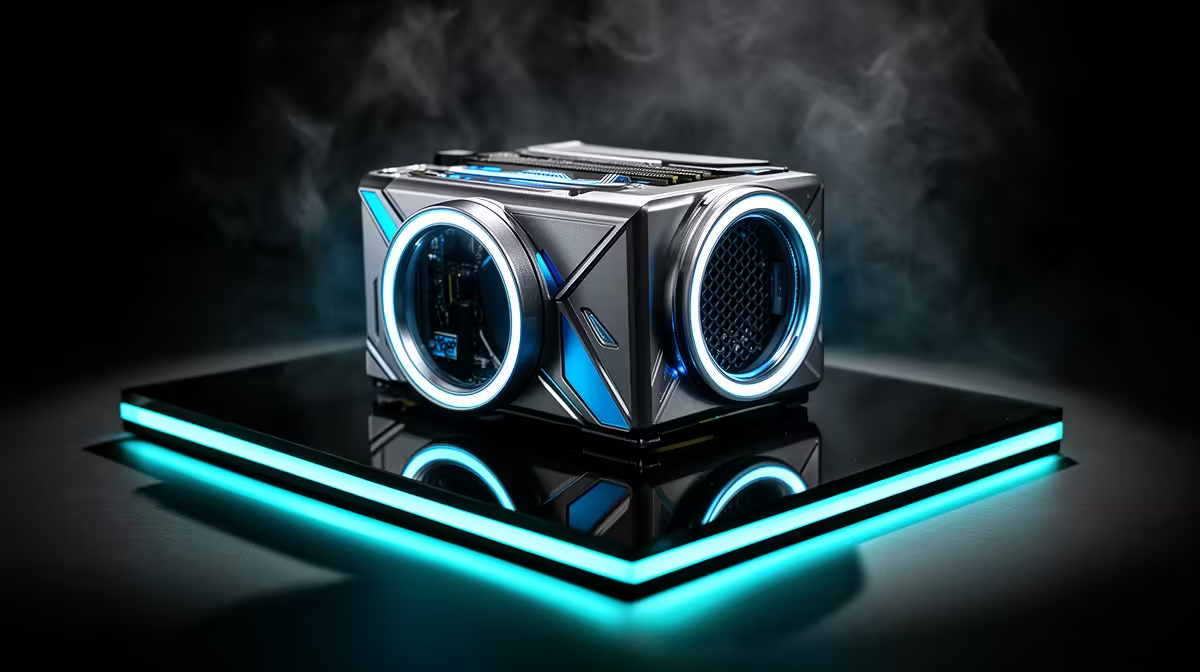
For the lowest achievable latency on SA fibre, run a cable from your router straight into the GR70's 2.5G LAN port rather than relying on Wi-Fi 7, and keep the number of network hops between ONT and PC as low as possible. The machine itself is priced at R66,399 and includes both connection types, so the setup cost is the cable alone, not the hardware.
🌐 Start at the ONT, Not at Your Desk
Most home network troubleshooting starts at the wrong end. The chain that matters begins at the ONT your provider installed, runs through your router, and only then reaches your PC. If a Wi-Fi extender, mesh node or second router acting as a repeater sits anywhere in that chain, each one adds processing delay before a packet even reaches your desk.
The cleanest setup runs a single Ethernet cable from the primary router directly to the 2.5G LAN port, with no intermediate wireless hop at all. If router and desk sit in different rooms, a dedicated cable run through a wall or ceiling void is worth the one-time effort, since it removes wireless variability permanently rather than managing around it session by session.
Avoiding Double NAT
Some fibre installs leave both the ISP-supplied router and a second personal router active at once, each running its own network address translation. This setup can add measurable latency and occasionally breaks matchmaking outright. Bridging the ISP router, where your provider allows it, and letting your own router handle the network directly removes this extra hop.
⚙️ Getting Router Configuration Right
Once the cable is in place, a handful of router settings determine whether you actually see the benefit. Quality of Service, often labelled gaming mode in router firmware, prioritises real-time game traffic over background downloads and streaming happening elsewhere in the house. Enabling it matters more in a household with several devices competing for the same connection during peak hours.
MTU size is another setting worth checking rather than leaving on a generic default, since some fibre providers recommend a specific value that differs from a router's out-of-the-box configuration. Checking your provider's documentation for the correct figure takes a few minutes and can resolve subtle fragmentation issues that show up as intermittent lag rather than a constant problem.
DNS and Routing Choices
Sticking with your ISP's own DNS servers, rather than a distant public alternative, sometimes shaves a small amount of latency off the initial connection to South African game servers, since local routing tends to be more direct. This is worth testing rather than assuming, as results vary by provider and area.
📶 Where Wi-Fi 7 Still Fits Into a Fibre Setup
Not every device in the house needs a cable, and Wi-Fi 7 remains genuinely useful for anything that is not latency-critical, background downloads or a second device streaming video, say. Keeping that wireless traffic separate from your gaming connection, either through a dedicated wired line or a router's priority settings, protects your ping without rewiring the whole house.
For situations where a cable truly cannot reach your desk, positioning the router with a clear line of sight and away from thick walls narrows the performance gap between Wi-Fi 7 and a wired connection considerably, even if it does not close it entirely.
🧪 Testing Your Setup Honestly
Once everything is connected, testing under real conditions matters more than a single speed test. Run a ping test to a local South African server during peak evening hours, not late at night when household traffic is low, since that is when contention and jitter actually show up. If ping times stay consistent rather than spiking under load, your fibre and router setup is doing its job.
Before finalising a build around this kind of low-latency setup, it is worth confirming the exact configuration and price of the full GR70 listing directly, since the 2.5G LAN port referenced throughout comes standard on that build. If you are still comparing form factors, Evetech's selection of mini PCs covers several configurations at different price points, and looking over what current graphics cards cost is worth doing if GPU choice is still an open question in your build.
Frequently Asked Questions
Does fibre speed itself affect gaming latency?
Not directly. Bandwidth affects download and streaming speed, while latency depends more on network hops, router configuration and whether the connection is wired or wireless.
Should I bridge my ISP router if I use my own?
If your provider supports it, bridging removes a double NAT setup that can add unnecessary latency and occasionally cause connection issues in online games.
Is Wi-Fi 7 fast enough for fibre-speed gaming?
It handles high bandwidth well and narrows the latency gap against older wireless standards, but a wired 2.5G LAN connection still delivers more consistent results for competitive play.
What is the single biggest latency fix for a fibre setup?
Removing wireless hops between router and PC, ideally by running a direct Ethernet cable into the 2.5G LAN port, tends to produce the largest and most consistent improvement.
Ready to pair a mini PC with your fibre line?
See the ASUS GR70 build inside Evetech's compact gaming PC range, now at R66,399 so it can match a fast home fibre line to steady wired or wireless options.