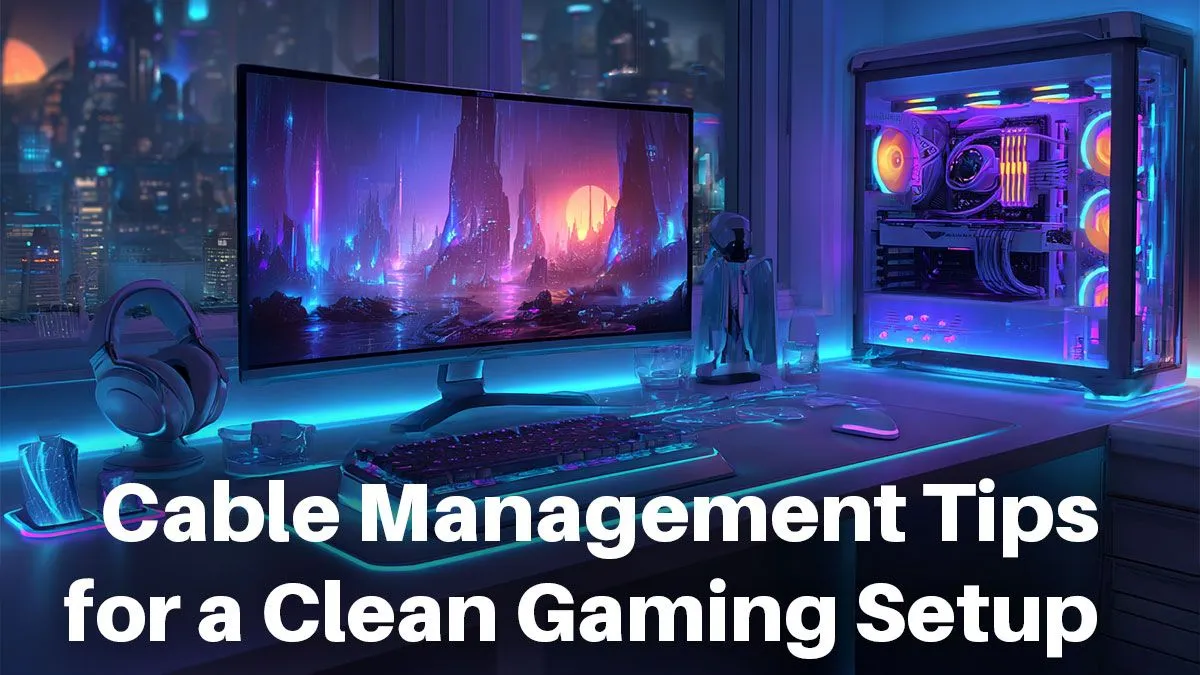
Is that a tangled mess of cables under your desk or a high-performance battle station? For many South African gamers, it’s a bit of both. That spaghetti monster of wires doesn’t just look chaotic; it can impact airflow, make cleaning a nightmare, and kill the vibe of an otherwise epic setup. But don’t stress. Achieving a clean, professional cable management gaming setup is easier than you think. Let's get your rig looking as good as it performs. ✨
Why a Tidy Cable Management Gaming Setup Matters
A clean setup isn't just for showing off on Instagram… though it definitely helps. Proper cable management offers real, tangible benefits that every gamer can appreciate.
First, there's airflow. Your PC components generate a lot of heat, and tangled cables can obstruct fans and block critical air channels. A well-managed setup allows for optimal cooling, potentially leading to better performance and a longer lifespan for your hardware. This is crucial whether you're running one of our top-tier budget gaming PCs or a custom-built beast.
Next, it simplifies your life. Need to unplug your keyboard or swap out a monitor? Good luck finding the right cable in a tangled mess. A neat gaming setup cable management system means every wire is accessible and identifiable, making upgrades and troubleshooting a breeze.
Finally, there's the mental clarity. A cluttered space can lead to a cluttered mind. A clean, organised battle station is a more inviting and focused environment for dominating in your favourite games.
Essential Tools for Pro-Level Cable Management
You don't need a massive budget to achieve a clean look. A few smart, affordable tools can make all the difference. Think of these as the ultimate loadout for your war against wire chaos.
- Velcro Cable Ties: Far more versatile and reusable than single-use zip ties. Perfect for bundling cables together without commitment.
- Cable Sleeves: These fabric or plastic tubes wrap around a group of cables, consolidating them into one neat trunk. It's the quickest way to hide the main bundle running from your PC to your monitor.
- Adhesive Cable Clips & Mounts: Small, sticky clips that you can attach to the underside or back of your desk to guide cables along a specific path, keeping them completely out of sight.
- Cable Raceway/Trunking: A plastic channel that sticks to your desk or wall, allowing you to run cables through it for the ultimate hidden look.
Even if you're rocking one of the slickest gaming PCs under R20k, spending a few hundred Rand on these accessories will make it look like a premium custom build.
Tidy Desk Pro Tip 🔧
Ditch single-use plastic zip ties. Reusable velcro ties are not only better for the environment, but they also make it infinitely easier to add or remove a cable later on. Buy a roll and cut them to the exact length you need. No more hunting for side-cutters just to unplug a mouse.
The Step-by-Step Guide to a Clean Battle Station
Ready to transform your space? Let's get hands-on. Tackling the entire cable management gaming setup at once is the most effective way to get a professional result.
Step 1: The Great Unplug
Start with a clean slate. Yes, that means unplugging everything. Power down your rig, and disconnect every single cable from your PC, monitors, and peripherals. It might seem drastic, but it's the only way to do it properly.
Step 2: Group and Route Your Cables
Lay out your cables and group them by function and destination. All the wires going to your monitor (power, HDMI/DP) should be bundled. Your peripherals (keyboard, mouse, headset) form another group. This is where those velcro ties come in handy. For high-end rigs, like the powerhouse gaming PCs over R20k that often have more peripherals, this step is non-negotiable.
Step 3: Use Your Desk to Your Advantage
Your desk is your greatest ally. Route cables along the back edge, down the legs, or on the underside. Use adhesive clips or double-sided tape to secure them. The goal is to make as many cables as possible invisible from your seated position. Run power cables to one side and data cables to another to minimise potential electronic interference. 🚀
Step 4: The Final Connection
Once your pathways are set, start plugging everything back in. Begin with the thickest cables, like power and display, and finish with thinner peripheral wires. Use a cable sleeve to combine the main bundle of wires running from the floor to your desk for a super clean finish. If you're starting fresh, many of our powerful pre-built PCs already come with excellent internal cable management, giving you a fantastic head start.
With a little planning and the right tools, achieving a pro-level cable management gaming setup is totally within reach. Your battle station will look better, perform better, and be a much more enjoyable place to be.
Ready to Build Your Dream Setup?
A clean setup starts with the right foundation. A powerful, well-built PC is the heart of any battle station. Explore our best gaming PC deals and find the perfect machine to build your ultimate gaming environment around.