Common power-supply problems include random shutdowns under load, failure to start, unusual electrical noise and missing connectors after an upgrade. These symptoms can also come from overheating, a loose cable, faulty memory or unstable wall power. Diagnose methodically and never open the PSU enclosure.
Start with safe external checks
Shut the computer down, disconnect mains power and follow the maker’s procedure before inspecting accessible plugs. Confirm that motherboard and graphics-card connectors are fully seated and that no modular cable came from another PSU model. Keep intake vents clear and remove dust without pushing tools inside the unit.
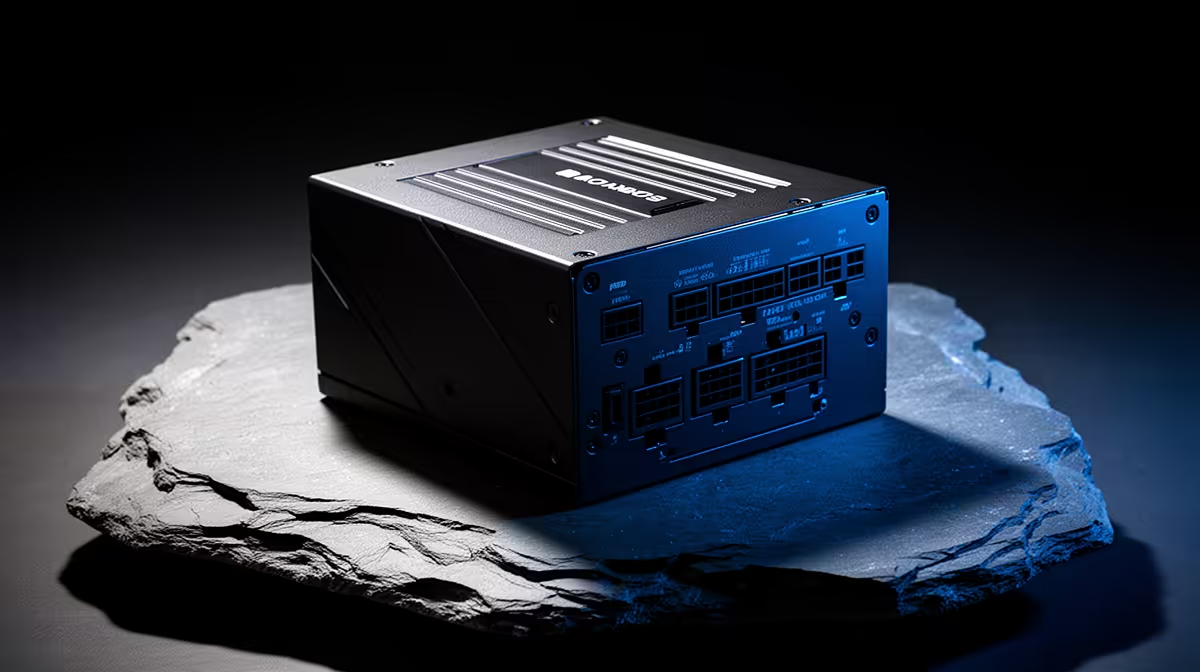
The Corsair RM850e 850W power supply is listed at R1,900 for a demanding build. The DeepCool PF750 750W unit is listed at R550 for a more modest factpack option. Verify capacity, connectors, physical size, warranty and exact component requirements before replacing anything.
A burning smell, visible damage, repeated protection trips or unusual heat calls for immediate shutdown and professional inspection. Do not bypass safety features or reuse a questionable adapter. If possible, test with a known-compatible unit rather than guessing from one crash.
After any replacement, run the real workload while monitoring temperatures and stability. Keep the old unit disconnected until the fault is understood, and label every modular cable by model.
Troubleshooting PC power? > Compare Evetech power supplies by wattage, connectors, dimensions and warranty.