



Fix Dead pixel checks on RX 9070 XT build
Dead pixel on RX 9070 XT build needs careful display-chain checks, not a single-part blame. Test the screen, cable, port, scaling, drivers, and setup context before replacing hardware.
Read moreLooking for the perfect laptop for music production in South Africa? 💻 This guide covers the essential components like CPU, RAM, and SSD to help you customize the ultimate machine for your DAW. Stop latency and crashes, and start creating flawless tracks today! 🎶
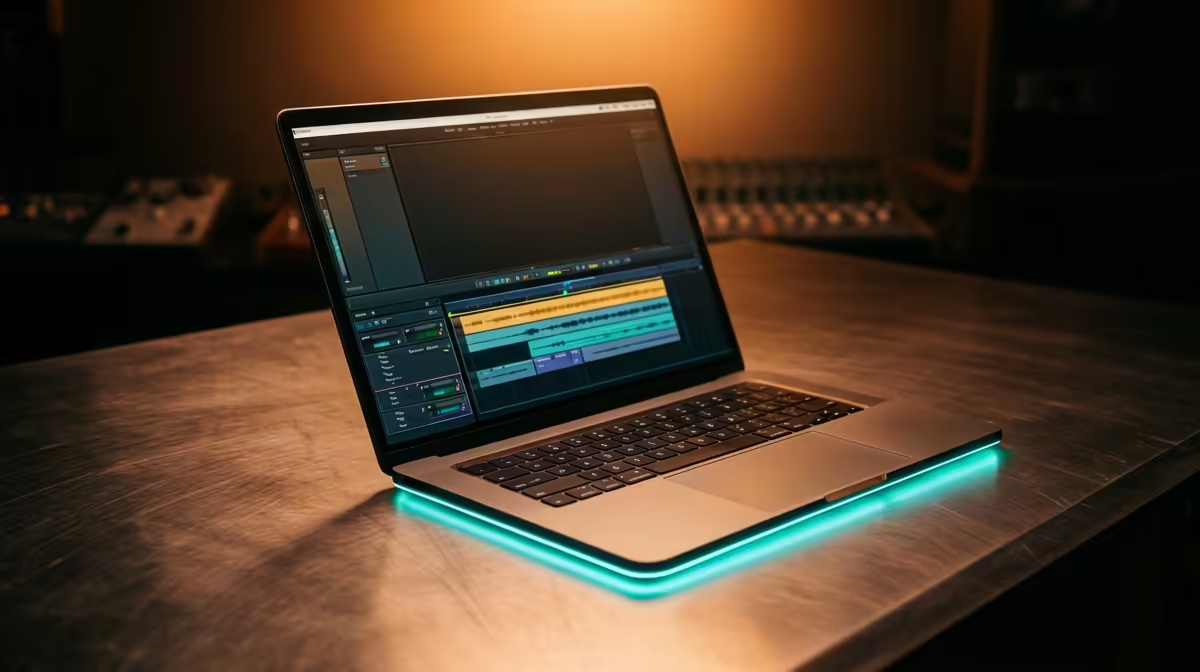
So, you're ready to lay down some fire tracks? Whether you're producing the next Amapiano hit in your bedroom or mixing a podcast that needs to sound crystal clear, finding the perfect laptop for music production in South Africa is crucial. You need a machine with enough grunt to handle multiple plugins without breaking a sweat… and one that won’t cost you a fortune. Let’s decode the specs and find the right mobile studio for you. 🎧
Forget confusing jargon. When you're looking for a laptop to make music, three components are the heart of your setup: the CPU, RAM, and storage. Getting these right is non-negotiable for a smooth, latency-free workflow.
The Central Processing Unit (CPU) does all the heavy lifting in your Digital Audio Workstation (DAW). Every plugin, virtual instrument, and effect you add puts more strain on it. A weak CPU leads to crackles, pops, and the dreaded system overload message.
For music production, you need a balance of fast single-core speed (for processing individual audio tracks) and multiple cores (for handling many plugins at once). Both Intel and AMD offer fantastic options. Whether you're checking out the multi-core performance on powerful AMD laptops or the raw clock speeds on the latest Intel laptops, a modern Core i5/Ryzen 5 or better is your starting point.
Think of RAM (Random Access Memory) as your desk space. The more you have, the more projects and large sample libraries (like Kontakt instruments) you can have open simultaneously. 8GB is the absolute bare minimum, but you'll feel the pinch quickly.
We strongly recommend 16GB of RAM for a fluid experience. If you work with complex orchestral libraries or dozens of tracks, 32GB is the sweet spot that ensures your creativity is never limited by your hardware.
Speed is everything. A slow hard drive means long loading times for your projects, samples, and plugins. A Solid-State Drive (SSD) is essential. Specifically, an NVMe SSD is the gold standard, offering lightning-fast speeds that will dramatically improve your workflow. A 512GB NVMe SSD is a great start for your operating system and core applications, with a second SSD for your sample libraries being an ideal setup.
Beyond the core trio, a few other features separate a good laptop from the best laptop for music production South Africa has to offer.
Your audio interface, MIDI keyboard, and controllers all need to plug in somewhere. Look for a laptop with a good selection of ports. A Thunderbolt or USB-C port is fantastic for modern, high-speed audio interfaces, while having a few traditional USB-A ports ensures your older gear won't be left behind.
In Windows, navigate to Power Options and select the 'High performance' plan. This prevents the CPU from throttling down during intense moments, reducing audio dropouts and latency. Also, consider disabling Wi-Fi and Bluetooth while recording vocals or instruments to minimise potential interference and system interrupts.
There's nothing worse than a whirring fan ruining a perfect vocal take. A laptop that runs hot will have its fans spinning constantly. This is where a surprising hero enters the chat: the gaming laptop. These machines are built with superior cooling systems designed to handle intense loads. Many of the best gaming laptop deals offer incredible processing power that translates perfectly to quiet, efficient audio work under typical DAW loads. 💻
Living in SA means planning for power cuts. A laptop with solid battery life can be the difference between finishing a mix and losing hours of work. While you should ideally be plugged in for maximum performance, having a battery that can last a few hours is a lifesaver during prolonged outage periods.
Choosing the right machine is a big step. By focusing on a powerful CPU, ample RAM, and fast SSD storage, you're setting yourself up for success. Happy producing! ✨
Ready to Produce Your Next Hit? Whether you're a seasoned pro or just starting out, the right gear makes all the difference. For maximum power, choice, and value in South Africa, a high-performance Windows laptop is an unbeatable choice for your studio. Explore our massive range of laptop specials and find the perfect machine to bring your music to life.
For most producers, 16GB of RAM is a great starting point. However, if you work with large sample libraries or many tracks, upgrading to 32GB or even 64GB is recommended.
Absolutely. A powerful CPU (like an Intel Core i7/i9 or AMD Ryzen 7/9) is crucial for processing audio, running virtual instruments, and handling complex effects without latency.
An SSD (Solid State Drive) is essential. It dramatically speeds up loading times for your OS, DAW, and sample libraries, which is a major workflow boost over a traditional HDD.
Yes, many gaming laptops are excellent for music production because they have powerful CPUs, ample RAM, and fast SSDs. Just ensure it has the right connectivity (like Thunderbolt/USB-C).
The best budget option involves focusing on the CPU and RAM. Look for a laptop with at least a modern Core i5/Ryzen 5, 16GB RAM, and a 512GB SSD that you can upgrade later.
A dedicated GPU is not essential for audio work itself, as most processing is handled by the CPU. However, it can be useful if your workflow also involves video editing.
Dead pixel on RX 9070 XT build needs careful display-chain checks, not a single-part blame. Test the screen, cable, port, scaling, drivers, and setup context before replacing hardware.
Read more
Genshin Impact anti-cheat error on RTX 4090 usually needs service, permissions, overlay, and file integrity checks. Use this SA-focused fix path to isolate launch blockers before reinstalling or changing security settings.
Read more
Mass Effect launch trouble on RX 7800 XT needs focused driver, settings, launcher, and heat checks. Use this SA-friendly guide to isolate the likely cause, protect saves, and return to smoother play without unsupported hardware claims.
Read more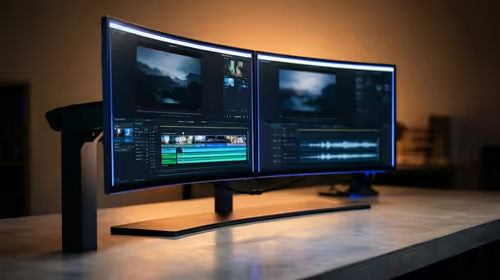
144Hz 1440p setup for video editing in 1080p - what SA needs a balanced, cautious look before buying. Compare fit, budget, workload, warranty support, and upgrade room so the choice makes sense for South African buyers.
Read more
R8,000 gaming PC build in KwaZulu-Natal needs a practical check before you shortlist anything. Compare fit, compatibility, warranty support, timing, and total setup balance for South African buyers.
Read more
Brits video editing in 4K build under R20,000 needs a balanced parts plan, not a random basket. Map the CPU, GPU, RAM, SSD, cooling, and monitor target to the budget so SA builders know where to spend first.
Read more
Windows never combine taskbar shows separate labelled buttons for open windows. Choose it in Taskbar behaviours, then review space and other-display settings; labels and grouping are linked in the available options.

8BitDo Ultimate 3C+ brings adjustable stick tension to the C Series. Windows uses wired USB or the 2.4 GHz adapter; Android uses Bluetooth. Confirm those modes and local pricing before buying.

EPOMAKER Galaxy75 previews an aluminium 75% keyboard with wireless modes and HUB/VIA customisation. It is still marked coming soon; final pricing and South African supply are not confirmed.

Windows Delivery Optimisation can share update files with other PCs. Review its activity, choose local-only sharing or turn peer sharing off, and use bandwidth controls; those choices do not disable Windows Update.
Windows never combine taskbar shows separate labelled buttons for open windows. Choose it in Taskbar behaviours, then review space and other-display settings; labels and grouping are linked in the available options.
Windows Delivery Optimisation can share update files with other PCs. Review its activity, choose local-only sharing or turn peer sharing off, and use bandwidth controls; those choices do not disable Windows Update.

Windows touch indicator adds visual feedback where you touch a screen. Change it in Accessibility, Mouse pointer and touch; a feedback circle is different from inaccurate input, ghost touches or a damaged panel.

Windows underline access keys makes supported menu letters easier to see. Enable the keyboard accessibility option, then follow the app's displayed Alt cues; this does not remap keys or create missing app shortcuts.

Windows Task View button visibility is a taskbar preference. Hide it in Taskbar settings if you prefer Windows plus Tab, and keep virtual desktop switching separate from closing your applications.

Windows taskbar search box display options can free space without removing search. Choose Hide, an icon or a box in Taskbar settings, then use Windows plus S when you need to search.

Windows text suggestions can offer word choices while you type with a physical keyboard. Enable the setting under Typing, test a supported app, and keep suggestions separate from automatic corrections.

Windows autocorrect settings and application spelling tools are separate controls. Change one at a time, test a harmless sentence, and keep useful spelling highlights if automatic replacements get in your way.