

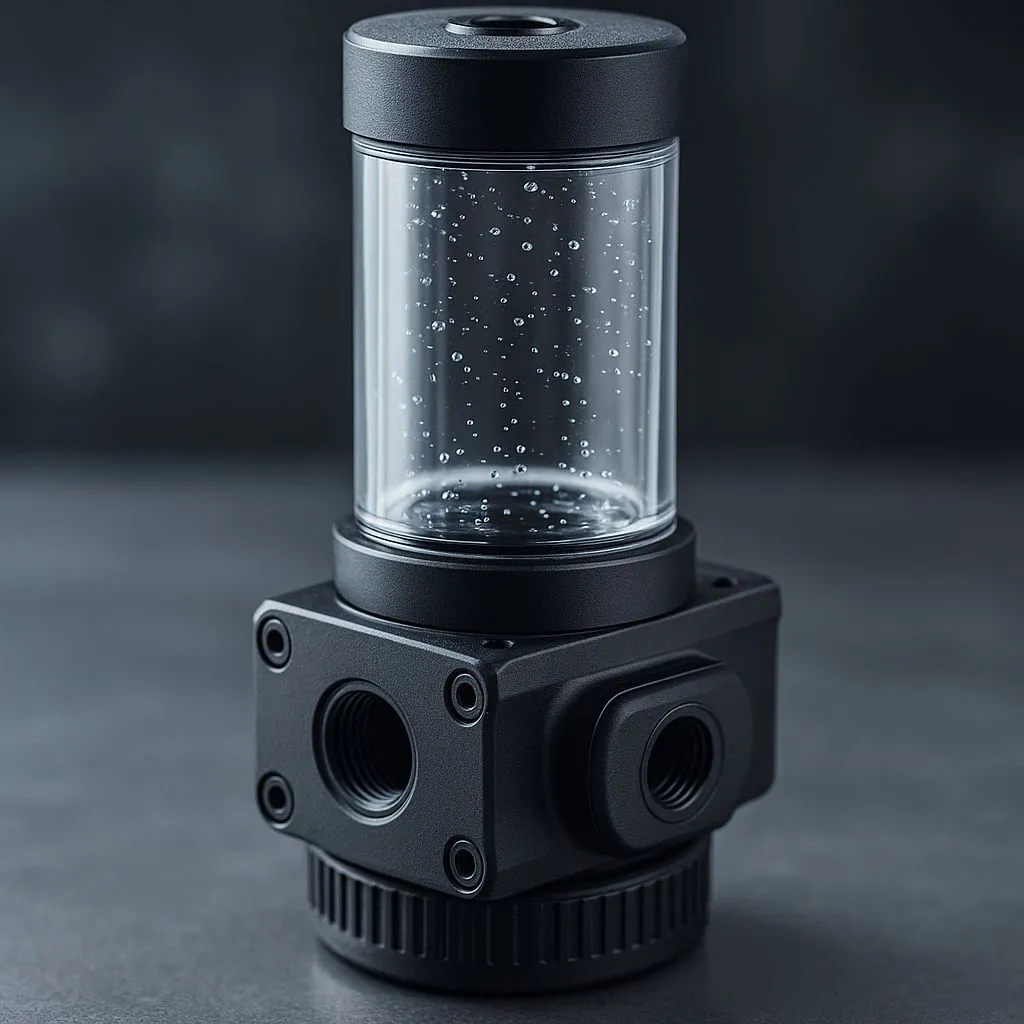
That beautiful custom water-cooling loop in your rig isn't just for show... it's a high-performance engine that needs a tune-up. If your coolant is looking a bit cloudy or it’s been over a year, it’s time for some essential custom loop maintenance. Don’t stress, this isn’t as scary as it sounds. Our 2025 flushing and refilling guide will walk you through every step, ensuring your PC stays frosty and performs at its peak. 🧊
Why Regular Custom Loop Maintenance is Crucial
Leaving old coolant in your loop is asking for trouble. Over time, plasticisers can leach from soft tubing, biocides break down, and sediment can build up. This gunk can clog your CPU and GPU blocks, strain your pump, and wreck your cooling performance. At worst, it can lead to component failure.
A complete flush and refill every 6-12 months is the best practice for PC water cooling maintenance. It keeps your loop pristine, your temperatures low, and protects your investment. While the process takes more effort than maintaining standard high-performance CPU coolers, the thermal benefits and aesthetics are unmatched for any serious enthusiast.
Gearing Up: Tools & Supplies for Flushing
Before you start draining anything, let’s get your gear in order. A little preparation makes the entire process of custom loop maintenance much smoother. You’ll need:
- Distilled Water: At least 4-5 litres. Do NOT use tap water; its mineral content can cause buildup and corrosion.
- Fresh Coolant: Choose a quality premix from a reputable brand.
- Drainage Tools: A spare bit of soft tubing to attach to your drain valve and a bucket or container to catch the old fluid.
- PSU Jumper: A simple tool to power on your PSU (and just the pump) without booting the entire PC.
- Paper Towels: Spills are a part of life. Be ready for them! ✨
Many builders opt for custom loops over the simpler, sealed all-in-one liquid coolers (AIOs) for the superior performance and customisation... so let's make sure we maintain them properly.
The Step-by-Step Flushing & Refilling Guide
Alright, tools at the ready? Let's get this done. Follow these steps carefully for a perfect flush and refill.
Step 1: Power Down and Drain
Safety first! Completely shut down your PC and unplug it from the wall. Locate your loop's lowest point, which should have a drain valve. Attach your spare tubing, place the other end in your bucket, and open the valve. Open a fill port at the top of your reservoir to let air in, which will help the fluid drain much faster.
Step 2: The First Flush with Distilled Water
Once the old coolant is out, close the drain valve. Fill the reservoir with distilled water. Now, use your PSU jumper to power the pump. Let the distilled water circulate for at least 20-30 minutes. This will dislodge any loose sediment. After the initial cycle, drain the distilled water completely. You'll probably be surprised by the colour!
Don't Mix and Match! 🧪
Never mix coolants from different brands, even if they're the same colour. They can have different chemical compositions that might react poorly, causing gunk or corrosion. The same goes for metals—avoid mixing aluminium and copper brass components in the same loop unless your coolant has specific, advanced corrosion inhibitors.
Step 3: Repeat Until Crystal Clear
Repeat the process: fill with fresh distilled water, circulate, and drain. Do this until the water coming out is perfectly clear. This is the most important step in any flushing and refilling guide. Patience here pays off. For complex loops with multiple components, like those featuring premium Corsair cooling components, you may need three or four flushes to get everything spotless.
Step 4: Refilling with New Coolant
With the loop clean and empty, it's time for the fresh stuff. Close your drain valve securely. Slowly fill your reservoir with your new coolant. Power the pump on and off in short bursts to help move the coolant through the system and push air bubbles towards the reservoir.
You may need to gently tilt your case back and forth to help dislodge stubborn air pockets, especially in larger 360mm radiator setups. Keep topping up the reservoir as the air escapes. Once the bubbles are gone and the reservoir level is stable, you're done! 🚀
Pro Tips to Avoid Common Pitfalls
Mastering custom loop maintenance is a rite of passage for any PC builder. It's a skill that elevates your build from just an assembly of parts to a truly personalised machine. It's a commitment, but one that pays dividends in performance and aesthetics.
Of course, if this level of hands-on work isn't for you, there's absolutely no shame in that. Modern high-end builds can achieve fantastic results with less demanding cooling solutions. For many gamers, the sheer simplicity and "set-it-and-forget-it" nature of reliable air coolers offers the perfect balance of performance and convenience.
Now that your desktop rig is running cool and quiet, what about your setup for work or travel?
Ready to Find Your Perfect Match? The Mac vs Windows debate is complex, but for maximum power, choice, and value in South Africa, Windows is hard to beat. Explore our massive range of laptop specials and find the perfect machine to conquer your world.











