


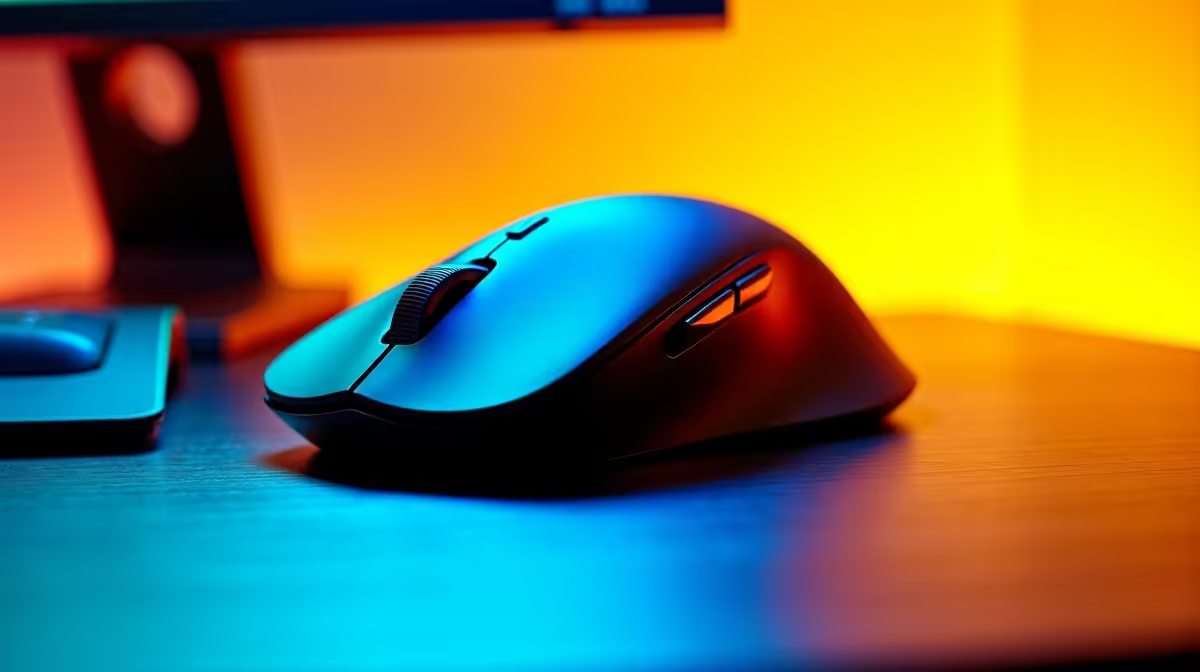
A vertical mouse does the biomechanical work for you only when the rest of your desk cooperates. The 57-degree vertical mouse angle places the forearm in a near-neutral position, but that benefit disappears if your elbow is floating in the air, your chair is too low, or your mouse sits in a cramped corner. Getting the geometry right across the whole setup is the part most people skip, and it matters more than the mouse itself.
Quick Answer
Set the desk so your elbow rests at roughly 90 degrees with the forearm level. Place the mouse within a relaxed 30cm reach beside the keyboard, add a soft pad under the hand, and clear at least 25cm of glide space. That combination keeps the 57-degree grip neutral throughout the day.
🔧 Elbow and Chair Height First
The elbow angle is the foundation everything else builds on. Sit at your desk with your arms relaxed at your sides, then bend your elbows to about 90 degrees. Your forearms should now rest comfortably on the desk surface without lifting your shoulders or dropping your wrists. If you have to raise your shoulders to reach the surface, the desk is too high. If your wrists bend upward to keep your hands level, the desk is too low for your current chair height.
In most SA home offices where desk height is fixed, the practical adjustment is chair height. Raise or lower the seat until those 90-degree elbows land flat on the desk surface without any shoulder tension. Make sure your feet rest flat on the floor once the seat is set. A footrest handles the gap if the seat needs to rise beyond the point where your feet reach comfortably.
With the elbow supported and the forearm flat, the vertical mouse grip requires almost no muscle tension to hold. That is the state you are aiming for: the shell carries the hand's weight, not your forearm muscles.
📺 Mouse Placement Relative to the Keyboard
The position of the mouse relative to your keyboard determines how much your shoulder and upper arm move during a session. A mouse pushed too far to the right forces the arm to extend, which introduces shoulder rotation and shifts load up the kinetic chain, away from the wrist and forearm where ergonomic gains are already banked.
Place the mouse directly beside the keyboard's right edge, roughly in line with your shoulder. For a full-size keyboard with a numpad, consider whether you actually use the numpad regularly. If not, a compact layout without the numpad pulls the mouse about 10 to 12cm closer, which is a meaningful reduction in reach for someone at a desk eight hours a day.
The mouse surface should sit at the same height as the keyboard, on the same level desk area. Avoid elevated mouse platforms or trays that are higher than the keyboard wrist line. A raised mouse hand introduces an asymmetric shrug that accumulates fatigue in the trapezius long before the wrist notices it.
Pro Tip ⚡
If you are in Cape Town or another coastal city with high humidity, a quality textile surface pad resists the moisture that makes plastic and aluminium pads feel clammy during warm afternoons. A dry, slightly textured pad also gives the vertical mouse's arm-driven tracking more consistent feedback than a slick surface.
🖱️ Glide Space and Pad Sizing
A vertical mouse favours broader arm-driven movements over small wrist flicks. That tracking pattern offloads repetitive micro-motion from the wrist but needs more pad real estate to work cleanly.
A 25cm-wide pad is the practical minimum. Many vertical mouse users find 30cm more comfortable, particularly on a 2K or 4K display where long pointer traversals are frequent. A pad that clips cursor travel and forces constant lift-and-reposition undermines the arm-movement style the design relies on.
Choose a medium-density textile surface over spongy or very thin options. It cushions forearm contact without creating an unstable tracking platform, and keeps the wrist in the neutral plane the chair and desk setup established.
💰 Wrist Support and Arm Resting Position
A small soft pad under the heel of the hand is the final adjustment. It prevents the desk edge from pressing on the carpal tunnel area at the wrist crease when the hand travels near the pad boundary.
Low-profile and soft is the right specification. A raised firm pad bends the wrist upward out of the neutral line, partially negating the vertical angle. Position the pad so the fleshy base of the palm contacts it rather than the wrist joint itself, where bone against a hard edge creates pressure rather than support.
Frequently Asked Questions
What elbow angle works best with a vertical mouse?
Around 90 degrees, with the forearm resting flat on the desk surface. That position keeps the forearm level and removes the need to hold the arm up by muscle tension. If the elbow cannot reach 90 degrees comfortably with the forearm on the desk, adjust chair height before anything else.
How much glide space does a vertical mouse require?
Clear at least 25cm of horizontal pad space. Because the natural movement pattern for a vertical grip uses broader arm sweeps rather than small wrist flicks, the mouse travels further per gesture. A larger pad prevents the frequent lift-and-reposition that interrupts smooth tracking.
Should the mouse sit at the same level as the keyboard?
Yes. Both should share the same flat desk surface so the wrist does not angle upward when moving from keys to mouse. An elevated mouse tray or a mouse positioned on a higher surface introduces an asymmetric shoulder position that builds fatigue through the upper back over long sessions.
Does chair height actually affect how the vertical mouse feels?
Significantly. Too low a seat drops the elbow below the desk surface and forces the forearm to angle upward; too high a seat raises the shoulders and creates tension in the trapezius. Both positions put the forearm out of the level, supported plane where the 57-degree grip delivers its full ergonomic benefit.
Is a wrist rest recommended with a vertical mouse?
A low, soft pad under the heel of the hand is helpful. It stops the desk edge from pressing on the wrist crease and supports the palm during stationary moments between movements. Keep it flat rather than cushioned-high, so it supports without bending the wrist upward out of the neutral position.
Ready to build a desk setup that gets the most from a vertical mouse? Browse the ergonomic mouse and accessories range at Evetech and find the combination of mouse, pad, and wrist support that keeps your forearm neutral through the full working day.











