



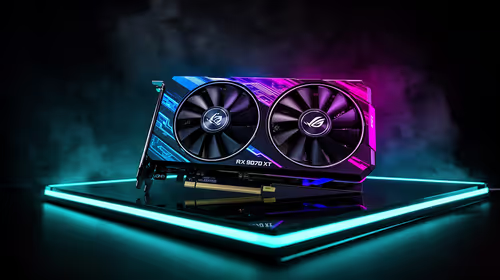
Fix Dead pixel checks on RX 9070 XT build
Dead pixel on RX 9070 XT build needs careful display-chain checks, not a single-part blame. Test the screen, cable, port, scaling, drivers, and setup context before replacing hardware.
Read moreDiscover the best eco-friendly PC cleaning methods to boost performance and protect the planet. 🌍 Our guide for SA gamers covers everything from DIY solutions to sustainable tools, ensuring your rig runs cool, clean, and green. Keep your battle station pristine without the harsh chemicals! ✨
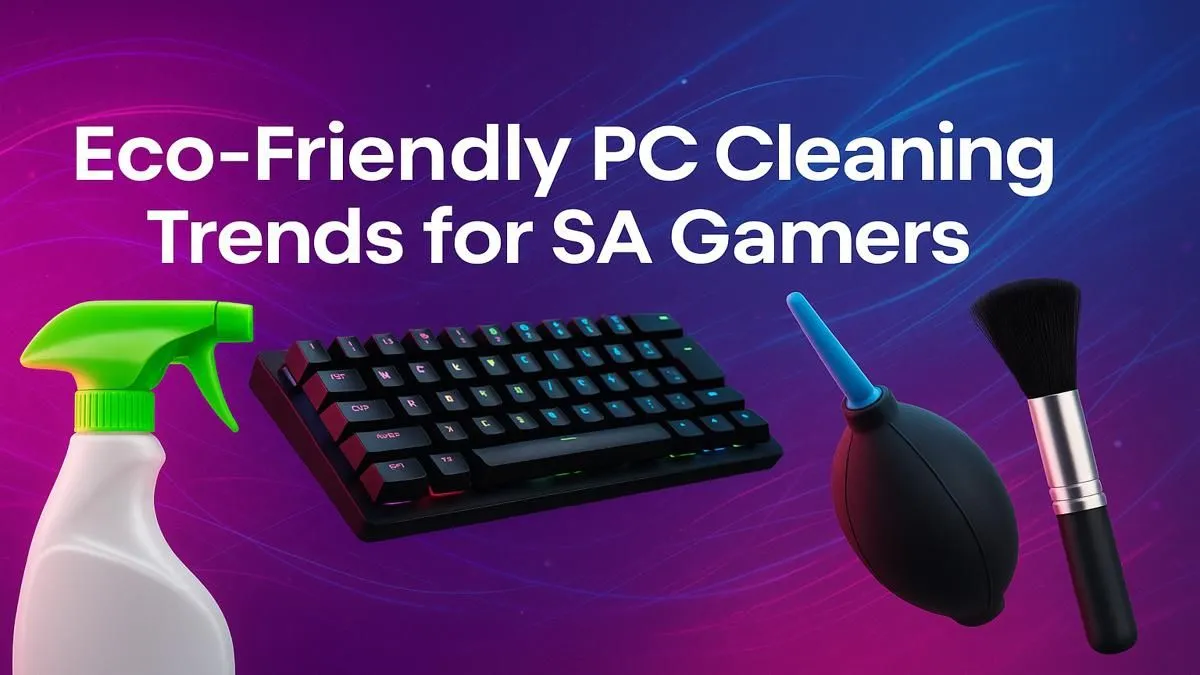
Keeping your gaming rig running cool in Mzansi is a constant battle. Between the Highveld dust and coastal humidity, our PCs can quickly turn into fuzzy, heat-trapping nightmares. Before you grab a can of harsh chemical spray, consider this: effective, eco-friendly PC cleaning is not only better for the planet, but also gentler on your precious components. A little sustainable maintenance can protect your investment, whether you've scored one of the best gaming PC deals or built your dream machine from scratch.
Choosing eco-friendly PC cleaning tips isn't just about feeling good; it's about performance and longevity. Harsh chemical solvents can degrade plastics, damage sensitive electronics, and leave residues that attract even more dust. A sustainable approach, on the other hand, focuses on reusable tools and safe, simple cleaning agents.
This method ensures your PC’s fans, heatsinks, and vents remain clear, allowing for optimal airflow. Better cooling means less thermal throttling, giving you the stable frame rates you need to clutch that win in Apex Legends or Warzone. It's a simple way to maximise the performance of your machine.
Forget expensive, single-use products. You likely have everything you need for a thorough, green clean right at home.
An eco-friendly mindset also applies to software. Use Windows Power Plan settings to create a balanced profile that reduces power consumption when you're not gaming. For NVIDIA users, the GeForce Experience app can 'optimise' game settings for a great balance of performance and efficiency, reducing unnecessary strain on your GPU and saving electricity.
Ready to get started? Power down your PC, unplug it from the wall, and touch a metal part of the case to ground yourself before you begin.
Start with the outside. Dampen a microfibre cloth slightly with water (or a 50/50 water and vinegar solution for tougher spots) and wipe down the case panels, top, and front. Never spray liquid directly onto the case. This simple step is crucial for keeping both budget gaming PCs and high-end towers looking and feeling fresh.
Most modern cases have removable dust filters at the front, top, and bottom (for the power supply). Slide or pop them out. You can rinse them under a tap with lukewarm water and let them air dry completely before reinstalling. This is one of the most effective eco-friendly PC cleaning tips for improving airflow.
With the side panel off, use your manual air blower and soft brush to tackle the interior.
This careful approach ensures that all systems, including popular PCs under R20k, can run cooler and quieter for longer.
Don't forget your keyboard, mouse, and cables! A cloth dampened with a little isopropyl alcohol is perfect for sanitising your keyboard and mouse. Use your brush to clear out debris from between the keys. A clean setup isn't just about internal health; it's about the entire experience. If you prefer a clean slate, our range of expertly assembled pre-built PCs offers a perfect, dust-free start.
By adopting these sustainable habits, you're not just cleaning your PC—you're extending its life, saving money, and optimising its performance for every gaming session.
Ready for a Fresh Start? A clean PC is a happy PC. But if dust bunnies are the least of your worries and it's time for an upgrade, we've got you covered. Explore our massive range of gaming PC deals and find a machine ready to perform, right out of the box.
A reusable electric duster or a simple rubber bulb blower are great eco-friendly alternatives. They provide strong airflow to dislodge dust without using disposable cans or liquid propellants.
Create a safe and effective DIY PC cleaning solution by mixing a 50/50 solution of 90%+ isopropyl alcohol and distilled water. This is perfect for wiping down external components and peripherals.
No, you should never use a standard vacuum cleaner inside your PC. They generate static electricity that can permanently damage sensitive components like your motherboard, RAM, or GPU.
Look for reusable electric dusters, microfiber cloths made from recycled materials, and biodegradable electronics wipes available from local and online tech stores across South Africa.
For optimal performance, a light external dusting should be done every month. A deep internal clean is recommended every 6 to 12 months, depending on how dusty your environment is.
Yes. Power down and unplug the PC. Use an electric duster or bulb blower to dislodge dust. Hold the fan blades gently to prevent them from spinning, which can damage the fan motor.
Disconnect it and use a reusable duster to blow out debris between keys. Wipe the surface with a microfiber cloth lightly dampened with an alcohol-water solution to avoid disposable wipes.
Yes, biodegradable electronics wipes are very effective for cleaning screens, keyboards, and mice. They are pre-moistened with safe solutions and reduce plastic waste compared to standard wipes.
Dead pixel on RX 9070 XT build needs careful display-chain checks, not a single-part blame. Test the screen, cable, port, scaling, drivers, and setup context before replacing hardware.
Read more
Genshin Impact anti-cheat error on RTX 4090 usually needs service, permissions, overlay, and file integrity checks. Use this SA-focused fix path to isolate launch blockers before reinstalling or changing security settings.
Read more
Mass Effect launch trouble on RX 7800 XT needs focused driver, settings, launcher, and heat checks. Use this SA-friendly guide to isolate the likely cause, protect saves, and return to smoother play without unsupported hardware claims.
Read more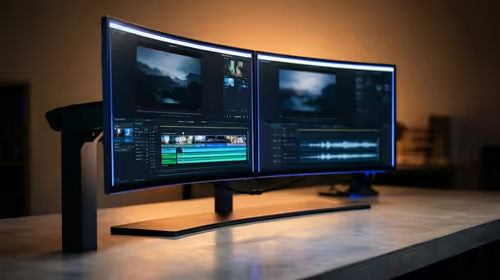
144Hz 1440p setup for video editing in 1080p - what SA needs a balanced, cautious look before buying. Compare fit, budget, workload, warranty support, and upgrade room so the choice makes sense for South African buyers.
Read more
R8,000 gaming PC build in KwaZulu-Natal needs a practical check before you shortlist anything. Compare fit, compatibility, warranty support, timing, and total setup balance for South African buyers.
Read more
Brits video editing in 4K build under R20,000 needs a balanced parts plan, not a random basket. Map the CPU, GPU, RAM, SSD, cooling, and monitor target to the budget so SA builders know where to spend first.
Read more
Windows never combine taskbar shows separate labelled buttons for open windows. Choose it in Taskbar behaviours, then review space and other-display settings; labels and grouping are linked in the available options.

8BitDo Ultimate 3C+ brings adjustable stick tension to the C Series. Windows uses wired USB or the 2.4 GHz adapter; Android uses Bluetooth. Confirm those modes and local pricing before buying.

EPOMAKER Galaxy75 previews an aluminium 75% keyboard with wireless modes and HUB/VIA customisation. It is still marked coming soon; final pricing and South African supply are not confirmed.

Windows Delivery Optimisation can share update files with other PCs. Review its activity, choose local-only sharing or turn peer sharing off, and use bandwidth controls; those choices do not disable Windows Update.
Windows never combine taskbar shows separate labelled buttons for open windows. Choose it in Taskbar behaviours, then review space and other-display settings; labels and grouping are linked in the available options.
Windows Delivery Optimisation can share update files with other PCs. Review its activity, choose local-only sharing or turn peer sharing off, and use bandwidth controls; those choices do not disable Windows Update.

Windows touch indicator adds visual feedback where you touch a screen. Change it in Accessibility, Mouse pointer and touch; a feedback circle is different from inaccurate input, ghost touches or a damaged panel.

Windows underline access keys makes supported menu letters easier to see. Enable the keyboard accessibility option, then follow the app's displayed Alt cues; this does not remap keys or create missing app shortcuts.

Windows Task View button visibility is a taskbar preference. Hide it in Taskbar settings if you prefer Windows plus Tab, and keep virtual desktop switching separate from closing your applications.

Windows taskbar search box display options can free space without removing search. Choose Hide, an icon or a box in Taskbar settings, then use Windows plus S when you need to search.

Windows text suggestions can offer word choices while you type with a physical keyboard. Enable the setting under Typing, test a supported app, and keep suggestions separate from automatic corrections.

Windows autocorrect settings and application spelling tools are separate controls. Change one at a time, test a harmless sentence, and keep useful spelling highlights if automatic replacements get in your way.