


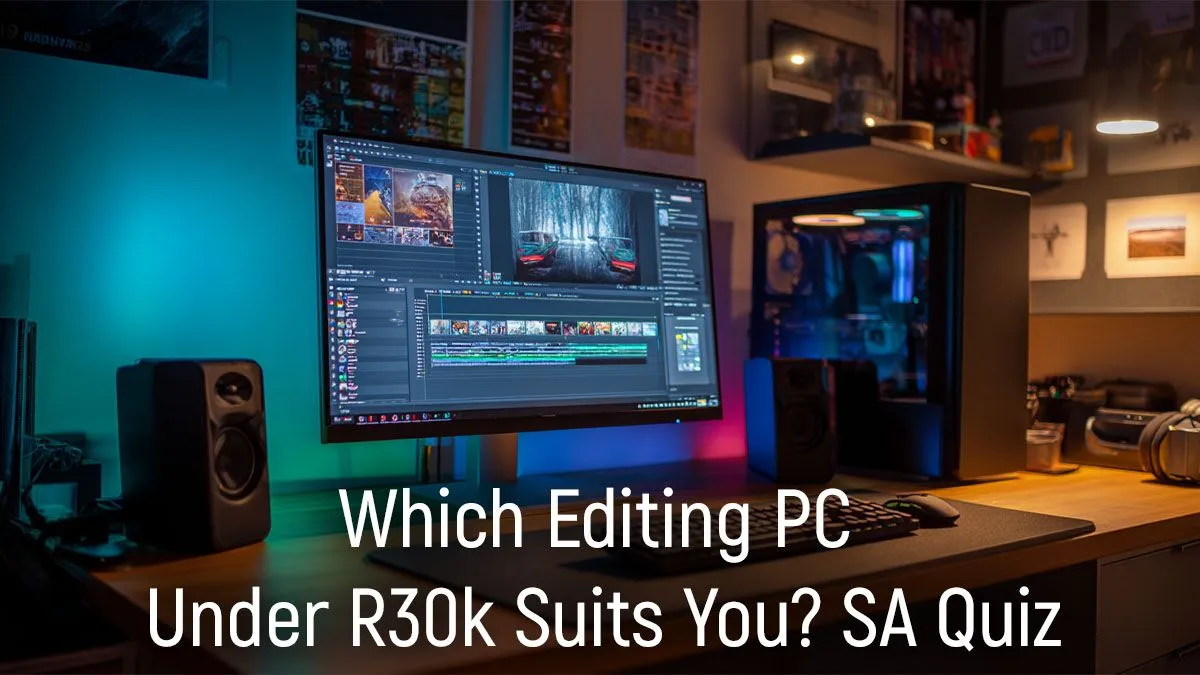
Staring at a choppy timeline, waiting ages for a render... we've all been there. Finding a powerful editing PC under R30,000 in South Africa can feel like a mission. Do you prioritise the CPU or the GPU? How much RAM is actually enough? Don't stress. Instead of giving you a generic list, this guide is a simple quiz to help you pinpoint the perfect machine for your creative hustle. Let's find your match. 🚀
Quiz Question 1: What’s Your Primary Workflow?
The perfect editing PC under R30000 depends entirely on what you create. Your answer here dictates where your budget should go.
- 1080p YouTube & Social Media: If you’re editing standard HD videos for platforms like YouTube or TikTok, your needs are more modest. You can focus on a snappy CPU and a fast SSD, as GPU demands aren't as intense. Often, some of the more powerful budget gaming PCs have the perfect component balance for this type of work.
- 4K Video & Colour Grading: Stepping up to 4K, applying heavy colour grades, or using effects in After Effects? Now the GPU becomes critical. Look for a build with a dedicated graphics card with at least 8GB of VRAM to accelerate your timeline and prevent frustrating lag.
- Graphic Design & Photography: For apps like Photoshop, Illustrator, and Lightroom, a strong single-core CPU performance and plenty of fast RAM (32GB is the new sweet spot) are your best friends.
Quiz Question 2: CPU or GPU... Where Do Your Rands Go?
This is the classic debate for any R30,000 editing build. The truth is, you need both, but the balance is key.
A powerful CPU (like a modern Intel Core i5/i7 or AMD Ryzen 5/7) is the engine of your PC. It handles encoding, decoding, and the final rendering of your project. A faster CPU means less time spent staring at a progress bar.
The GPU, or graphics card, is your real-time performance hero. It accelerates effects, powers smooth playback in your preview window (especially at higher resolutions), and makes navigating your timeline a lag-free experience. For a balanced editing PC under R30k, you'll find the sweet spot in our range of PCs above R20k, which typically pair strong CPUs with capable GPUs.
Storage Speed is Non-Negotiable ⚡
Your storage drive dramatically affects editing performance. Always prioritise an NVMe SSD (Solid State Drive) for your operating system, software, and active project files. They are exponentially faster than traditional hard drives, meaning quicker load times, faster media caching, and a much snappier system overall. Use a larger, cheaper HDD for long-term storage and archives.
Quiz Question 3: Is This a "Do-It-All" Machine?
Let's be honest, many of us in South Africa need a PC that can work hard and play hard. Will you be jumping into a game of Apex Legends or Warzone after a long editing session? ✨
If the answer is yes, you're in luck. The components that make a great editing PC—a strong multi-core CPU, a powerful GPU, and fast RAM—also make for a fantastic gaming rig. You don't have to compromise. When looking for your next machine, why not browse the best gaming PC deals that pull double duty? You get a creative powerhouse and an entertainment hub in one.
Answering the R30,000 Question: Our Top Considerations
So, what have we learned? Building the best editing PC under R30000 is about matching the hardware to your specific needs.
To summarise your "quiz" results:
- Focus on a modern 6-core (or more) CPU.
- Aim for at least 16GB of RAM, but push for 32GB if your budget allows.
- Don't skip the NVMe SSD for your main drive.
- Allocate more budget to the GPU if you work with 4K footage or heavy visual effects.
If your budget is a little tighter, don't worry. It's often smarter to start with a solid foundation that you can build upon later. It's worth exploring the excellent PCs under R20k as a starting point for future upgrades. 🔧
Ready to Build Your Creative Powerhouse? Stop guessing and start creating. An optimised editing PC is the best investment you can make in your workflow. Explore our massive range of pre-built PC deals and find the perfect machine to conquer your next project.









