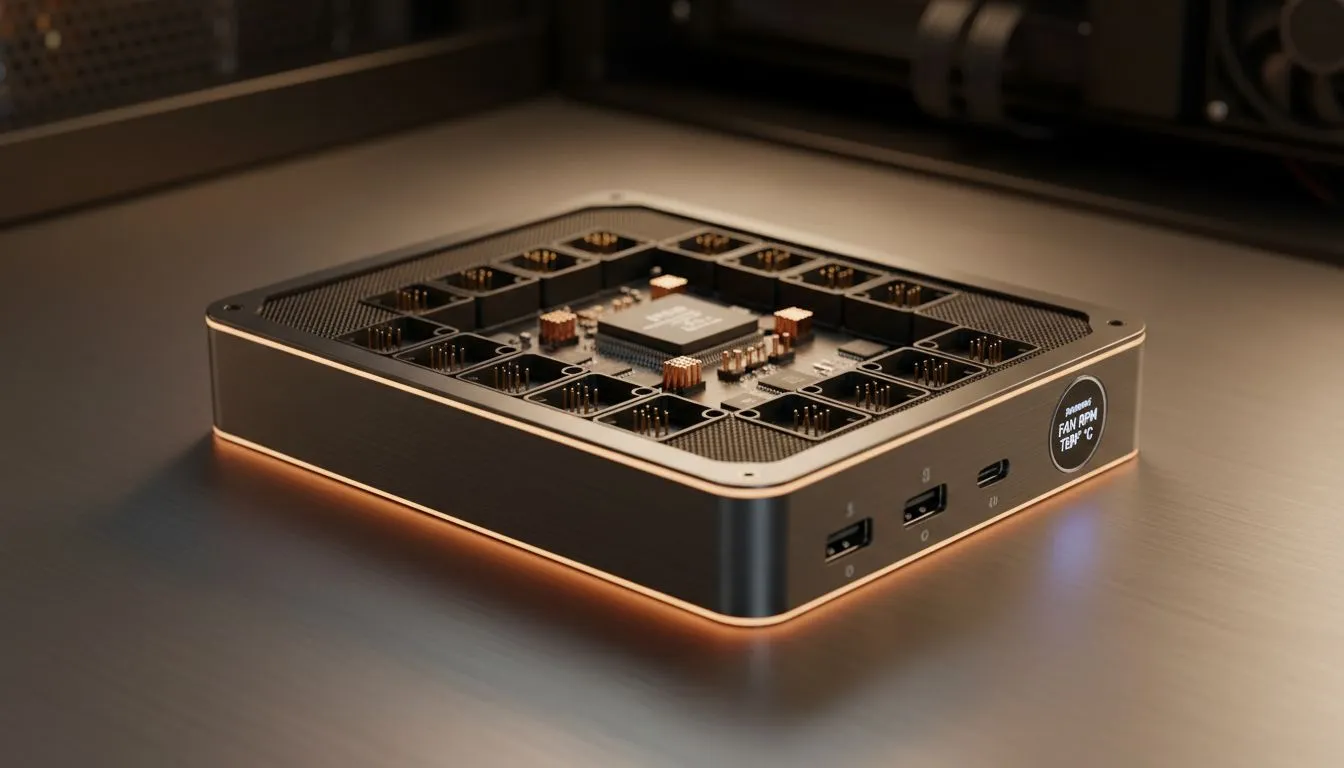
So, you’ve just unboxed a glorious set of RGB fans, ready to turn your PC into a cool, glowing masterpiece. You open your case, look at your motherboard… and see only two fan headers. Yikes. How do you power all that new airflow without creating a tangled mess of splitter cables? The answer is simpler than you think: a dedicated fan hub for 10 fans. It’s the secret weapon for a clean, cool, and quiet rig. 🌬️
Why a Multi-Fan Controller is a Smart Move
Your motherboard's fan headers have limits. Daisy-chaining too many fans with splitters can overload a single header, potentially causing damage or unstable fan speeds. A powered fan hub solves this by drawing power directly from your PSU (usually via a SATA connector), providing safe, stable voltage to every fan.
This centralises control, making it easier to manage 10+ case fans through a single motherboard signal. The result? Cleaner cable management behind the motherboard tray and more consistent thermal performance. A good hub ensures all your fans, from basic chassis fans to those on a high-performance air cooler, work together in harmony.
Choosing the Right Fan Hub for Your Build
Not all fan hubs are created equal. Here’s what to look for:
- Power Source: SATA power is modern and generally preferred over the older Molex connectors.
- Control Type: PWM (4-pin) hubs are the gold standard. They allow your motherboard to intelligently control fan speed based on CPU or system temperatures, keeping your PC whisper-quiet during light tasks and ramping up the cooling when you’re gaming.
- RGB Integration: If you're building a light show, look for a hub that also includes ARGB (Addressable RGB) headers. Brands like Corsair offer integrated solutions that sync your fan speed and lighting effects through their iCUE software, giving you total control over your rig's aesthetic and performance. A quality Corsair cooler often comes with a controller that sets a high standard.
Pro Tip: PWM is Worth It ⚡
Always opt for a PWM-compatible fan hub if your fans support it. This 4-pin connection lets your motherboard precisely adjust fan RPMs based on temperature. It's the key to a rig that's silent when you're browsing but turns into a cooling beast when you launch Cyberpunk 2077. DC (3-pin) control just can't offer that level of dynamic response.
Beyond Case Fans: The Bigger Cooling Picture
Getting a fan hub for 10 fans is often the first step in a bigger cooling upgrade. A rig with that many fans is likely packing some serious hardware that generates a lot of heat. While excellent case airflow is crucial, it's just one part of the equation for keeping your CPU temperatures in check during intense gaming sessions or heavy rendering tasks.
For high-end processors, especially overclocked ones, you'll need more direct cooling. This is where you graduate from standard coolers to more powerful solutions. A top-tier liquid cooler (AIO) can make a massive difference, and for the ultimate thermal headroom, a large 360mm radiator model is the way to go. Pairing a robust set of case fans with a powerful CPU cooler creates a complete thermal system that keeps your PC running at peak performance.
Ready to Master Your Thermals?
A fan hub is the brain of your rig's airflow. Combine it with the right cooling hardware to build a PC that stays frosty under pressure. Explore our massive range of fans and cooling solutions and find the perfect components to conquer the heat.