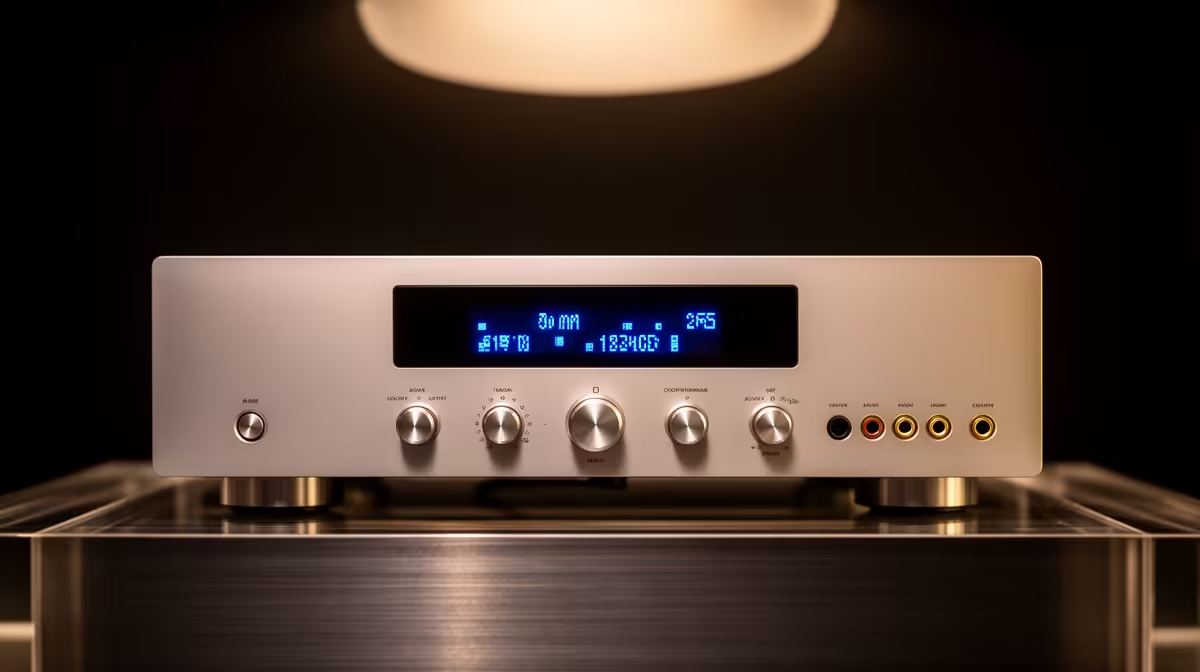
A first AVR unit should match the electrical problem and the wattage of the connected PC equipment. Automatic voltage regulation can steady input swings, while battery backup provides shutdown time. A buyer should identify which fault occurs before choosing capacity or assuming one box handles both jobs.
Measure the complete desk load
The verified facts contain no AVR model or price. Check current Evetech stock for input range, output capacity, response, socket type, protection features and warranty. Add the PC, monitor and network-device wattage, then leave headroom within the manufacturer rating. Keep printers and heaters off a small computer regulator.
The ELECSTOR 18W Mini UPS costs R536 in the supplied facts and serves compatible low-voltage network equipment. It cannot power a desktop or monitor. Confirm voltage, polarity and connectors before pairing it with a router or fibre terminal. A separate line-interactive UPS may suit the computer.
Log when the PC restarts, screens flicker or routers drop. Ask a qualified electrician to inspect sockets that heat, crackle or trip. Choose AVR support when measured voltage movement causes faults. Choose battery runtime when abrupt shutdown loses work. Keep files backed up separately, since no power device can restore a deleted folder or failed drive.
Retest the protected desk after adding a monitor or new graphics card so capacity stays honest.
Protecting a first PC? > Ask Evetech to compare current AVR, UPS and surge-protection options.