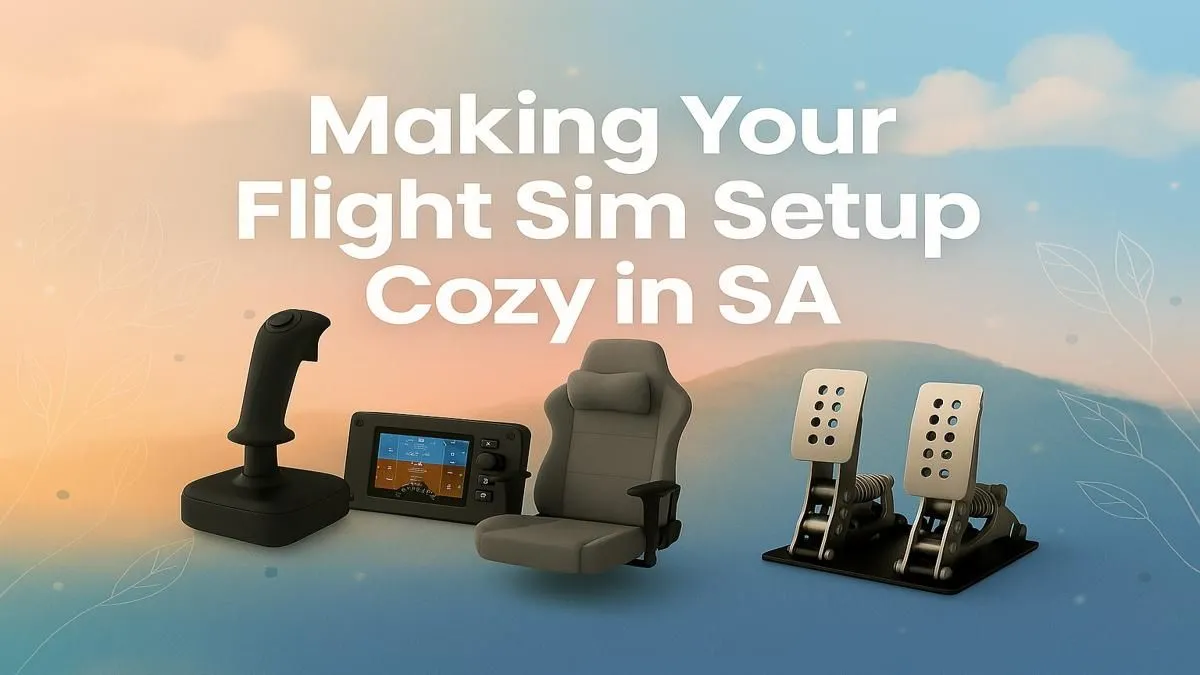
Ever gazed at the clouds from a window seat and wished you were the one in control? For many South Africans, that dream feels closer than ever. Modern flight simulators offer breathtaking realism, transforming your desk into a cockpit with views from Cape Town to Cairo. Creating your own flight simulator setup in South Africa isn't just about playing a game; it's about building an experience. Let's get you cleared for takeoff. ✈️
The Engine Room: Your PC Powerhouse
Before you can even think about yokes and pedals, you need a machine that can handle the immense detail of today's skies. Microsoft Flight Simulator, in particular, is a demanding title that loves a powerful CPU for its complex physics and a beefy GPU to render stunning landscapes in high resolution. Skimping here is like trying to fly a jumbo jet with a lawnmower engine... it just won't work.
For a smooth, stutter-free experience over OR Tambo, you'll want at least 16GB of RAM (32GB is the sweet spot) and a fast SSD to slash those loading times. If building a PC from scratch feels daunting, pre-configured systems are optimised to deliver incredible performance right out of the box. A great starting point is exploring a range of dedicated Microsoft Flight Simulator Gaming PCs designed specifically for this purpose.
Your Window to the World: Choosing a Display
What good is a powerful PC if you're viewing the world through a porthole? Your monitor is your windscreen, and immersion is key. While a standard 1080p monitor will get you in the air, a high-resolution ultrawide or curved display completely changes the experience. The extra peripheral vision you gain from a curved screen makes banking turns and lining up for landings feel incredibly natural.
Many virtual pilots in SA are now opting for immersive curved monitors as their primary display. Another popular option for a truly panoramic flight simulator cockpit is a triple-monitor setup. This requires more graphical horsepower but provides an unparalleled field of view. You can find a massive variety of PC monitors to suit any budget or configuration you can dream of.
Field of View (FOV) Pro Tip 🔧
Don't just plug in your new ultrawide and fly! Dive into your simulator's graphics settings and adjust the Field of View. A wider FOV can increase immersion but may create a "fisheye" effect. A narrower FOV feels more zoomed in. Experiment to find the perfect setting that feels most realistic for your specific flight simulator setup.
Taking the Controls: Essential Flight Sim Gear
You can technically fly with a mouse and keyboard, but you wouldn't be reading this if that's what you wanted. The right hardware provides the tactile feedback that connects you to your virtual aircraft. This is where your flight simulator setup truly comes to life. ✨
The most common starting point is a joystick or a flight yoke. A yoke mimics the controls of a Cessna or Boeing, perfect for civilian aviation. A joystick (or HOTAS - Hands-On Throttle-And-Stick) is ideal for fighter jets and Airbus planes. Brands like Thrustmaster offer incredible hardware that brings a new level of realism to your fingertips. Exploring the range of Thrustmaster flight controls is the next logical step to elevating your experience from a game to a simulation.
Building Your Cozy Cockpit
Long-haul flights from Johannesburg to London require more than just the right controls; they require comfort. Hunching over a desk for hours can ruin the experience. The final piece of your cozy cockpit puzzle is ergonomics. A supportive chair allows you to focus on your flight plan, not your back pain.
A good chair provides lumbar support, adjustability, and comfort for those extended sessions in the virtual sky. While you don't need a R100,000 cockpit replica, investing in one of the many excellent gaming chairs available in South Africa makes a world of difference. It’s the finishing touch that makes your flight simulator setup a place you'll want to spend hours in.
Ready for Takeoff?
Building the ultimate flight simulator setup in South Africa is an incredible journey. From the core PC to the immersive controls, we've got everything you need to leave the tarmac behind. Explore our custom-built Microsoft Flight Simulator PCs and start your adventure today.