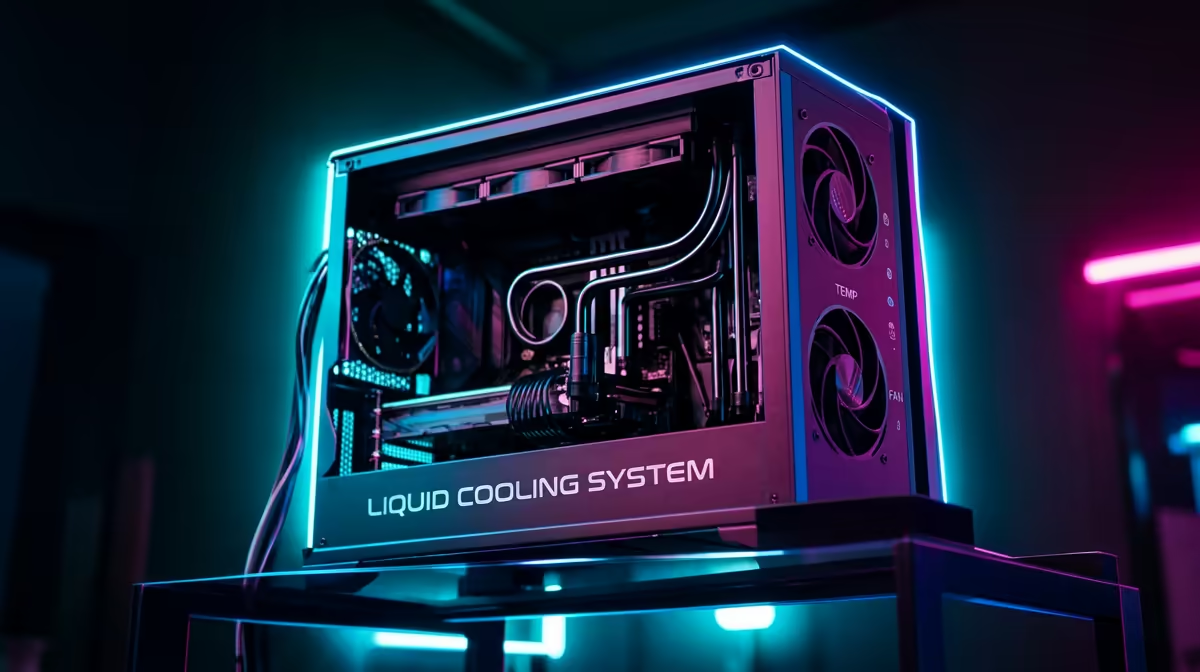
The South African summer is no joke. We’re talking relentless heat that can turn your gaming room into a sauna. While you’re reaching for the fan remote, your high-performance PC is also feeling the burn. Ever had your frames drop mid-firefight on a hot day? That’s thermal throttling, your PC’s cry for help. It's time to stop compromising and start prepping with the ultimate solution: gaming PC liquid cooling. ❄️
Why Your PC Desperately Needs Liquid Cooling for a SA Summer
When your CPU or GPU gets too hot, it automatically slows down to protect itself. This is thermal throttling, and it's the number one killer of peak gaming performance. A standard air cooler is fine for browsing, but push your rig with the latest titles during a 30°C heatwave, and it will struggle to keep up.
This is where PC liquid cooling, specifically All-in-One (AIO) coolers, makes a massive difference. They use liquid to transfer heat away from your processor to a radiator, where fans dissipate it far more efficiently than a simple block of metal. The result? Lower temperatures, quieter operation, and sustained performance when you need it most. A powerful rig deserves a complete, optimised setup, right down to the peripherals, and you can find a huge range of gaming keyboards in South Africa to complement your build.
Understanding the Basics: AIO vs. Custom Loops
When you hear gaming PC liquid cooling, two options come to mind: AIOs and custom loops.
- AIO (All-in-One) Coolers: These are sealed, pre-built units that are easy to install and completely maintenance-free. They offer fantastic performance and are the perfect entry point into liquid cooling for 99% of gamers.
- Custom Loops: These are for the serious enthusiast. You build the entire loop yourself from individual parts (tubes, reservoirs, pumps). It offers peak performance and unmatched aesthetics but requires significant skill, cost, and maintenance.
For most gamers looking for a serious upgrade, an AIO is the way to go. It delivers most of the benefits without the complexity. The visual impact is also a huge plus, especially when you coordinate the RGB lighting with other high-end gear like some of the stunning Glorious gaming keyboards available.
What to Look For in the Right AIO Cooler 🔧
Choosing the right AIO cooler isn't just about grabbing the biggest one. Here’s what matters:
Radiator Size
This is the most important factor. Radiators are measured by the fans they hold (e.g., 240mm for two 120mm fans, 360mm for three).
- 120mm/140mm: Good for compact builds or CPUs that don't run excessively hot.
- 240mm/280mm: The sweet spot for most gaming builds, offering a great balance of performance and compatibility.
- 360mm/420mm: For high-end CPUs and overclocking. Maximum cooling, but you'll need a large case to fit it.
Measure Twice, Buy Once! 📏
Before you add any liquid cooler to your cart, check your PC case's specifications. The manufacturer's website will list the exact radiator sizes supported for the top, front, and rear panels. This simple check saves a massive headache and a potential return.
Pump and Fan Quality
Look for a reliable pump design and fans designed for high static pressure. This means they are good at pushing air through the dense fins of a radiator. Lower dBA ratings also mean a quieter rig. A quiet, cool PC lets you focus on the in-game sounds picked up by your headset and the satisfying click of your favourite Razer gaming keyboard.
Prepping Your Rig for a Cooler Future 🚀
Installing an AIO is a straightforward upgrade, but a little prep goes a long way. While your PC case is open, it’s the perfect time to give it a good clean, blowing out any dust from filters and fans. This improves overall airflow and gives you a clean slate for your new cooling system. It's also a great opportunity to tidy up your cable management and plan your setup's final look. Syncing the vibrant lighting from a new RGB Razer keyboard with your new AIO cooler creates a truly immersive battle station. With the right PC liquid cooling solution, you won’t just be playing games... you’ll be doing it at peak performance, no matter how hot it gets outside.
Ready to Beat the Heat?
Don't let thermal throttling ruin your summer gaming sessions. Upgrading to liquid cooling is the single best way to unlock consistent performance and lower noise. Explore our massive range of AIO liquid coolers and give your PC the chill it deserves.