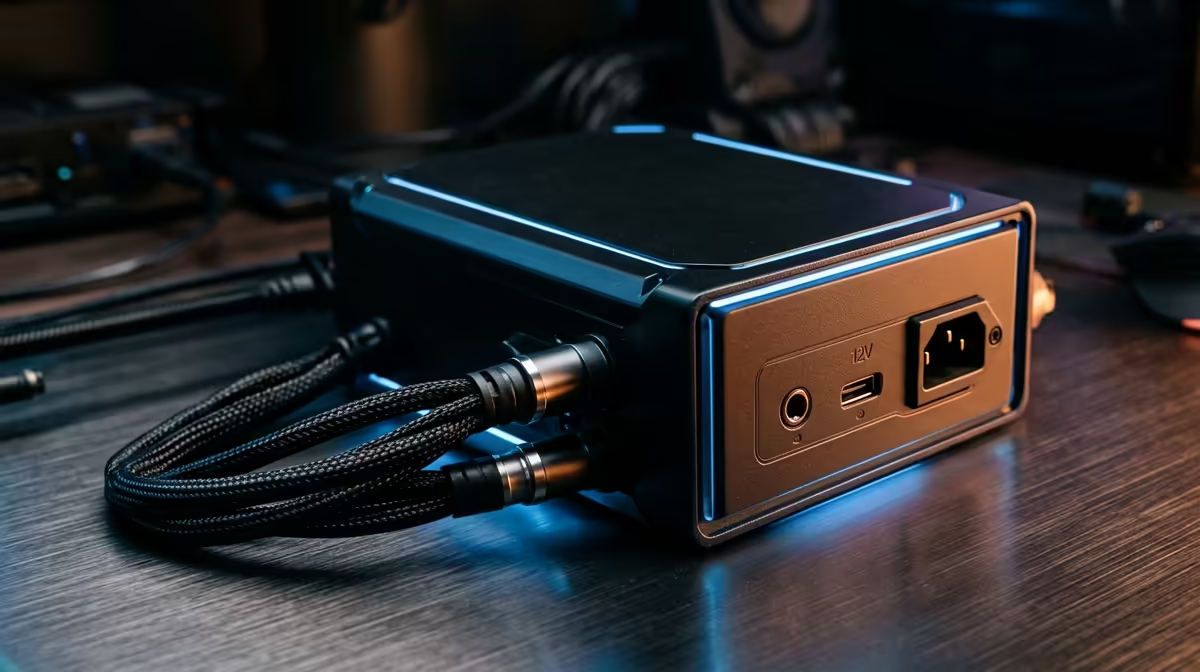
It’s a classic gamer’s nightmare. You’re in the final circle, the enemy is in your sights, and then… black screen. Your PC is dead. Maybe. But often, the culprit is silent and overlooked: your power supply unit (PSU). Diagnosing gaming PC power supply issues can be frustrating, but don’t stress. We’re here to walk you through the troubleshooting steps to get you back in the game, fast.
Why Your PSU is the Unsung Hero of Your Rig
Think of your PSU as the heart of your PC. It doesn’t just supply power; it provides stable, clean voltage to every single component, from your beefy graphics card to your CPU. Skimping on the PSU is a recipe for disaster. A cheap, unreliable unit can cause instability, crashes, and even permanently damage your expensive hardware. A solid power supply is the foundation for a stable gaming experience, whether you're climbing the ranks in competitive shooters or exploring vast open worlds.
Many gamers learn this lesson the hard way, especially when a demanding title causes unexpected shutdowns. For instance, a rig might handle older games fine but struggle with the intense power spikes from something like Cyberpunk 2077. That's often a clear sign of a gaming PC power supply issue.
Common Symptoms of a Failing Power Supply ⚡
How do you know if your PSU is on its last legs? Power supply problems often masquerade as other issues, but here are the most common red flags to watch for.
Random Shutdowns or Reboots
This is the number one symptom. If your PC shuts down without warning, especially under load (like during a heated match of Warzone 2.0), your PSU is likely struggling to provide enough consistent power to your components.
Your PC Won't Turn On at All
You press the power button and… nothing. No fans spin, no lights turn on. While other components could be at fault, the PSU is the first thing to check. It's the gatekeeper for all electricity entering your system, and if it's failed, your entire rig is just an expensive paperweight. This can be especially frustrating if you've just built a new machine to play titles like the latest Microsoft Flight Simulator.
The Dreaded Blue Screen of Death (BSOD)
While BSODs can have many causes (RAM, drivers, etc.), a faulty PSU delivering "dirty" or unstable power can lead to data corruption and system-wide instability, resulting in frequent crashes and blue screens. A stable PC is crucial for any game, from a casual session on one of our custom Minecraft gaming PCs to a high-stakes tournament.
Strange Noises or Smells
Listen to your PC. A high-pitched whining or buzzing sound (coil whine) can sometimes be normal, but a sudden grinding or rattling from the PSU fan is a bad sign. An even worse sign? The smell of burning plastic or electronics. If you smell that, unplug your PC from the wall immediately.
PSU Wattage Wisdom 💡
Always choose a PSU with more wattage than you think you need. A good rule of thumb is to calculate your system's peak power draw and add 20-30% headroom. This ensures your PSU runs efficiently, quietly, and has enough juice for future upgrades. An 850W Gold-rated PSU is a fantastic sweet spot for most modern gaming rigs.
Your Step-by-Step Troubleshooting Guide 🔧
Ready to get your hands dirty? Follow these steps to diagnose your gaming PC power supply issues. Remember to always unplug your PC from the wall before opening the case.
Step 1: The Basic Checks
Before you panic, check the simple stuff. Is the power cable securely plugged into both the wall and your PC? Is the switch on the back of the PSU in the 'On' (I) position? If you're using a power strip, try plugging the PC directly into the wall to rule that out. Sometimes the simplest fix is the right one, getting you back into your GTA V session without any drama.
Step 2: Check Your Internal Connections
Unplug your PC and open the side panel. Carefully check that all power cables are firmly seated on the motherboard (the big 24-pin and the smaller 4/8-pin CPU connector), your graphics card, and any drives. A loose connection can easily cause a system to fail to boot. This is a common issue even on top-tier Counter-Strike 2 gaming PCs if they've been moved around.
Step 3: Isolate the Problem
If the basics don't work, it's time to play detective. Disconnect the power from all non-essential components: extra hard drives, case fans, RGB controllers, and even your graphics card (if your CPU has integrated graphics). Try to boot with just the bare minimum (CPU, one stick of RAM, motherboard). If it powers on, one of the components you disconnected (or the PSU's ability to power it) is the problem. This process of elimination is key, whether you're running a simple rig for Fortnite or a beastly machine for more demanding titles.
Step 4: When It's Time for a Replacement
Power supplies don't last forever. They contain components that degrade over time. If you've tried everything and your PC still won't boot, or if your PSU is over 5-7 years old and causing crashes in games like PUBG, it's probably time for a replacement. Investing in a new, high-quality PSU from a reputable brand isn't just a fix; it's an investment in the health and longevity of your entire gaming rig. A stable system is paramount, especially when you need reliable performance for team-based games on one of our Overwatch 2 gaming PCs.
A reliable power supply is the bedrock of a great gaming PC. By understanding the symptoms and knowing how to troubleshoot gaming PC power supply issues, you can save yourself a lot of headaches and keep your rig running smoothly for years to come.