


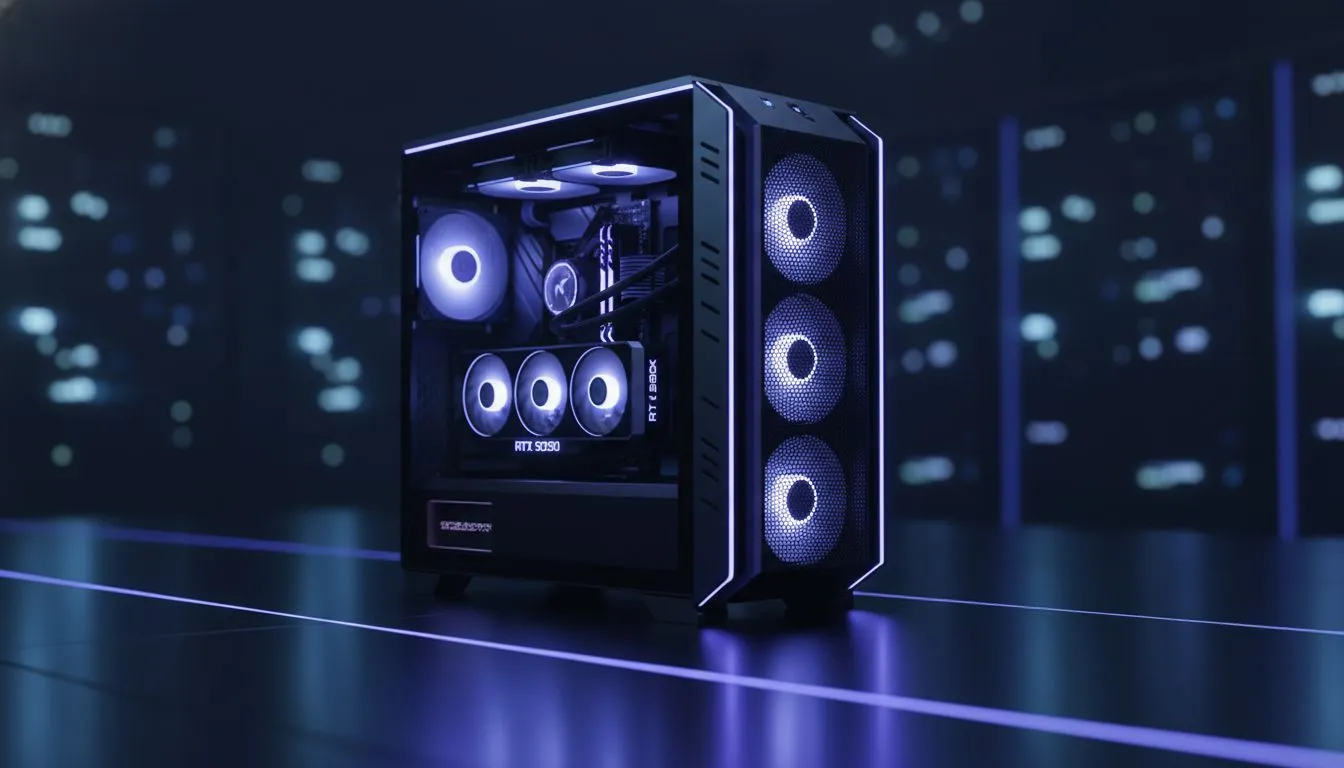
Your powerful new GPU is a beast… but is it suffocating? In South Africa's often-warm climate, giving your graphics card enough breathing room isn't just a nice-to-have, it's essential for peak performance. Without proper GPU case ventilation, you're leaving frames on the table and letting your expensive hardware cook. A stuffy case can cause thermal throttling, turning your high-end rig into a stuttering mess right when the action gets intense. Let's fix that.
Why GPU Case Ventilation is Your FPS Secret Weapon
Think of your PC case as the lungs for your components. Your graphics card, especially a modern RTX 40-series or RX 7000-series GPU, generates a massive amount of heat under load. If that hot air has nowhere to go, it builds up, forcing the GPU to slow itself down to prevent damage. This is called thermal throttling, and it's the number one enemy of smooth gameplay.
The best cases for GPU breathing room are designed with one primary goal: to move air efficiently. They pull cool air in from the front or bottom and exhaust hot air out the top and back, creating a constant, cooling airflow directly over your GPU.
Key Features of a High-Airflow PC Case
When you're hunting for a new chassis, don't just look at the flashy RGB. The real performance comes from smart design. Here’s what to look for to ensure excellent GPU case ventilation:
- Mesh Front Panel: A solid front panel looks clean, but it chokes your intake fans. A full mesh front is the undisputed king for airflow, allowing fans to pull in unrestricted cool air.
- Ample Fan Mounts: More fans mean more airflow potential. Look for cases that support multiple 120mm or 140mm fans, especially at the front (intake) and top (exhaust).
- Smart Internal Layout: A good case provides plenty of space around the GPU. This includes vertical clearance and enough length for today's massive cards. A PSU shroud and good cable management options also help by keeping clutter from blocking airflow.
Brands like Gamdias gaming cases offer fantastic airflow features without breaking the bank. For those seeking top-tier engineering and whisper-quiet performance, exploring the premium options from Fractal Design is a must.
Air Pressure 101 🌬️
For optimal cooling, aim for slightly positive air pressure. This means having slightly more intake fan power than exhaust. It helps push hot air out of every crevice and, as a bonus, minimises dust buildup by preventing air from being sucked in through unfiltered gaps. A common setup is three intake fans at the front and one or two exhaust fans at the back and top.
Finding the Best Case for Your Build
Choosing the right case is about balancing performance, aesthetics, and budget. You don't need to spend a fortune to get great thermals. There are many excellent budget-friendly cases under R1500 that prioritise airflow with mesh fronts and included fans.
Before you buy, always double-check two things:
- GPU Length Clearance: Measure your graphics card and compare it to the case's maximum supported GPU length.
- CPU Cooler Height: If you're using a large air cooler, ensure it will fit by checking the case's max CPU cooler height spec.
Giving your GPU the breathing room it deserves is one of the smartest upgrades you can make. It unlocks the full performance you paid for and helps your components last longer. ✨
Ready to start your search? We have a massive selection to fit every need and budget. Take a look at our full range of computer cases and find the perfect home for your hardware.
Ready to Unleash Your GPU's Full Potential? Don't let a stuffy case throttle your gaming experience. An upgrade to a high-airflow chassis is a direct investment in higher, more stable frame rates. Explore our massive range of PC cases and give your components the breathing room they need to dominate.







