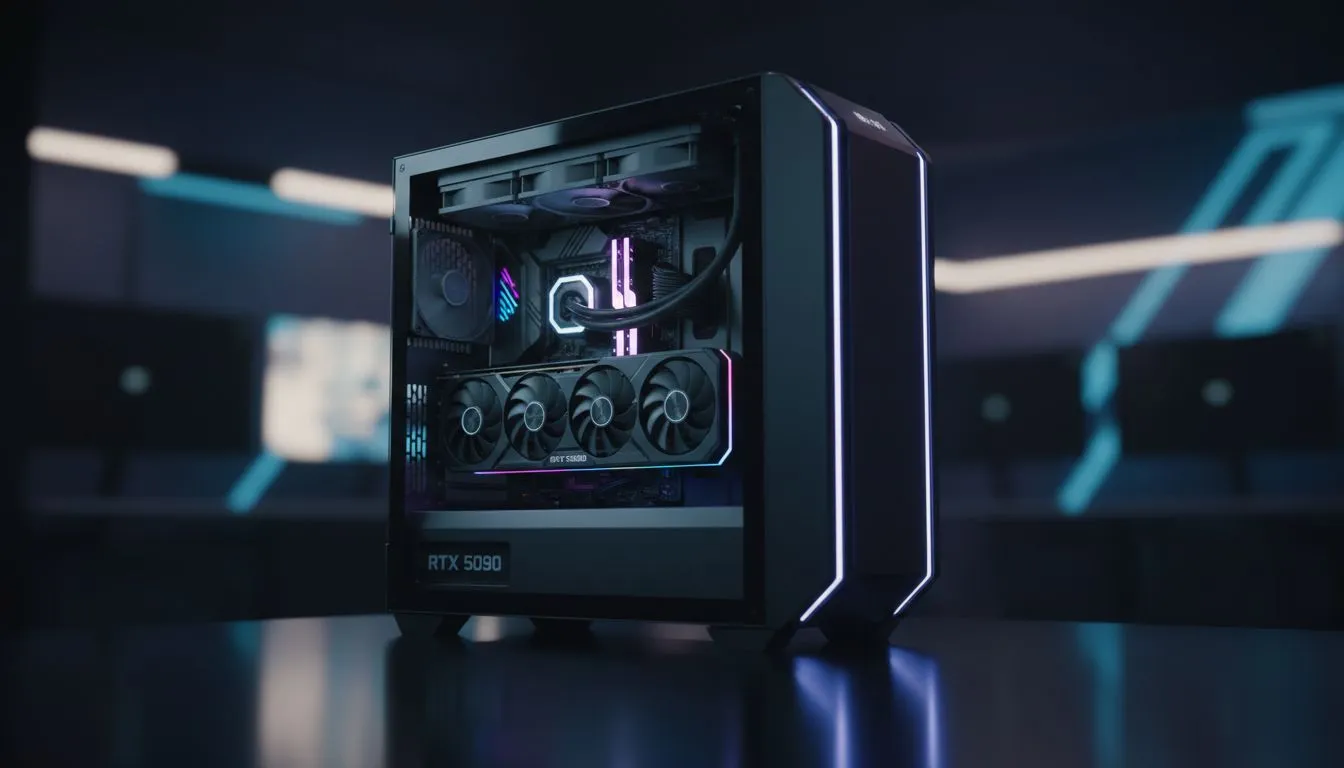
It’s a feeling every PC builder in South Africa knows… the sheer excitement of a new graphics card arriving. You unbox that beast of an RTX 4070, ready to level up your rig. But then, disaster strikes. It doesn’t fit. Your PC case, the home for all your precious hardware, is just a few millimetres too small. This gut-wrenching moment is often caused by two overlooked specs: GPU clearance and radiator support. Let's fix that.
Understanding GPU Clearance: More Than Just Length
When you're browsing for computer cases, it's easy to get distracted by RGB lighting and tempered glass. But the most critical spec is dimensional compatibility. Modern graphics cards are getting bigger with every generation, and checking your case's maximum GPU clearance is non-negotiable.
This isn't just about the length of the card. You also need to consider:
- GPU Height: How far the card extends from the motherboard towards the side panel. A tall card might prevent the side panel from closing.
- GPU Width: The number of PCIe slots it occupies. Most gaming cards are 2-3 slots wide, but some high-end models can be even chunkier.
Failing to check these dimensions is one of the most common PC case buying mistakes. A beautiful case is useless if your components can't breathe… or fit inside at all. 🔧
AIO Coolers and Radiator Support Explained
Liquid cooling, especially with an All-In-One (AIO) unit, is fantastic for taming a hot-running CPU. However, that radiator needs a place to live. Proper radiator support in a case dictates where you can mount it and what size you can use (e.g., 120mm, 240mm, or 360mm).
The most common mounting points are the front, top, and rear of the chassis. But here’s the catch: a front-mounted radiator will eat into your maximum GPU clearance. A top-mounted one might collide with your motherboard's VRM heatsinks or tall RAM sticks. This is where premium chassis from brands like Fractal Design often shine, offering flexible mounting options and ample space to avoid these conflicts. Always check the case manual online before you buy.
Measure Twice, Build Once 📏
Before buying a new GPU or case, grab a tape measure! Check the internal space of your current case from the PCIe slot covers to the front intake fans. Then, visit the manufacturer's website for your desired GPU and find its exact dimensions (L x W x H). This simple 5-minute check can save you a massive headache and a return shipment.
Top Case Buying Mistakes South African Gamers Make
Avoiding the compatibility trap is about planning. Beyond just GPU clearance and radiator support, here are a few other common blunders we see.
1. Prioritising Looks Over Airflow
That slick, solid-front-panel case might look amazing, but if it has poor ventilation, your components will thermal throttle, killing your performance. Look for cases with mesh front panels that allow for excellent airflow. Many modern Gamdias gaming cases offer a great balance between aesthetics and cooling potential.
2. Forgetting About Cable Management
A rat's nest of cables doesn't just look messy; it can also impede airflow. A good case will have ample room behind the motherboard tray, routing channels, and plenty of tie-down points. This makes the build process smoother and the final result much cleaner and cooler. ✨
3. Thinking You Need to Spend a Fortune
While high-end cases offer premium features, you don't need to break the bank for a functional and spacious chassis. There are many fantastic options under R1500 that provide excellent clearance, decent airflow, and all the room a modern gaming build needs. Do your research and read the spec sheet carefully.
Building a PC should be a rewarding experience, not a frustrating puzzle. By paying close attention to case compatibility, especially GPU clearance and radiator support, you set yourself up for a smooth, successful build.
Ready to Find Your Perfect Match?
Don't let a simple oversight derail your dream build. Measuring twice and checking specs once saves a world of frustration. Explore our massive range of computer cases and find the perfect chassis to house your components safely and stylishly.