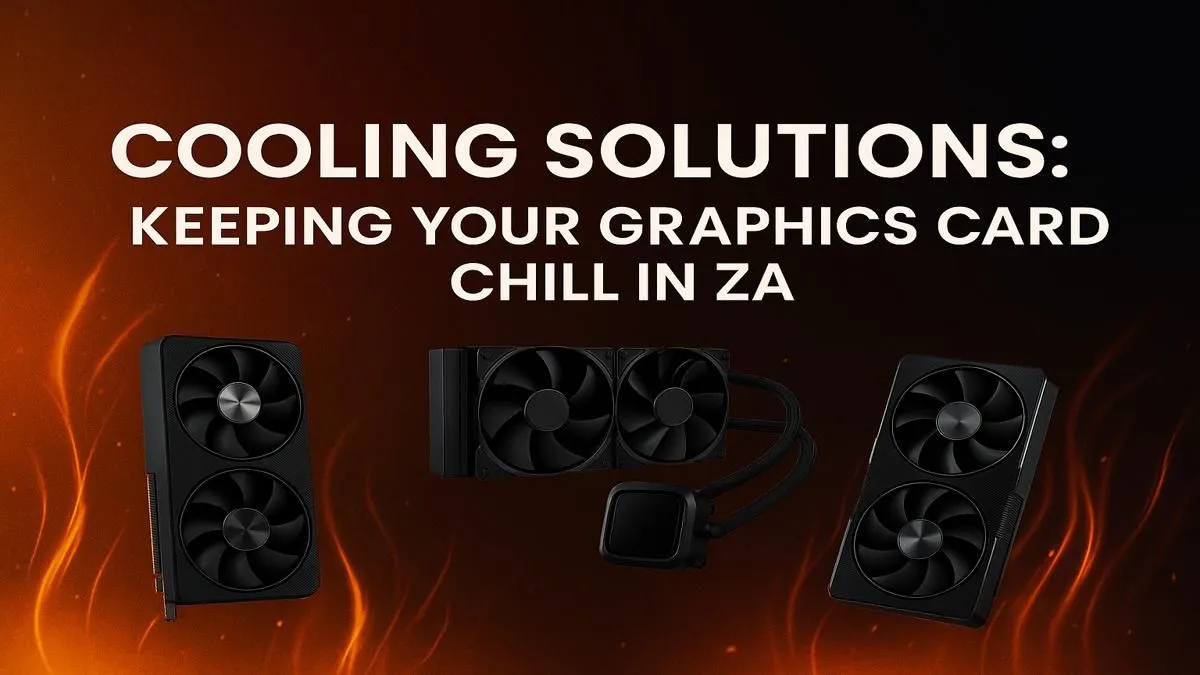
It’s a classic South African summer scenario: you’re deep in a boss fight, and your PC sounds like it’s preparing for takeoff at OR Tambo. That roaring fan is your graphics card screaming for help. In our climate, effective GPU cooling in South Africa isn’t just a luxury… it’s essential for peak performance and hardware longevity. Before you resign yourself to thermal throttling, here's a practical gamer's guide to achieving lower temps.
Understanding Why Your GPU Runs Hot
Your graphics card is the powerhouse of your gaming rig, but all that power generates a serious amount of heat. When you add South Africa’s ambient temperatures into the mix—especially during a Durban heatwave or a dry Johannesburg summer—your PC case can quickly turn into a small oven.
Dust is another major enemy of GPU cooling. It clogs up heatsink fins and chokes fans, acting like a thermal blanket that traps heat. If your performance starts dipping mid-game and your fans are spinning wildly, you're likely experiencing thermal throttling. This is your GPU automatically slowing down to prevent overheating.
Simple Fixes for Better GPU Cooling 🔧
Before you think about spending any money, there are a few free and easy ways to improve your GPU cooling situation. Mastering these basics is the first step toward lower temps and quieter gaming sessions.
Master Your Fan Curves
Most gamers leave their GPU fans on the default setting. This is often tuned for silence, not for aggressive cooling. Using a free tool like MSI Afterburner, you can set a custom fan curve. This tells your fans to spin up faster at lower temperatures, keeping heat from building up in the first place. A more aggressive curve is a powerful tool for any GPU cooling South Africa strategy.
The Power of Case Airflow
Your GPU cooler can't work effectively if it's just recycling hot air. Proper case airflow is crucial. You need a clear path for cool air to enter, pass over your components, and for hot air to be exhausted.
Airflow Pro Tip 🌡️
For a great starting point, use the 'positive pressure' method. Install two fans at the front of your case as intakes (pulling cool air in) and one fan at the rear as an exhaust (pushing hot air out). This simple 2-in, 1-out setup helps prevent dust buildup and ensures your graphics card gets a steady stream of fresh, cool air.
A Little PC Maintenance Goes a Long Way
Seriously… clean your PC! At least every few months, power down, unplug everything, and give your rig a thorough cleaning. Use compressed air to blow dust out of your GPU's heatsink, case fans, and especially the dust filters. You'll be amazed at how much a simple clean-up can lower GPU temps.
When an Upgrade is the Smartest Cooling Solution
Sometimes, you can do everything right and an old, power-hungry GPU will still run hot. Newer graphics cards aren't just faster; they're often far more power-efficient, meaning they generate less heat for the same or better level of performance.
Modern cooling solutions are also vastly superior. The sophisticated triple-fan coolers and massive heatsinks found on many current NVIDIA GeForce graphics cards are engineered for quiet, effective heat dissipation. Similarly, the latest generation of AMD Radeon graphics cards have made huge leaps in thermal efficiency.
An upgrade can solve persistent heat issues permanently, giving you a faster, quieter, and cooler gaming experience. If your current card is a few generations old, it’s worth seeing what the best graphics card deals are available—you might find a perfect solution that fits your budget. ✨
Ready to Chill Out & Game On?
Don't let heat be the final boss. Mastering your GPU's temperature is key to unlocking peak performance. For the ultimate cooling and power upgrade, a new graphics card is the answer. Explore our massive range of graphics card specials and find the perfect GPU to conquer your world.