


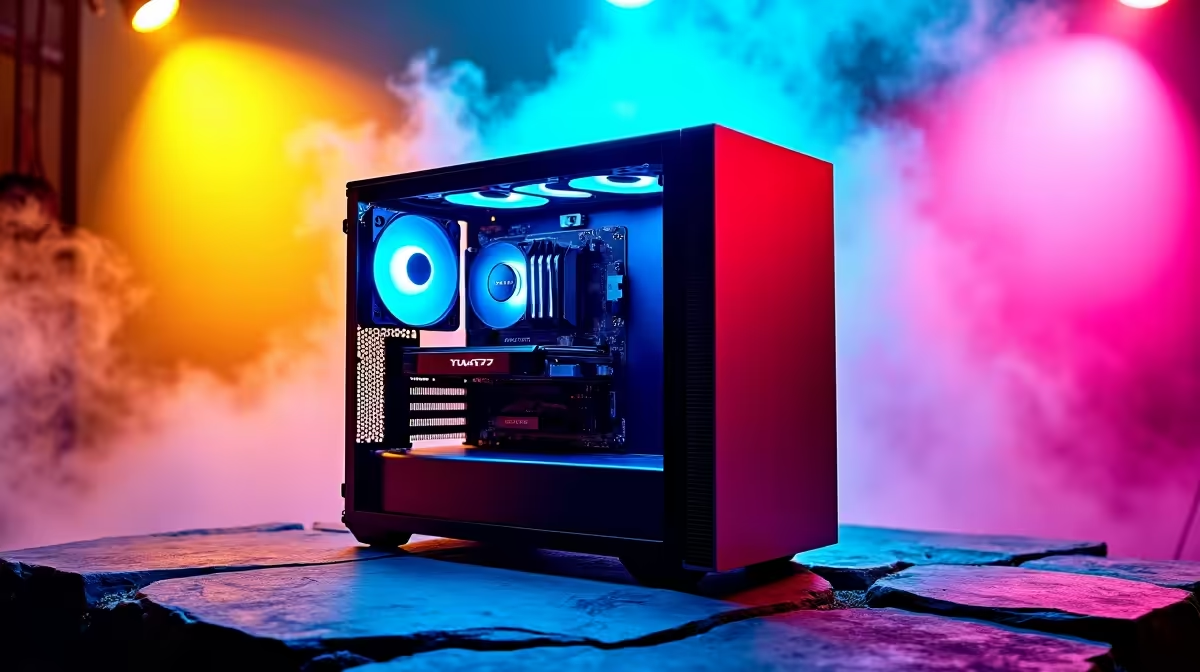
The AI buzz is everywhere in SA, from braai-side chats to business news. But how do you go from talking about it to actually doing it on your own machine? Building an AI PC isn't just for data scientists anymore. Whether you want to generate wild images with Stable Diffusion or run a language model locally, this AI PC build guide will help you choose the right parts for the job, right here in South Africa, without wasting a Rand.
Why Your AI Task Dictates Your PC Build
Before you even look at a single component, ask yourself: what do I actually want to do with AI? Answering this is the key to a successful AI PC build. You wouldn't use a bakkie for a track day, right? Same principle. Different AI workloads have vastly different hardware appetites.
- AI-Enhanced Creativity: Generating images with Midjourney or Stable Diffusion, using AI audio plugins, or video upscaling. This is heavily GPU-dependent, but you don't need a supercomputer.
- Local Model Tinkering: Running open-source Large Language Models (LLMs) like Llama 3 on your own machine. Here, GPU Video RAM (VRAM) is the absolute king.
- Serious Machine Learning (ML): Training your own models, analysing massive datasets, or professional deep learning. This demands the best of everything: GPU power, CPU cores, massive RAM, and lightning-fast storage.
Understanding your goal prevents you from overspending on a CPU you don't need or, worse, under-powering the one component that matters most… the GPU.
Core Components for Your AI PC Build
Let's break down the hardware that powers modern AI and figure out where you should be spending your money for the best results. This is the core of our AI PC build guide. 🔧
The GPU: The Heart of Your AI Machine 🧠
For 90% of consumer AI tasks, the Graphics Processing Unit (GPU) does the heavy lifting. Its ability to perform thousands of calculations simultaneously (parallel processing) is exactly what AI models need.
When choosing a GPU for AI, NVIDIA is currently the top dog. Their CUDA technology is the industry standard for most AI software frameworks. That’s why so many powerful NVIDIA GeForce gaming PCs are also fantastic starting points for AI enthusiasts. The most important spec to look for is VRAM. The more VRAM you have (e.g., 12GB, 16GB, or even 24GB), the larger and more complex the AI models you can run locally.
While NVIDIA leads, don't count out the others. For certain open-source projects and specific workloads, a high-VRAM AMD card can offer great value, making many AMD Radeon gaming PCs a viable alternative. Even Intel is in the ring, and their high-performance Intel Arc gaming PCs can be an interesting choice for specific media and encoding tasks.
Check Your VRAM Needs ⚡
Before buying a GPU, look up the recommended VRAM for the AI models you want to run. For example, running a 7-billion parameter LLM might require at least 8GB of VRAM, while a 70-billion parameter model could demand 24GB or more. A quick search will save you a lot of buyer's remorse!
The CPU: The Brains of the Operation
While the GPU handles the main AI workload, the Central Processing Unit (CPU) is still vital. It prepares the data, manages your operating system, and keeps everything running smoothly. For AI, a CPU with a good number of cores and threads is more important than raw clock speed. It helps feed the data to your hungry GPU without creating a bottleneck.
Both Intel and AMD offer fantastic options. A modern Intel Core i5 or AMD Ryzen 5 is a great starting point, but for more serious work, stepping up to an i7/i9 or Ryzen 7/9 is a wise investment. You can find excellent processors in our wide range of Intel PC deals that are perfect for a balanced build. Likewise, the multi-core performance found in many AMD Ryzen PC deals makes them a favourite for handling complex data preparation tasks.
RAM & Storage: Speed and Space are Non-Negotiable
System RAM: This is different from your GPU's VRAM. You'll need at least 16GB, but 32GB of fast DDR4 or DDR5 RAM is the sweet spot for a modern AI PC build. It gives your system enough breathing room to manage large datasets and the AI software itself.
Storage: Forget mechanical hard drives. An NVMe SSD is essential. AI involves loading massive files and datasets, and the speed of an NVMe drive will drastically reduce your waiting times. A 1TB drive is a good start, but 2TB or more is better if you plan on downloading multiple large models.
Putting It All Together: Sample AI PC Builds
So, what does this look like in practice? Here are a few build profiles to guide your choices.
- The AI Explorer (R15,000 - R25,000): Perfect for someone starting with image generation or running smaller AI models. Look for a build with a solid 6-core CPU and a GPU with at least 8GB-12GB of VRAM. Many of our budget gaming PCs fit this profile perfectly, offering incredible value.
- The Prosumer Powerhouse (R25,000 - R45,000): For the serious hobbyist or freelancer. You're looking at a powerful 8+ core CPU and a GPU with 16GB or more of VRAM. This machine will handle larger LLMs and more complex model training. Our selection of the best gaming PC deals often includes rigs that hit this sweet spot of price and performance. ✨
- The Ultimate AI Workstation (R50,000+): When AI is part of your job, you can't afford to compromise. This means a top-tier CPU, one or more high-end GPUs with 24GB of VRAM, and 64GB+ of system RAM. These are serious machines, and our dedicated workstation PCs are engineered for exactly this kind of demanding, mission-critical work. 🚀
Is a Pre-Built AI PC a Better Option?
Building a PC is rewarding, but it's not for everyone. If you want to jump straight into the action with a system that's professionally assembled, tested, and covered by a single warranty, a pre-built PC is a fantastic choice. You can be confident that all the components are compatible and optimised to work together. Exploring our pre-built PC deals is a great way to see what your budget can get you, completely hassle-free.
Ready to Build Your AI Powerhouse? Whether you're training a custom model or just exploring the creative power of AI, having the right hardware is everything. Explore our massive range of PC deals and find the perfect machine for your AI ambitions today.









