


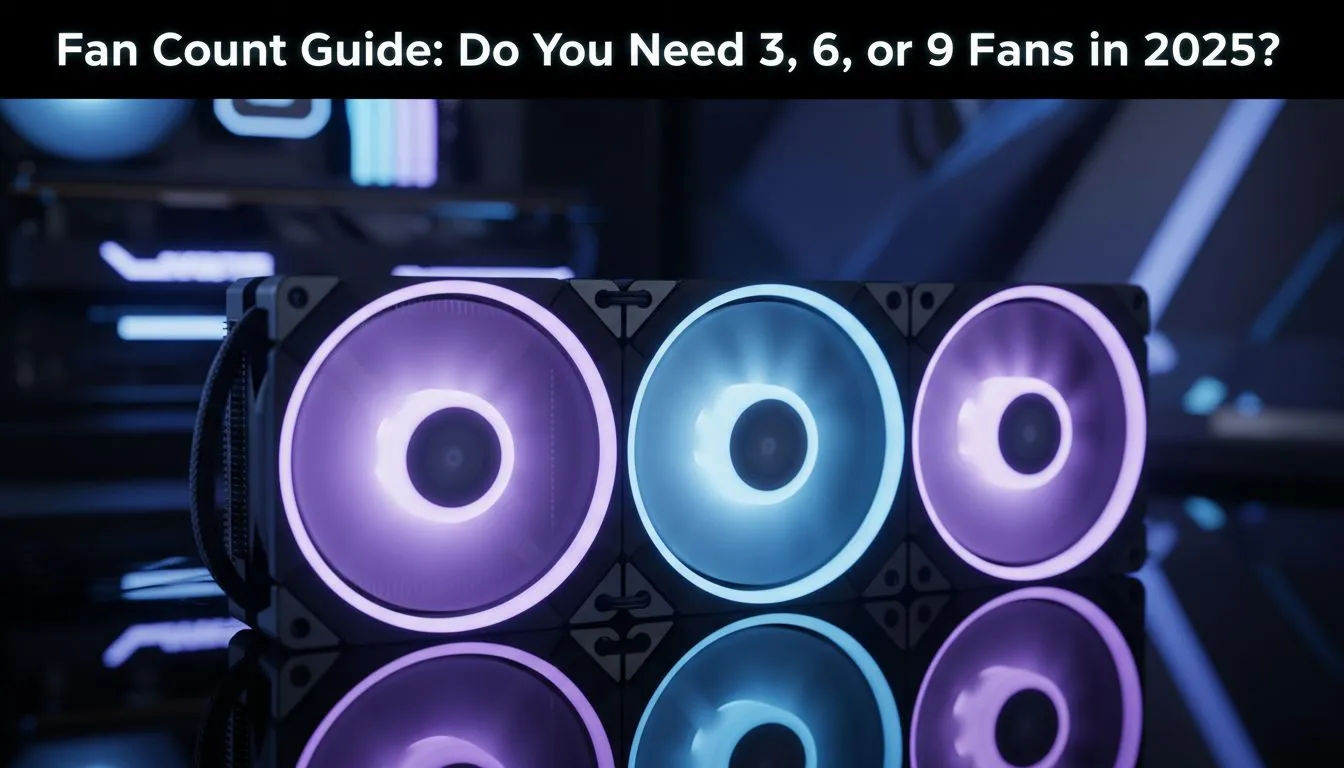
Another scorching day in Mzansi, the power just clicked back on, and you’re ready to jump into a game. But then it happens... your frames start dropping. Your beast of a PC is thermal throttling, turning your gaming session into a slideshow. Sound familiar? The question of how many fans in a PC is more than just a tech debate; it's about keeping your performance frosty when the heat is on. Let's settle it: is 3, 6, or 9 the magic number for 2025?
Understanding the Sweet Spot: Why 3 Fans is a Solid Start
For a huge number of South African gamers, the answer to how many fans a PC needs is surprisingly simple: three. A standard setup with two intake fans at the front pulling cool air in, and one exhaust fan at the back pushing hot air out, creates a balanced airflow. This configuration is perfect for mid-range builds, like a Ryzen 5 or Core i5 paired with a mainstream GPU. It efficiently cools your core components without turning your room into a wind tunnel. 💨
Of course, this setup relies on having a decent heatsink on your processor. A quality air cooler is non-negotiable for keeping your CPU temperatures in check, working in harmony with your case fans to maintain stability.
When Your PC Needs 6 Fans for Optimal Cooling
So, when should you double down? If you're running a high-end graphics card like an RTX 4070 Ti or higher, or you love to overclock your CPU for every last drop of performance, then considering six fans is a smart move. A common and highly effective 6-fan layout involves three front intakes, one rear exhaust, and two top exhausts.
This setup drastically improves the rate at which hot air is removed from the case, which is critical when components are under heavy load. It's especially beneficial if you’re using a powerful liquid cooler (AIO), as the top-mounted fans can exhaust heat directly from the radiator, keeping your CPU chilly during intense gaming marathons.
Air Pressure Pro Tip 🔧
Aim for 'positive pressure' by having slightly more intake airflow than exhaust. For example, set your three front intake fans to spin a little faster than your three exhaust fans. This helps push air out of small gaps and vents in your case, which significantly reduces the amount of dust that gets sucked in over time!
The 9-Fan Question: Peak Performance or Just Noise?
Now we enter enthusiast territory. Is loading your case with nine or more fans ever necessary? For most people, no. But if you're building a top-tier rig for competitive gaming, 4K video editing, or just love the aesthetic of a fully kitted-out case, it has its place. This is where you see builds with a massive 360mm radiator at the top or front, demanding a trio of fans on its own. ✨
You have to be aware of diminishing returns. The jump from 6 to 9 fans might only lower your peak temperatures by a few degrees. However, for those chasing benchmark records, every degree counts. It's also a signature look for brands that specialise in high-performance cooling, with companies like CORSAIR offering entire ecosystems of fans that sync up for incredible lighting and airflow control.
So, How Many Fans Should Your PC Have in 2025?
The final decision on how many fans your PC should have comes down to your hardware and your budget. Let's break it down simply:
- 3 Fans: The gold standard for budget and mid-range builds. Cost-effective and efficient.
- 6 Fans: The new sweet spot for high-performance gaming PCs, especially those with powerful GPUs and AIO coolers.
- 9+ Fans: Reserved for elite-tier enthusiasts, custom water-cooling loops, and those who prioritise aesthetics and absolute minimum temperatures.
Remember, quality over quantity is key. Three premium, well-placed fans will always outperform six cheap, noisy ones. Before buying more fans, ensure your core CPU coolers are up to the task.
Ready to Chill Your Rig? The debate over how many fans a PC needs is all about your specific build, but one thing is certain: the right cooling makes all the difference. Explore our massive range of PC cooling solutions and build a machine that stays frosty, even during a Gauteng heatwave.











