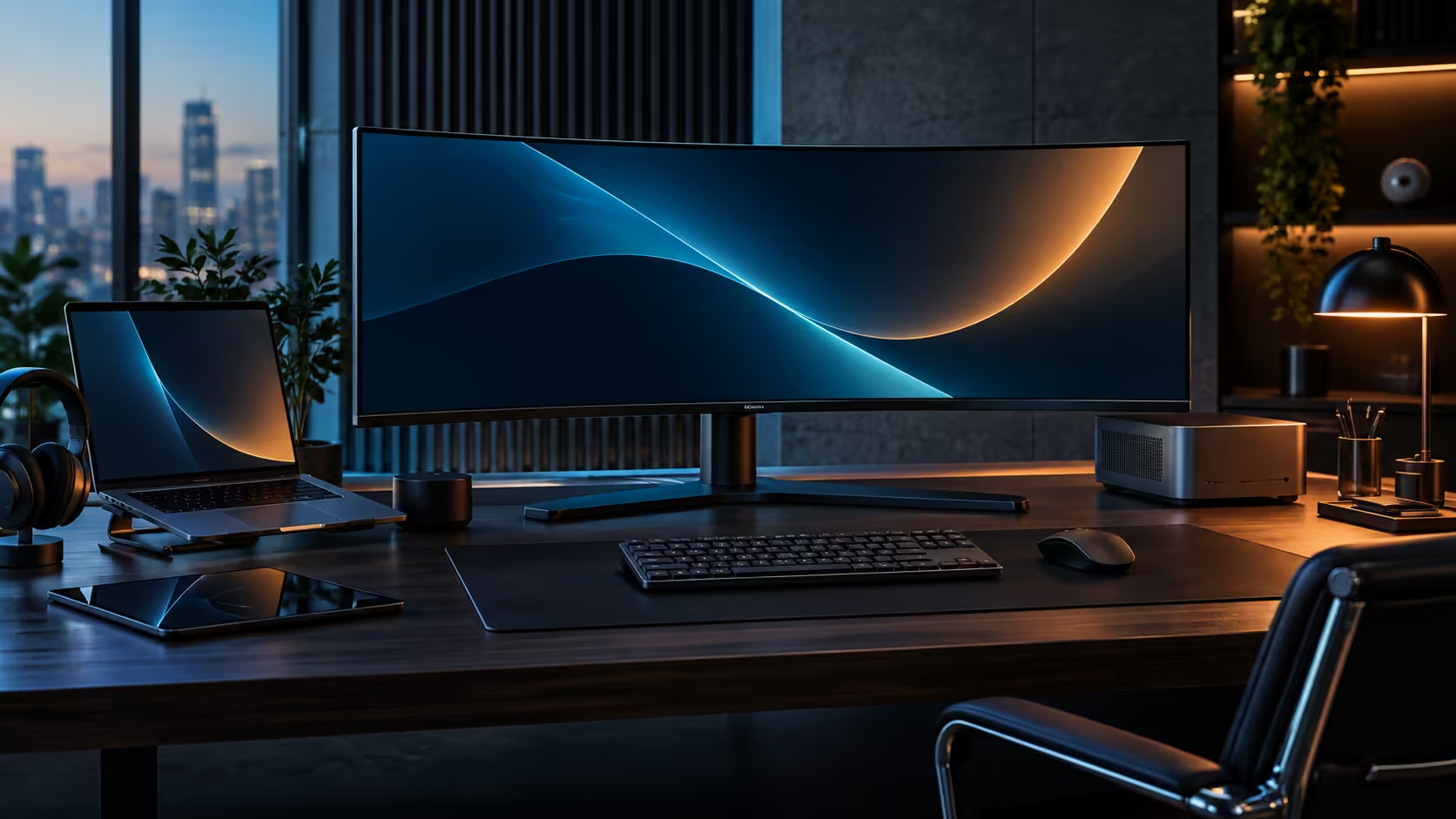
Ask five people what a decent monitor costs in South Africa and you will get five different numbers, mostly because they are picturing five different feature sets. For a USB-C work monitor that actually docks a laptop, there is a real number worth anchoring to, and it is close to R8,000 rather than the R3,000 a bare 24-inch screen might suggest.
Quick Answer
Budget around R7,999 for a 34-inch curved USB-C ultrawide with proper docking, and the CU34E4CW is the reference point for that figure at Evetech. Spend meaningfully less than that on a similarly sized ultrawide and the USB-C dock, the KVM and the network socket are usually the first things missing, which you then end up buying back separately as standalone boxes.
💵 What R7,999 is actually buying
The number only makes sense once you see what is bundled into it rather than sold as extras.
At this price the CU34E4CW includes the 34-inch curved panel itself, a 90W USB-C docking connection, a built-in KVM for two computers, an RJ45 network socket, a 5MP webcam and a height-adjustable stand. Priced apart, a comparable curved panel without docking typically saves you R1,500 to R2,500 against this figure, but a standalone USB-C dock capable of similar charging and port count adds most of that saving straight back, before a KVM switch or a webcam are even considered.
📉 What tends to disappear below this price point
Cheaper 34-inch ultrawides exist, and the honest answer is that they are cutting specific, identifiable corners rather than being simply worse value.
Below roughly R6,000, USB-C ports on a curved ultrawide commonly carry video only, with no meaningful power delivery, so the laptop still needs its own charger plugged in separately. A built-in KVM and an RJ45 socket are two of the first features to disappear as price drops, since both add real manufacturing cost for a feature only some buyers use. Panel resolution can also quietly drop from 3440x1440 to 2560x1080 at a lower price point, which looks similar in a product title but gives noticeably less vertical working space.
None of that makes the cheaper panel a bad purchase. It makes it a different purchase, and the comparison only works if you are pricing the same feature set, docking included, rather than the same screen size alone.
📈 What you are paying for above this price point
Spending meaningfully more than R7,999 on a 34-inch ultrawide generally buys panel technology rather than additional connectivity.
An OLED or higher-refresh gaming-focused ultrawide can push well past R15,000, and the extra spend there is going toward contrast, response time or refresh rate beyond 120Hz rather than toward docking features. If your priority is getting a laptop onto one cable with a KVM and a wired network port, that higher spend buys you very little you would actually use day to day, and the CU34E4CW sits at the point where docking features are complete without paying for gaming-tier panel technology you do not need for office work.
Check the current office monitor range against your own must-have list before deciding, and the monitor deals page is worth a look for pricing on comparable panels at any given moment. The overall best-selling monitors list is a useful sanity check on what buyers are actually choosing at each price band.
Frequently Asked Questions
How much should a USB-C docking monitor cost in South Africa?
Around R7,999 covers a 34-inch curved panel with proper 90W docking, a KVM and a network socket. Below that price, one or more of those features is usually missing.
Is a cheaper 34-inch ultrawide without USB-C docking a bad buy?
Not necessarily, if you do not need docking. It becomes a worse value once you add a separate dock, since the combined cost often approaches or exceeds a monitor that already includes docking.
What is the first feature to disappear on a budget ultrawide?
Full USB-C power delivery is usually the first to go, followed by a built-in KVM and a network socket, since all three add cost that a display-only panel avoids.
Is it worth spending more than R8,000 on a 34-inch ultrawide for office work?
Only if a fancier panel type or a noticeably faster refresh rate is specifically what you are chasing for gaming. Beyond docking and connectivity, extra spend here has genuinely little else to show for itself in daily office use.
Does resolution change at a lower price point?
Yes, in some cases. A cheaper 34-inch ultrawide may ship at 2560x1080 rather than 3440x1440, which reduces vertical space even though the screen size stays the same.
Ready to work out what your desk actually needs before you spend?
List your must-have features first, then compare that list against price rather than against screen size alone.