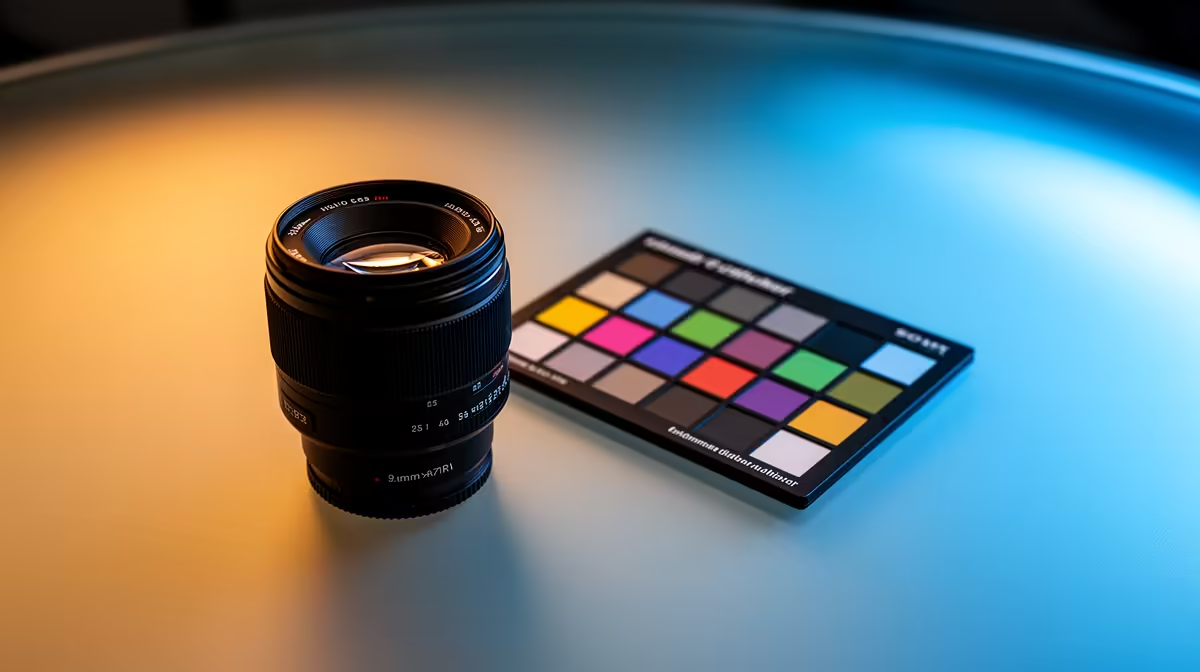
A face that looks slightly orange or slightly blue on a webcam feed is rarely a camera problem, it is almost always a lighting problem. Getting warm-to-cool tuning right on a led streaming light is one of the fastest fixes available, and it usually takes nothing more than a small dial adjustment while watching the live preview.
Quick Answer
Fixing an off colour cast on camera usually means nudging the SL10B's warm-to-cool dial, priced at R629, toward the middle of its 700K to 6500K range rather than leaving it at either extreme. Small adjustments around 4000K tend to correct most indoor skin-tone issues, since that sits between a typical warm household bulb and cooler daylight.
🌡 Understanding What Warm and Cool Actually Mean Here
The dial on a bi-colour light moves between two extremes: a warm, amber-leaning tone around 700K and a cool, blue-leaning tone up near 6500K. Neither extreme is wrong on its own, but most indoor rooms sit somewhere in between depending on the mix of bulbs, lamps and window light already present. Reviewing the SL10B's full spec sheet shows the full 700K to 6500K spread available to work with before making any adjustment.
🔧 A Practical Way to Dial It In
Step one: start in the middle
Rather than guessing from either extreme, start with the dial roughly centred and watch how skin tone reads on the live preview, not just in person, since a camera sensor interprets colour differently to the naked eye.
Step two: nudge toward warm if the face looks pale or blue
If the skin tone looks slightly washed out, pale or faintly blue, nudge the dial warmer in small increments, checking the preview after each small movement rather than making one large jump.
Step three: nudge toward cool if the face looks orange
If the opposite problem shows up, an orange or overly warm cast, move the dial cooler in the same small steps. Most rooms with a mix of daylight and household bulbs land somewhere around the middle of the range, often close to 4000K, once this process is done.
Step four: recheck after the room changes
Sunlight coming in through a window is never constant across a whole day, so a setting that looked right in the morning may need a small readjustment by the afternoon. This is one advantage of a dial-based light over a fixed-colour fixture, since the correction takes seconds rather than requiring a different bulb.
⚠️ Common Mistakes That Undo a Good Colour Setting
Ignoring other lights left switched on
A well-tuned streaming light can still get overruled by a nearby lamp or overhead bulb left on at a clashing colour temperature. Switching off or dimming competing sources in the room, or at least positioning them out of the camera's direct light path, stops them from fighting the careful dial adjustment just made.
Setting it once and never rechecking
Some creators set the dial correctly during one session and assume it will hold for every future session regardless of time of day or season. Since window light shifts through the year as well as through the day, a quick check on the live preview before each longer session avoids drifting back into an off colour cast without noticing.
Confusing brightness with colour temperature
Turning the brightness up or down does not fix an orange or blue cast, since brightness and colour temperature are controlled separately on a bi-colour fixture. Reaching for the wrong dial is a common early mistake that wastes time without solving the actual problem.
🖥 Getting the Rest of the Setup to Cooperate
A well-tuned light still needs a stable mount to stay in position session after session, and pairing it with the right gear from Evetech's accessories range keeps it from drifting out of the angle that was just carefully dialed in. Running the light's charging cable and any webcam lead through proper routing from Evetech's cable solutions also stops the desk from looking cluttered once the colour balance is sorted.
Frequently Asked Questions
Why does my face look orange on camera even with good lighting?
This usually means the light's colour temperature is set too warm for the room, and nudging the dial cooler in small steps should correct it.
What colour temperature suits most indoor rooms?
There is no single universal number, but many indoor spaces with mixed lighting land somewhere near the middle of a 700K to 6500K range.
Should I judge colour by eye or by the camera preview?
Always by the live camera preview, since the human eye adjusts to colour casts automatically in a way a camera sensor does not.
Does the ideal setting change throughout the day?
Yes, rooms with a window nearby often need small readjustments as daylight shifts, which a dial-based light handles more easily than a fixed-colour one.
Can adjusting the dial fix a shadow problem too?
No, colour temperature and shadow control are separate issues, shadows are fixed through positioning and angle rather than the warm-to-cool dial.
Why does the same setting look different in two different rooms?
Each room has its own mix of walls, window direction and existing bulbs, so a dial position that looks correct in one room can need a small readjustment in another.
Is it better to correct colour with the light or with software filters?
Correcting at the light itself generally looks more natural, since software filters applied afterward can introduce their own tint rather than solving the original mismatch.
Ready to correct that slightly off skin tone on camera?
Sliding between warm and cool on the NearStream SL10B straightens out skin tone and background colour so footage reads true to life. It is priced at R629 in Evetech's streaming light range.