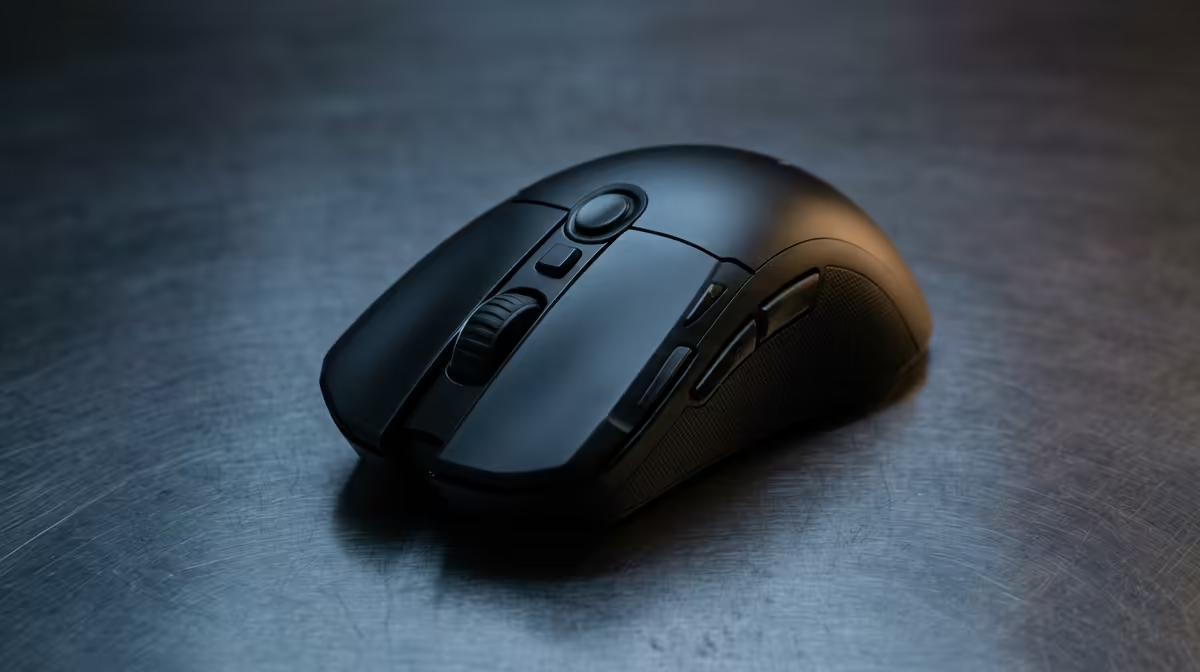
Choosing a mouse for data-science coursework comes down to grip fit and a proven sensor, then everything else is a tie-breaker.
Quick Answer
You overbuy a mouse for data-science coursework when you pay for a 30,000 DPI sensor, 8000Hz polling and carbon-fibre shells. A R350-R1,000 mouse with a PAW3395-class sensor and a shape that fits is plenty; the Logitech G102 and Razer Viper sit in that value zone. Put the saved rand toward a better mousepad or monitor.
Sensor And Switches Beat The DPI Number
Any sensor over about 12,000 DPI is already past what a 1440p or 4K display needs; the real DPI most players use sits between 400 and 1600. What separates a good mouse is sensor consistency (a PAW3395 or HERO sensor tracks cleanly) and the click mechanism. Optical micro-switches (Razer Optical, Kailh GO) sidestep the double-click failure that kills cheap mechanical switches within a year, which matters most for data-science coursework.
Shape, Weight And Grip Fit
Grip style decides shape: claw and fingertip grips suit lighter ambidextrous shells, while palm grip suits larger ergonomic ones. Measure your hand length, sub-17cm hands suit smaller shells like the Viper Mini or G305, while larger hands suit a DeathAdder or G502 shape. Weight under 80g helps fast aim, but for data-science coursework comfort over a long session matters as much as gram counts.
FAQ
How much DPI do I actually need for data-science coursework?
Far less than the box advertises; most players use 400-1600 DPI regardless of the 26,000+ figure printed on the sensor. Prioritise sensor consistency and shape over a big DPI number.
Why do cheap mice start double-clicking?
Their mechanical switches wear out, usually within 6-18 months of heavy use, registering one press as two. Optical micro-switches avoid this entirely, which is why they are worth the small premium.
Wired or wireless for data-science coursework?
A good 2.4GHz wireless mouse is now latency-free for almost everyone, so choose on convenience and budget. Wired saves R200-R500 and never needs charging, while wireless keeps the desk clear.
Pick a mouse with a proven sensor and optical switches in your grip size, and add a quality cloth pad so tracking stays consistent session to session.