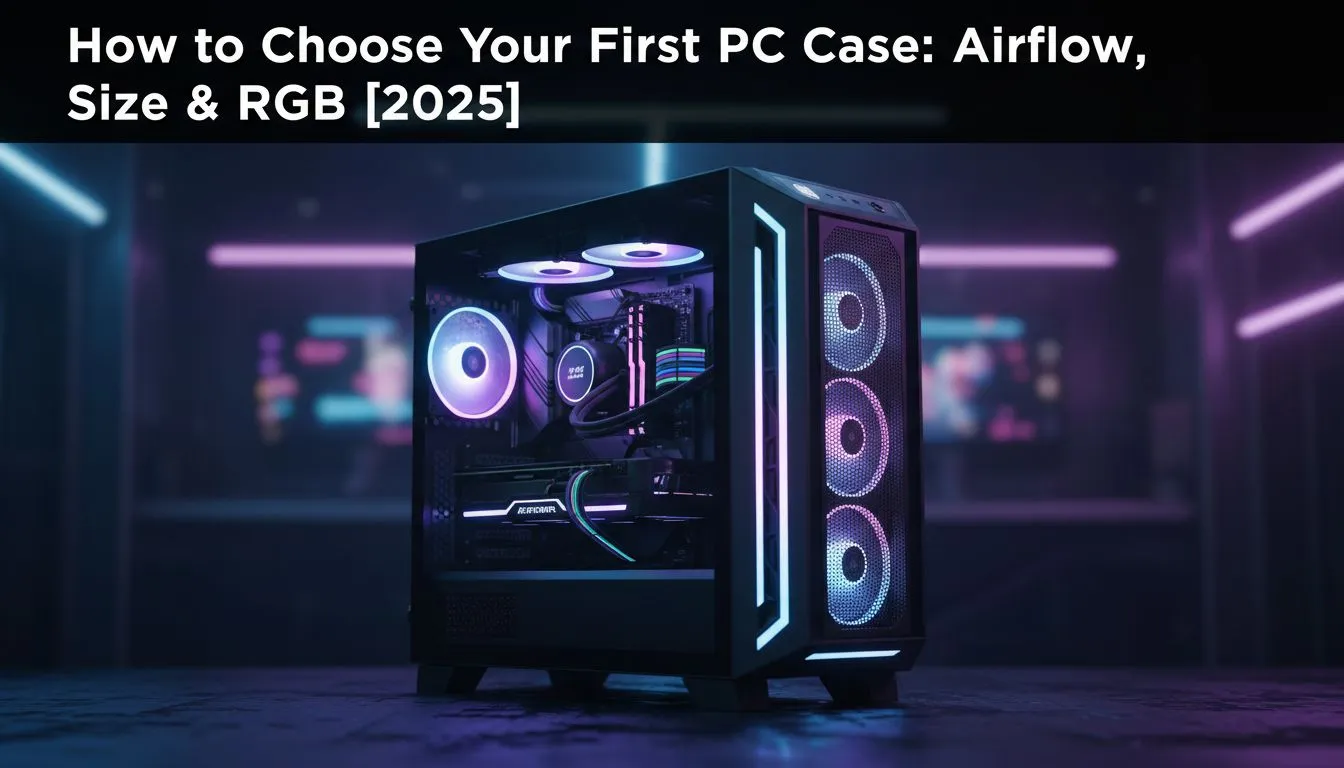
So, you’ve picked your CPU and scored a beast of a graphics card. Awesome! But where will they live? Choosing a PC case is more than just picking a pretty box. It’s the foundation of your entire build, dictating cooling performance, component compatibility, and how your rig looks on your desk. Get it wrong, and you could be facing thermal throttling or a build that just won’t fit. Let's get it right.
Getting the Size Right: The Foundation of Your Build
Before you even think about airflow or RGB, you need to answer a simple question: will your parts actually fit? The journey of how to choose a PC case starts with compatibility.
Motherboard Form Factors
Your motherboard's size is the first piece of the puzzle. The three main standards are:
- ATX: The most common size, offering plenty of expansion slots.
- Micro-ATX (mATX): A shorter version of ATX, great for more compact builds.
- Mini-ITX (ITX): The smallest of the trio, perfect for tiny, space-saving PCs.
Your case must explicitly support your motherboard's form factor. A larger case can usually fit a smaller board (e.g., an ATX case can house a mATX board), but you can't squeeze a big board into a small case.
GPU and Cooler Clearances
This is where many first-time builders get stuck. Modern graphics cards are massive, and tall air coolers need serious headroom. Always check these two specs on the case’s product page:
- Max GPU Length: The total length your graphics card can be.
- Max CPU Cooler Height: The maximum height for your CPU air cooler.
Don't just guess... measure! There’s nothing worse than discovering your brand-new RTX 4080 won’t fit. Taking a moment to check these numbers will save you a massive headache and ensure you find the perfect computer case for your hardware.
The Airflow Equation: How to Choose a PC Case for Cooling ❄️
A hot PC is an unhappy, underperforming PC. Excellent PC case airflow is non-negotiable for keeping your components cool, quiet, and running at peak performance, especially during those intense gaming sessions in the South African summer.
The key is simple: get cool air in, get hot air out. Cases with a mesh front panel are generally the champions of airflow, allowing fans to pull in unrestricted cool air. Solid front panels (like tempered glass) can look sleek, but may choke your components unless they have well-designed side vents.
For a balanced setup, aim for positive air pressure—more intake fans pulling air in than exhaust fans pushing it out. This helps minimise dust buildup. When considering your options, look at airflow-focused brands like Fractal Design, which are renowned for their smart thermal designs.
Dust Is The Enemy 🔧
Your PC case's dust filters are your first line of defence against performance-killing buildup. Make a habit of cleaning them every month or two. Most filters are magnetic or slide out easily. A quick rinse with water (and letting it dry completely!) or a wipe-down is all it takes to keep your PC breathing easy.
Beyond the Looks: Cable Management & Build Quality
A clean build is a happy build. Good cable management isn't just for showing off on Instagram; it directly impacts PC case airflow by removing obstructions. When choosing a PC case, look for features that make building easier:
- PSU Shroud: A cover for your power supply and its messy cables.
- Cable Tie-Down Points: Loops on the back of the motherboard tray to secure cables.
- Rubber Grommets: Soft-edged holes to pass cables through cleanly.
These features, common in modern Gamdias gaming cases, transform the building process from a chaotic mess into a satisfying puzzle. A well-managed case is easier to work in, easier to clean, and runs cooler.
The Final Touch: Choosing a Case for RGB & Aesthetics ✨
Let’s be honest, we want our rigs to look incredible. RGB lighting is the easiest way to personalise your PC and make it uniquely yours. If you're diving into the world of RGB, consider if the case includes a fan/RGB controller hub. This little device simplifies wiring and lets you control all your lighting from a single point, either with a remote or through your motherboard's software (like Aura Sync, Mystic Light, etc.).
You don't need to break the bank for a rig that turns heads. There are plenty of stylish options under R1500 that come with pre-installed ARGB fans and tempered glass side panels, giving you that premium look for less. Just remember to prioritise airflow first... a beautiful case that overheats is no good to anyone.
Ready to House Your Dream Build?
Choosing a PC case is about balancing performance, size, and style. With the right foundation, your components can truly shine. Explore our massive range of PC components and find the perfect parts to start your next build.