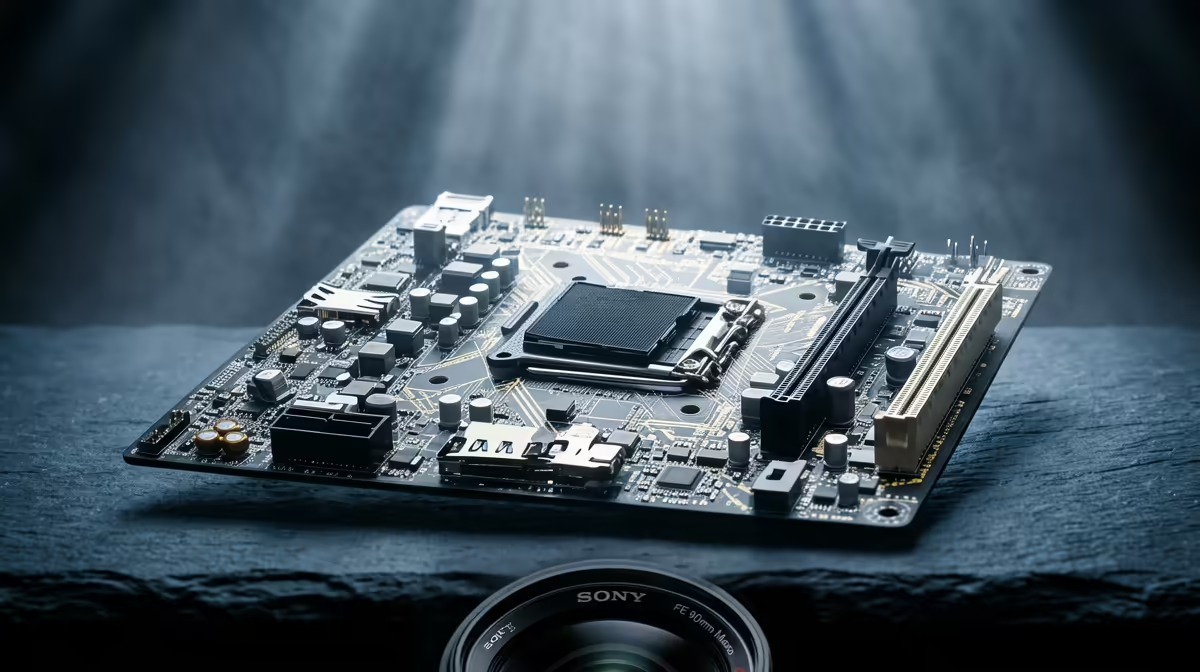
Blurry text on an X870E motherboard build is one of the more common questions South African buyers raise, and the fix is usually quicker than people fear.
Quick Answer
Blurry text on Windows is almost always a scaling or ClearType issue, not a hardware fault. Set the display to its native resolution, match the recommended scaling, and rerun the ClearType tuner to get crisp text back in minutes. Confirm the link is carrying the full refresh, often 120 Hz or 165 Hz, before you blame the hardware.
Set native resolution and correct scaling
Run an X870E motherboard build at its exact native resolution and pick the recommended Windows scaling value. Non-native resolutions force interpolation that smears every font edge.
Rerun the ClearType tuner
Open the ClearType Text Tuner and step through the samples. Sub-pixel rendering tuned to your panel layout sharpens text far more than people expect, especially on high-PPI displays.
Fix per-app high-DPI overrides
For a blurry single app, open its compatibility settings and enable the high-DPI scaling override. This stops Windows from stretching legacy apps into a fuzzy mess.
A quick checklist to run in order
Confirm native resolution and refresh, set full RGB and the right colour depth, update the GPU driver, then swap to a certified cable. Working that short list in order on an X870E motherboard build clears the large majority of blurry text reports without any spend at all.
FAQ
How long should I try the software fixes first?
Give the reversible steps a solid session, including a 20 to 30 minute exerciser or a full driver reinstall. If nothing changes after that, then escalate to a warranty conversation.
Does running Windows make this harder to fix?
No. Windows actually gives you the right tools (display rescan, ClearType, scaling controls) to clear most of these issues without extra software.
Will a better cable really help with an X870E motherboard build?
It can. A certified cable rated for your resolution and refresh prevents the silent fallback modes that cause many of these display complaints.
Buyer Tip
yourself a courier trip: confirm settings, cable and driver health before assuming the part is dead.