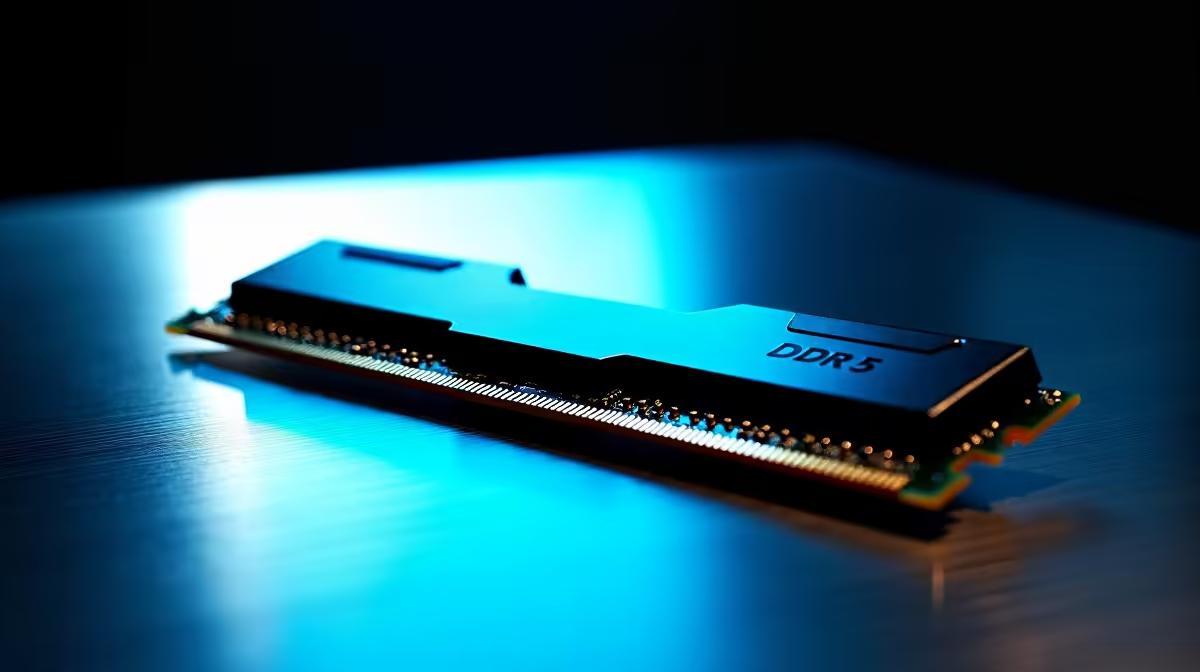
Seeing a no signal error with a DDR5 build is frustrating but rarely fatal. The fastest route back to a working PC is a methodical pass through cables, power, and software.
Quick Answer
Yes, a no signal error on a DDR5 build is usually a quick fix: plug the monitor into the graphics card, swap the cable, and reseat the RAM and GPU. Start with that DDR5 sits in the A2/B2 slots and that EXPO is stable before spending money on replacements. Confirm the monitor is running its full refresh rate, such as 144Hz or 165Hz, in Windows display settings as part of the checks.
Drivers, Firmware, and Software
If the system posts but stays blank in Windows, boot to safe mode and reinstall the GPU driver with DDU. On a DDR5 build, boot at stock JEDEC speed first, then enable EXPO once the system is stable. A clean driver reinstall using DDU often clears display faults that survive a simple reboot.
Isolate the Faulty Part
Reseat RAM one stick at a time and clear CMOS to rule out memory and BIOS faults. Swap one variable at a time so you know which part of the DDR5 build chain is at fault. Test one DDR5 stick at a time in slot A2 to find a faulty module.
When to Get SA Support
If the no signal error survives every check, the issue may be hardware. DDR5 kits carry a limited lifetime warranty; the retailer can process a swap. Keep proof of purchase and note the exact symptom so Evetech support or the brand RMA process moves faster.
FAQ
Should I plug the monitor into the GPU or motherboard?
Always the graphics card on a build with a dedicated GPU. Using the motherboard output on such a system is a top no-signal cause.
Can the wrong cable cause a no-signal error on a DDR5 build?
Yes. An underspecced or faulty cable is common. Try a different DisplayPort or HDMI cable and a different port before suspecting the DDR5 build.
How do I fix no signal after a BIOS or hardware change?
Clear CMOS, reseat RAM and the GPU, and boot at defaults. A new DDR5 kit can take a long first boot to train; an unstable EXPO speed often causes blank screens.
Pro Tip
For a no-signal error, try a second cable and a different port first, then confirm that DDR5 sits in the A2 B2 slots and that EXPO is stable before suspecting the DDR5 build hardware.