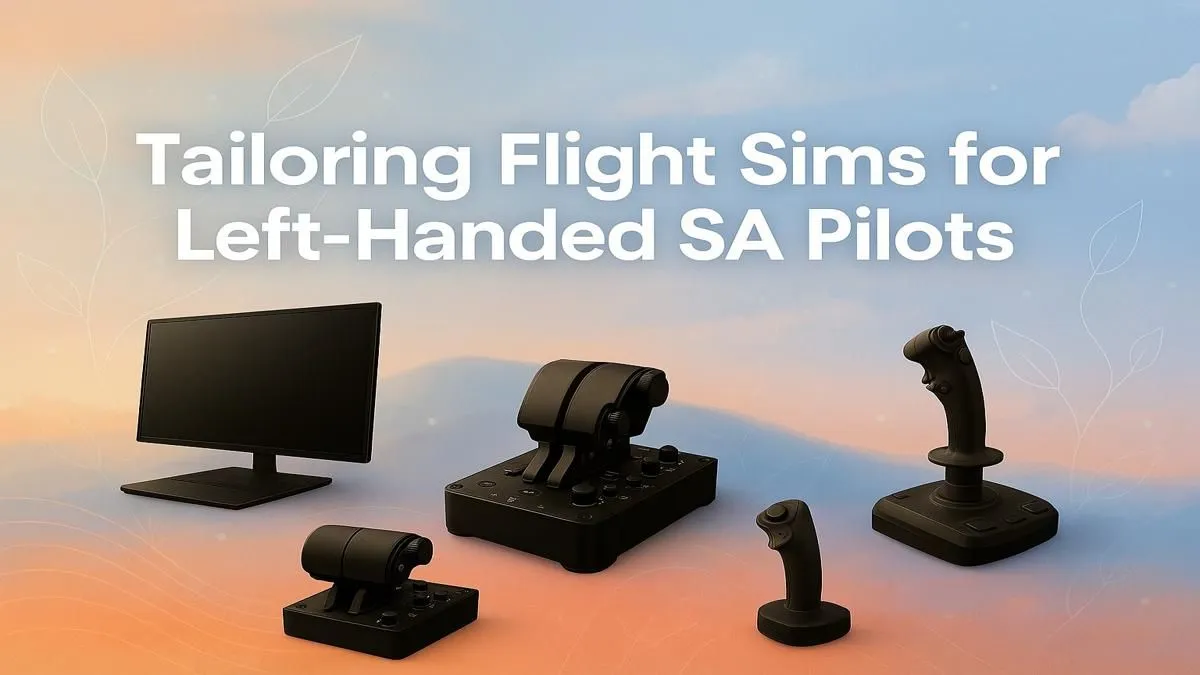
Are you a South African simmer stuck in a right-handed world? Flying a complex airliner with your non-dominant hand feels… wrong. It breaks immersion and turns a passion into a frustrating chore. But what if you could build a cockpit that feels like it was made just for you? This guide will show you how to create the ultimate left-handed flight sim setup, putting the stick in your dominant hand and giving you the precision you've been missing.
Why a Dedicated Left-Handed Flight Sim Setup Matters
For the 10% of us who are left-handed, using right-handed controls is more than a minor inconvenience. It’s a battle against years of muscle memory. In flight simulation, where tiny, precise movements separate a perfect landing from a bumpy ride, using your dominant hand for the flight stick is crucial. A proper left-handed flight sim setup isn't just about comfort; it's about control, accuracy, and deep immersion. It allows you to fly the plane instinctively, reacting with natural precision instead of consciously translating movements.
Core Components for Your Lefty Cockpit 🔧
Building a tailored setup doesn't have to be complicated. It starts with a solid foundation and choosing a few key components designed for flexibility.
The Engine: A Capable PC
Modern flight simulators like MSFS 2020 are breathtakingly beautiful but also incredibly demanding. To render realistic weather, complex aircraft systems, and detailed scenery without stutters, you need a powerful rig. We recommend starting with one of our purpose-built Microsoft Flight Simulator gaming PCs, which are optimised to handle the heavy lifting, ensuring your flights are smooth from takeoff to touchdown.
The View: Immersive Visuals
Your view from the cockpit is everything. A wide field of vision helps with spatial awareness, especially during pattern work and landings. For the ultimate "in the seat" feeling, nothing beats the wrap-around experience of immersive curved monitors. Alternatively, if you're working with a different budget or desk space, browsing a wide range of PC monitors will reveal excellent high-refresh-rate options that deliver crisp, fluid visuals.
The Controls: Your Ambidextrous HOTAS
This is where your flight sim setup for left-handers truly comes to life. Forget trying to adapt to right-handed joysticks. You need ambidextrous or modular hardware. The gold standard here is gear that can be easily reconfigured. Many pilots find success with a setup that places the throttle on the right and the flight stick on the left. Look for products like the Thrustmaster T.16000M, which is fully ambidextrous. Exploring quality Thrustmaster flight sim gear is the best place to start finding controls that work for you, not against you.
Lefty Button Mapping Pro Tip ✨
When configuring your controls, think about real-world aircraft. In many planes (like an Airbus), the captain (sitting left) flies with their left hand on the sidestick and right hand on the throttles. Use this as your inspiration! Map your most critical, frequently used functions—like gear, flaps, and trim—to your right-hand throttle quadrant. This frees up your dominant left hand for pure flying.
Ergonomics for Long Hauls ✈️
Whether you're flying a quick hop from Cape Town to George or a long-haul journey to Dubai, comfort is key. A poor posture can lead to fatigue and ruin an otherwise perfect flight. The foundation of good ergonomics is a supportive chair. Investing in one of the many high-quality ergonomic gaming chairs in South Africa ensures your back is supported, allowing you to focus on the sky ahead for hours on end. Position your monitor at eye level and ensure your controls are within easy reach without straining your shoulders.
This attention to detail transforms your setup from a collection of parts into a cohesive, comfortable cockpit. It’s the final piece of the puzzle for the perfect left-handed flight sim setup, ensuring you're ready for any adventure the virtual skies can throw at you.
Ready to Build Your Dream Lefty Cockpit?
Stop compromising and start flying with the precision you deserve. A setup that fits you perfectly is within reach. Explore our huge range of joysticks and flight sim gear and find the ambidextrous controls to command your virtual skies.