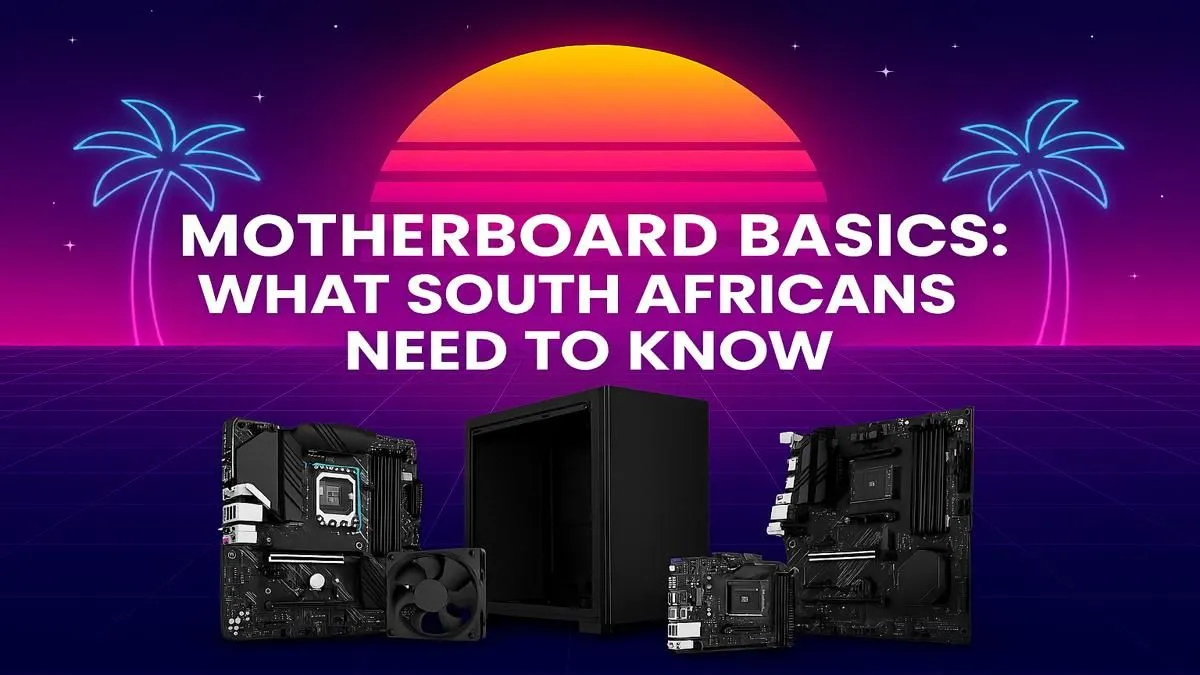
Building a new PC in South Africa is an epic journey. You’ve picked your CPU, your graphics card is ready to tear through frames… but what about the motherboard? It’s the unsung hero, the central nervous system connecting every expensive component you own. Choosing the wrong one can cripple your performance before you even boot up. This essential motherboard guide for South Africa will help you navigate the choices and build a stable, powerful rig from the ground up. 🔧
Understanding Motherboard Form Factors
Before diving into chipsets and features, let's talk size. The motherboard's form factor determines its physical dimensions, how many expansion slots it has, and what kind of PC case it will fit into.
The Main Three Sizes
- ATX (Advanced Technology eXtended): The long-standing standard for full-sized desktop PCs. It offers the most PCIe slots for graphics cards and other components, more RAM slots, and better connectivity options. Ideal for high-end builds where space isn't a concern.
- Micro-ATX (mATX): A slightly shorter version of ATX. It's a fantastic middle-ground, offering a good balance of features and size. It fits in smaller cases while usually retaining four RAM slots and enough connectivity for most gamers. You'll often find mATX boards in compact budget gaming PCs that deliver excellent value.
- Mini-ITX: The smallest of the trio, designed for compact, space-saving builds. You're limited to one PCIe slot (for your GPU) and typically two RAM slots, but you can still build an incredibly powerful small-form-factor machine.
The Chipset: Your Motherboard's Control Centre
The chipset is the motherboard's brain. It's a collection of circuits that dictates which processors are compatible, how many high-speed lanes are available for your GPU and SSDs, and whether you can overclock your components. A solid motherboard guide for any PC builder in South Africa must simplify this.
For Intel, the main consumer chipsets are:
- Z-Series (e.g., Z790): The top tier. These are the only ones that officially support CPU overclocking and offer the most features and connectivity.
- B-Series (e.g., B760): The mid-range sweet spot. They don't allow CPU overclocking but often support RAM overclocking (XMP) and provide more than enough features for the average gamer.
- H-Series (e.g., H710): The budget option, offering basic functionality for entry-level builds.
For AMD, the lineup is similar:
- X-Series (e.g., X670E): The premium choice, built for enthusiasts who want to overclock and get maximum performance.
- B-Series (e.g., B650): The people's champion. These boards provide fantastic performance, often including features like PCIe 5.0 support, making them perfect for most gaming rigs. This is the chipset you'll see in many of the best gaming PC deals.
- A-Series (e.g., A620): The no-frills option for basic builds that just need to get the job done.
NVMe Speed Check ⚡
When looking at M.2 slots for your SSD, check the PCIe generation. A PCIe Gen 4 slot offers double the theoretical speed of Gen 3 (around 7,000 MB s vs 3,500 MB s). For gamers, this means faster loading times. For content creators, it's a massive boost for scrubbing through 4K video timelines. Gen 5 is even faster, but for now, Gen 4 is the sweet spot for value and performance in South Africa.
Key Features for Your Build
Beyond size and chipset, here are the critical features to check.
- CPU Socket: This is non-negotiable. An AMD CPU needs an AM socket (like AM5), and an Intel CPU needs an LGA socket (like LGA 1700). They are not cross-compatible.
- RAM Slots: For most gamers, two slots are enough for 16GB (2x8GB), but four slots provide a great upgrade path to 32GB or more later on. Also, check if it supports faster DDR5 or the more budget-friendly DDR4 RAM.
- M.2 Slots: Your super-fast NVMe SSDs plug in here. Aim for at least one, preferably two, to separate your operating system from your games.
- VRMs (Voltage Regulator Modules): These components deliver clean power to your CPU. Better VRMs with good cooling (heatsinks) are crucial for higher-end CPUs and overclocking, ensuring stability under load. ✨
Matching Your Motherboard to Your Budget
A great South African motherboard guide needs to talk rands and cents. Your motherboard choice should scale with your total PC budget.
- Entry-Level Builds: For those building great value gaming PCs under R20k, a solid B-series (AMD or Intel) mATX board is the perfect choice. It provides all the essential features without breaking the bank.
- The Mid-Range Sweet Spot: This is where most builders live. A higher-end B-series or an entry-level Z/X-series board gives you better power delivery, more connectivity, and often better aesthetics for a balanced system. Many of our expertly balanced pre-built PC deals use motherboards from this category.
- High-End Powerhouses: If you're building a beast with a top-tier CPU and GPU, don't skimp on the motherboard. For our premium gaming PCs over R20k, a Z-series or X-series board is essential to unlock the full potential of your components through overclocking and robust power delivery. 🚀
Choosing the right motherboard is about creating a balanced, stable foundation for your build. Get this part right, and you're well on your way to PC gaming nirvana.