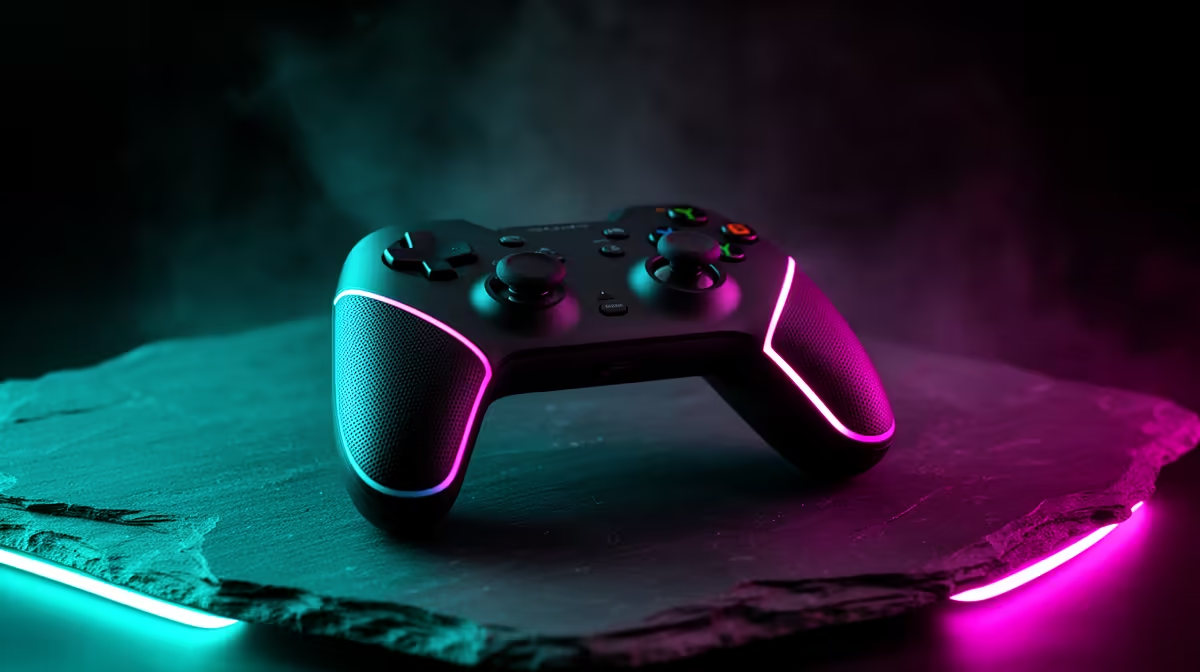
The dream is one pad that leaves your desk, joins your phone and follows you to the lounge. A multi-platform controller gets close only when its wireless modes, cable support and device list match everything you own.
Quick Answer
No controller works fully across every PC, PlayStation, Xbox, Nintendo and mobile device. Console authentication creates the hard limit. Start by naming the three devices you own, then choose a pad whose compatibility table lists those exact platforms and modes. Bluetooth is useful for phones, tablets and PCs. USB-C handles charging and a reliable wired link. Some multi-platform controllers add a 2.4GHz receiver or a physical mode switch. Special features such as adaptive triggers, motion controls and headset audio may disappear outside one platform.
Write the device list first
Record the complete model, not a family name. Xbox Series, PS5, Switch 2, Android, iPhone, Windows and a smart TV can each use different controller protocols. A product labelled PC and console may support only one console brand.
Next to every device, write the game and connection you want. A wired pad is fine at a desk and awkward across a lounge. Bluetooth suits a phone clip but may lack headset audio. A USB receiver can produce a steadier PC link and occupy a port.
This small table protects you from the word universal. Count confirmed rows, not logos printed near the top of the box.
Understand the four connection routes
USB wired is the simplest baseline. It avoids battery management and exposes a direct data connection. Check cable length, connector type and whether the controller works as a wired device rather than charging only.
Bluetooth is built into many phones, tablets and laptops. Windows desktops may need an adapter or the motherboard's external antenna. Switching between paired hosts can be clumsy when a controller remembers one device at a time.
A 2.4GHz receiver creates a dedicated wireless link. It can reduce pairing fuss and offer lower delay on supported hardware. Lose the receiver and that mode may be gone, so choose a controller with replaceable dongle support or store it in the pad.
Proprietary console wireless is another route. Xbox Wireless and PlayStation's own console connection include authentication and features that generic Bluetooth cannot reproduce everywhere. A pad supporting one does not gain the other by using the same button labels.
Console compatibility is the trap
PS5 games generally require an authorised PS5 controller. A third-party pad may work only with PS4 games on the console or need a licensed model. Xbox consoles also enforce supported accessories, and Nintendo modes can differ between Switch generations and games.
Read the maker's current compatibility chart and the console maker's accessory rules. Look for the exact platform plus the exact game generation. Avoid relying on a marketplace title that strings several device names together.
Adapters can bridge some gaps, but they add firmware, cables and another failure point. Console updates can change behaviour. Treat an adapter as a specific workaround, not a permanent promise.
Mapping software and button prompts
A mode switch can make the controller present itself as XInput on Windows, a Switch-style pad or a mobile device. That broadens basic input while changing button order and features.
Good mapping software lets you adjust dead zones, remap buttons and store profiles. Check whether it runs on your PC or phone and whether settings save to the controller. Cloud-only configuration can be frustrating when the app disappears.
On-screen prompts may still show Xbox letters while the physical pad uses Nintendo order. Some controllers let you swap caps; others require muscle memory. If children share the pad, matching prompts can matter more than a long feature list.
What you lose when one pad covers more devices
A multi-platform controller often focuses on standard sticks, buttons, triggers and rumble. Platform-specific haptics, trigger resistance, touchpads, gyro, NFC, wake-from-sleep and headset support can be partial or absent.
Decide which two features matter. For a racing game on PC and an Android emulator, broad input support wins. For a PS5 title built around DualSense, the native controller offers more.
One pad can also wear faster when it serves the whole household. Check stick technology, replacement parts and the local support route. Hall-effect sticks can reduce one common wear mechanism, but they do not prevent button, spring or connector failures.
Battery and charging
Built-in batteries keep the shape tidy. Replaceable cells let you swap and continue. A rechargeable pack can combine both ideas, depending on the model.
Check runtime with lighting and vibration active, plus the charging behaviour during wired play. A controller that cannot operate while charging needs a second plan for long sessions.
USB-C describes the plug, not the charging speed or data mode. Use a cable known to carry data and avoid forcing the connector when the pad is in your lap.
Shop by verified compatibility
Browse gaming controllers and popular peripheral choices. Open the specification for each candidate and search for your exact devices before comparing shape or colour.
The approved July 2026 price pack includes named PC-oriented options such as the Logitech F310 at R449 and GameSir Nova Lite at R449, as of July 2026. Those prices do not prove console-wide support. Read each compatibility list before treating either as the one pad for everything.
Test the switching routine
Pair the controller to each device, switch away and return. Confirm wake behaviour, button order, vibration and headset audio. Then launch the games you use, because operating-system detection does not guarantee correct in-game prompts.
A controller that covers two devices well and a native pad for the third can be calmer than one complicated pad plus adapters. The best universal setup may still contain two controllers.
FAQ
Does Bluetooth guarantee cross-device support?
No. It supplies a radio link. The device still needs a compatible controller protocol and game support.
Can one controller replace three pads?
It can when all three devices appear on the maker's exact compatibility table and you accept the lost platform features.
Is wired better for sharing?
Wired use avoids pairing and battery trouble. Cable reach and console authentication remain limits.
Compare controllers by exact device support, then test the switching routine before relying on one pad for the whole household.