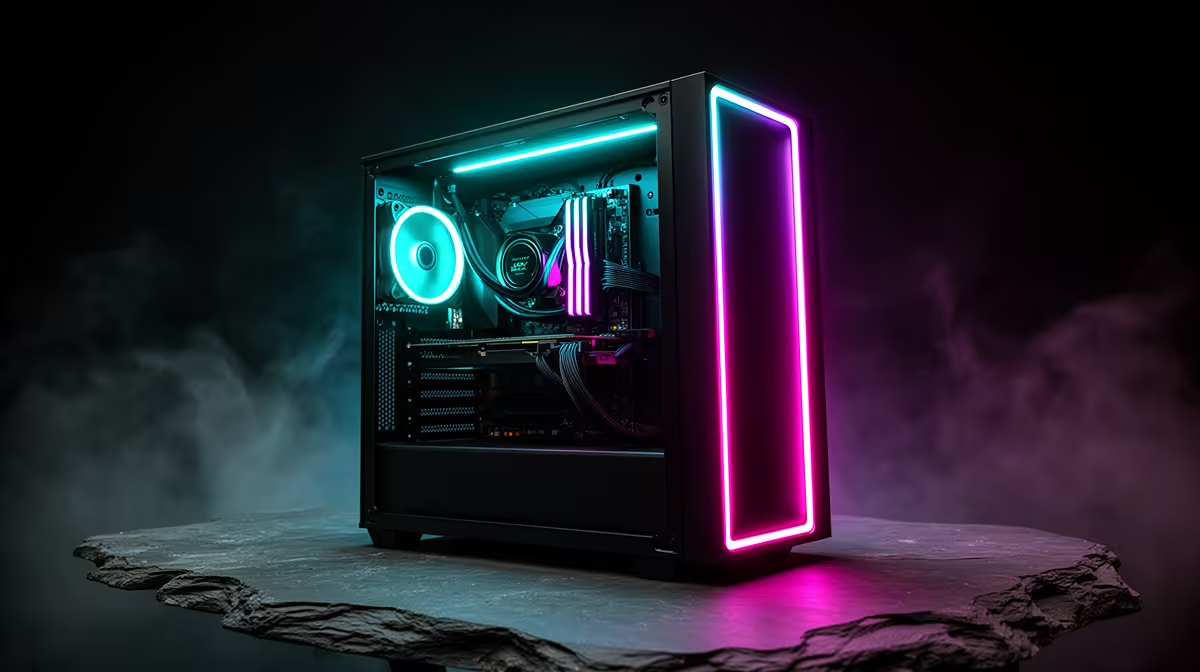
A prebuilt PC gives a first-time buyer one assembled system, one compatibility decision and usually one support path. A parts build can offer more control, but every component has its own fit, return and troubleshooting context. The value of a prebuilt comes from reduced coordination, not the assumption that every assembled system is equally good.
Compare support as part of the specification
Ask who diagnoses a fault, whether collection or carry-in service applies and what opening the case means for support. Confirm the exact processor, graphics card, memory layout, storage, motherboard, PSU and operating system. Vague component descriptions make future upgrades and fault finding harder even when the computer arrives ready to use.
The AMD Ryzen 5 5500 processor is factpack-verified at R1,100. The Palit GeForce RTX 3050 6GB graphics card appears at R2,700. The DeepCool PF750 power supply is listed at R550. These separate parts illustrate how a self-build creates several compatibility and support checks; they do not describe one verified prebuilt system.
Keep invoices, serial numbers and the original configuration details. Test ports, temperatures, memory and storage soon after delivery while return procedures are clear. Choose a prebuilt when transparent components, suitable performance and a practical system-support process justify the convenience. Build from parts when control and hands-on troubleshooting are part of the goal.
Buying a first complete PC? > Compare current Evetech prebuilts by exact components, support process and upgrade path.