



Fix Dead pixel checks on RX 9070 XT build
Dead pixel on RX 9070 XT build needs careful display-chain checks, not a single-part blame. Test the screen, cable, port, scaling, drivers, and setup context before replacing hardware.
Read moreMastering PC cooling for 3D rendering is crucial for stability. Learn how to prevent thermal throttling and keep temps low during marathon 24-hour sessions. 🌡️❄️ Protect your hardware and boost render speeds today!
You’re hours deep into a complex render for a client. The deadline is looming. Your PC’s fans are screaming, the air in your room feels thick, and you’re praying it doesn’t crash. Sound familiar? In South Africa, where ambient temperatures can be unforgiving, effective PC cooling for 3D rendering isn't a luxury… it's the bedrock of a stable and productive workflow. Without it, you're just inviting thermal throttling and lost time.
Unlike gaming, which has peaks and troughs of intensity, 3D rendering pushes your CPU (and sometimes GPU) to its absolute limit for hours on end. This sustained load generates a massive amount of heat. When your processor gets too hot, it activates a self-preservation mechanism called thermal throttling.
Essentially, your CPU slows itself down to cool off. The result? Your render times get longer, and your productivity takes a nosedive. In worst-case scenarios, overheating can lead to system instability, crashes, or even shorten the lifespan of your valuable components. Proper cooling ensures your machine can maintain its peak performance, 24/7 if needed. 🚀
The debate between air and liquid cooling is a classic one, but for rendering workloads, the answer depends on your specific needs and budget.
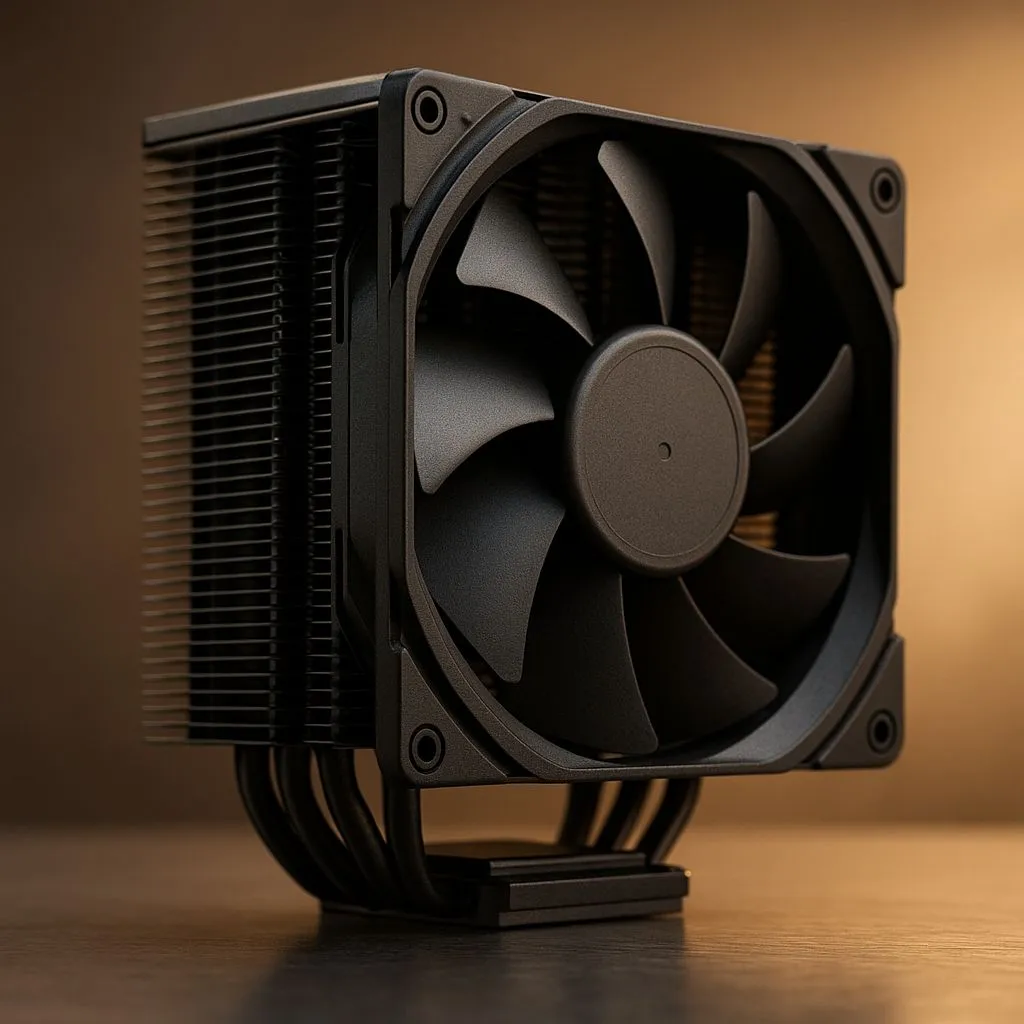
Don't underestimate the power of a modern, high-end air cooler. For many creators, they are the perfect blend of performance, reliability, and value. They work by using a heatsink with metal fins to draw heat away from the CPU, which is then dissipated by a fan. They're simple, with no moving parts besides the fan, meaning there's virtually no risk of leaks. If you're building a reliable workhorse on a budget, exploring high-performance air coolers is a brilliant starting point.
For the most demanding rendering rigs, especially those with high-core-count CPUs like an Intel Core i9 or AMD Ryzen 9, All-In-One (AIO) liquid coolers often have the edge. They use a liquid coolant to transfer heat from the CPU to a radiator, where fans then exhaust the heat from the case. This process is generally more efficient at handling intense, prolonged heat loads. The result is lower peak temperatures and more consistent performance during those marathon renders. You can browse a wide variety of liquid cooler (AIO) options to see what fits your build. ✨
Your CPU cooler can't work effectively in a hot box. Ensure your PC case has good airflow with at least two intake fans at the front and one exhaust fan at the back. This creates a clear path for cool air to enter and hot air to escape, dramatically improving the efficiency of your primary cooler.
Choosing the right cooling solution for your rendering PC involves more than just picking a type. Here are a few key things to look out for:
Ultimately, the best PC cooling for 3D rendering is one that allows your components to run at their full potential, without you ever having to worry about overheating. It's an investment in peace of mind and faster project delivery.
Ready to Beat the Heat? A powerful cooler is an investment in stability, speed, and peace of mind. Stop thermal throttling from killing your deadlines. Explore our massive range of CPU coolers and find the perfect solution to keep your rendering rig cool and quiet.
Keep CPU temps under 85°C for long-term safety, though up to 90°C is acceptable for short bursts. Good PC cooling for 3D rendering ensures sustained lower temps.
Generally, yes. High-end AIO liquid coolers handle sustained heat loads better than air coolers, preventing thermal throttling during 24-hour render sessions.
Clean dust filters, reapply high-quality thermal paste, undervolt your GPU, and adjust fan curves to maintain aggressive airflow before the system heats up.
Not always. Removing panels disrupts directed airflow pressure pathways. A closed case with high-static pressure fans usually offers better component cooling.
Yes, undervolting reduces power consumption and heat output without sacrificing clock speeds, making it a top strategy for keeping temps low during renders.
Aim for positive pressure with more intake fans than exhaust. This forces cool air over components and reduces dust buildup inside the chassis.
Dead pixel on RX 9070 XT build needs careful display-chain checks, not a single-part blame. Test the screen, cable, port, scaling, drivers, and setup context before replacing hardware.
Read more
Genshin Impact anti-cheat error on RTX 4090 usually needs service, permissions, overlay, and file integrity checks. Use this SA-focused fix path to isolate launch blockers before reinstalling or changing security settings.
Read more
Mass Effect launch trouble on RX 7800 XT needs focused driver, settings, launcher, and heat checks. Use this SA-friendly guide to isolate the likely cause, protect saves, and return to smoother play without unsupported hardware claims.
Read more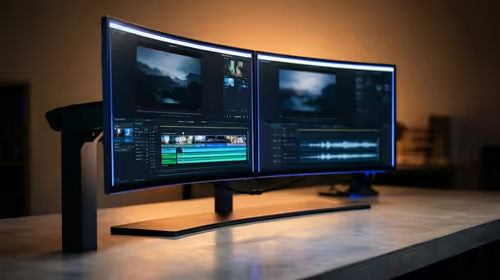
144Hz 1440p setup for video editing in 1080p - what SA needs a balanced, cautious look before buying. Compare fit, budget, workload, warranty support, and upgrade room so the choice makes sense for South African buyers.
Read more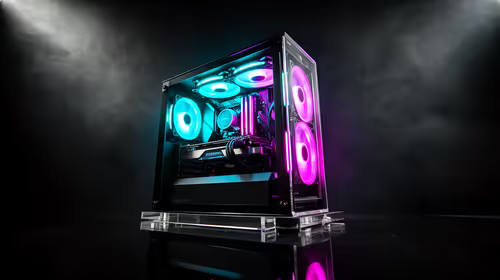
R8,000 gaming PC build in KwaZulu-Natal needs a practical check before you shortlist anything. Compare fit, compatibility, warranty support, timing, and total setup balance for South African buyers.
Read more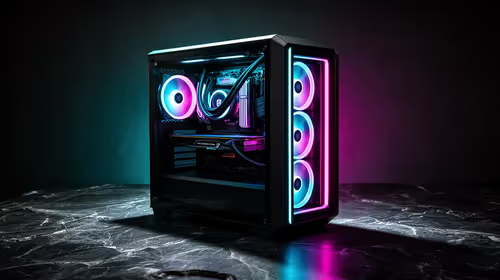
Brits video editing in 4K build under R20,000 needs a balanced parts plan, not a random basket. Map the CPU, GPU, RAM, SSD, cooling, and monitor target to the budget so SA builders know where to spend first.
Read more
Windows never combine taskbar shows separate labelled buttons for open windows. Choose it in Taskbar behaviours, then review space and other-display settings; labels and grouping are linked in the available options.

8BitDo Ultimate 3C+ brings adjustable stick tension to the C Series. Windows uses wired USB or the 2.4 GHz adapter; Android uses Bluetooth. Confirm those modes and local pricing before buying.

EPOMAKER Galaxy75 previews an aluminium 75% keyboard with wireless modes and HUB/VIA customisation. It is still marked coming soon; final pricing and South African supply are not confirmed.

Windows Delivery Optimisation can share update files with other PCs. Review its activity, choose local-only sharing or turn peer sharing off, and use bandwidth controls; those choices do not disable Windows Update.
Windows never combine taskbar shows separate labelled buttons for open windows. Choose it in Taskbar behaviours, then review space and other-display settings; labels and grouping are linked in the available options.
Windows Delivery Optimisation can share update files with other PCs. Review its activity, choose local-only sharing or turn peer sharing off, and use bandwidth controls; those choices do not disable Windows Update.

Windows touch indicator adds visual feedback where you touch a screen. Change it in Accessibility, Mouse pointer and touch; a feedback circle is different from inaccurate input, ghost touches or a damaged panel.

Windows underline access keys makes supported menu letters easier to see. Enable the keyboard accessibility option, then follow the app's displayed Alt cues; this does not remap keys or create missing app shortcuts.
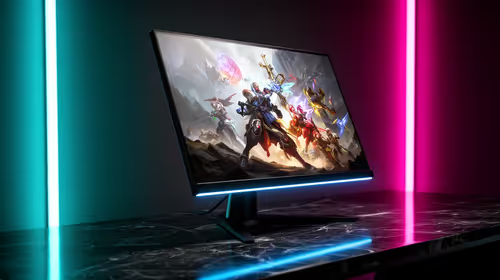
1440p is the sweet spot for SA gamers who want sharper detail than 1080p without forcing a costly 4K-class GPU jump. SA buyers should compare monitor size, refresh rate, GPU power, and desk distance before upgrading.

RX 9070 XT worth depends on 1440p targets, local pricing, and the rest of your build. Honest pros and cons for SA buyers help compare performance headroom, cooling, ray tracing expectations, PSU needs, and how long you plan to keep it.
Every X3D Ryzen CPU compared: comparison matrix needs a workload-first comparison. For SA buyers, judge real performance, platform fit, warranty path, power needs, and upgrade timing before choosing either side.

Skip the RTX 4080 Super for video editing only when your codecs, VRAM needs, and budget point elsewhere. Better SA picks for video editing can still deliver smooth timelines, sensible power use, and upgrade room.