Is your gaming PC starting to sound like a jet engine during a classic South African heatwave? You're not alone. When your machine overheats, it thermal throttles—slowing down to protect itself and killing your frame rates in the process. Effective PC cooling in South Africa isn't just a "nice-to-have"; it's essential for protecting your hardware investment and staying competitive. Before you start worrying about a total replacement, let's look at how to test and fix the heat. 🌡️
Why PC Cooling in South Africa is a Unique Challenge
Let's be honest, our climate can be tough on electronics. From the sweltering summer heat in Gauteng to the humidity down at the coast, your PC is constantly fighting an uphill battle. Dust is another major factor, especially on the Highveld. All these elements can clog up your fans and heatsinks, turning your sleek gaming rig into a very expensive space heater.
Proper PC cooling ensures your components, like the CPU and GPU, operate within their safe temperature limits. This not only prevents performance drops but also extends their lifespan. Even the most carefully selected budget gaming PCs need a good airflow strategy to perform at their best year-round.
How to Test Your PC's Temperature
You can't fix what you can't measure. Guessing if your PC is "too hot" isn't good enough. You need real data. Luckily, it's easy to get.
Finding Your Baseline
- Download Monitoring Software: Grab a free, trusted tool like HWMonitor or MSI Afterburner. These lightweight apps read the temperature sensors built into your motherboard, CPU, and graphics card.
- Check Idle Temps: With no major programs running, open the software. Your CPU should ideally be sitting between 30-50°C, and your GPU around the same.
- Run a Stress Test: Fire up your favourite demanding game (think Cyberpunk 2077 or Warzone) and play for about 15-20 minutes. Alt-tab back to your monitoring software.
Under load, a CPU shouldn't really exceed 85°C, and a GPU should stay below 85-90°C. If your numbers are creeping higher, it's time to take action. This simple test is crucial whether you have a high-end monster or one of our popular PCs under R20,000.
Simple Ways to Improve Your PC Cooling Today
Before you spend a cent, there are several highly effective, free ways to improve your PC cooling situation.
The Free Fixes: Airflow is King 💨
- Clean Your PC: Dust is the #1 enemy of cool components. Power down, unplug, and use compressed air to clean out all your dust filters, fans, and heatsinks. Do this every few months.
- Check Your Cable Management: A bird's nest of cables inside your case obstructs airflow. Tucking and tying them away can make a surprising difference. It's one reason our professionally assembled pre-built PC deals focus so heavily on clean routing.
- Give it Room to Breathe: Is your PC shoved into a tight cabinet or against a wall? Pull it out! It needs space to draw in cool air and exhaust hot air.
Thermal Paste Pro Tip 🔧
When upgrading a CPU cooler or doing a deep clean, you'll need to re-apply thermal paste. Don't spread it like butter! The "pea method" is your friend. Just place a small, pea-sized dot in the centre of the CPU. The pressure from the cooler will spread it evenly for perfect contact and heat transfer.
Smart, Affordable Upgrades
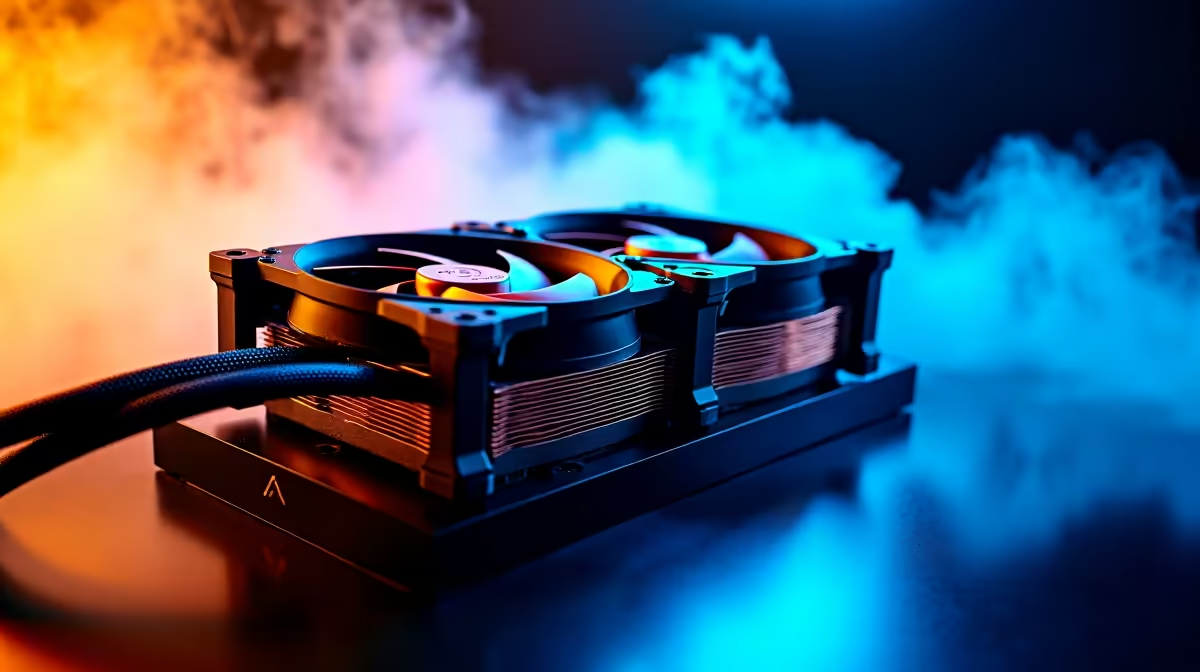
If the free fixes aren't enough, a small investment can make a huge impact. Consider adding more case fans to create a clear airflow path (cool air in from the front/bottom, hot air out from the back/top). For more powerful rigs, especially high-performance PCs above R20k, upgrading from a stock CPU cooler to a larger air tower or an All-in-One (AIO) liquid cooler is one of the best performance-per-Rand upgrades you can make.
When It’s Time for a Cooler, Quieter Rig
Sometimes, you've done all you can. Your case might have poor inherent airflow, or your components are simply getting old and running hotter. If you're constantly fighting high temps and loud fans, it might be the perfect time to upgrade your entire system.
Modern PC cases are designed with far superior airflow, and newer components are more power-efficient, generating less heat. An upgrade doesn't just mean more frames per second; it means a cooler, quieter, and more reliable gaming experience. If this sounds like the solution for you, it's worth exploring the best gaming PC deals available to see what a modern, cool-running machine can do. ✨
Ready for an Ice-Cold Upgrade?
A hot PC is a slow PC. Don't let thermal throttling ruin your experience in the South African heat. Whether you need a simple fan or a brand new rig with optimal airflow, we've got the solution. Explore our massive range of PC deals and find the perfect machine to conquer your world.