


Stuck Pixel Checks for a Mechanical Keyboard Setup
Stuck pixel on a Mechanical Keyboard is likely a display symptom around that setup, not the part itself. Check the monitor, cable, GPU output, drivers, and warranty path first.
Read more- PC intake vs exhaust focus; - Balance intake and exhaust; - Monitor temps and dust. PC intake vs exhaust shapes cooling, noise and longevity — learn fan balance, pressure setups, and placements to avoid overheating. 🛠️🌬️
Is your gaming rig sounding more like a jet engine during a Johannesburg heatwave? You've dropped serious ZAR on a beastly GPU, but your frames are dropping mid-match. Before you blame the silicon, check your airflow. The silent performance killer is often a poor PC intake vs exhaust setup. It’s the difference between a cool, quiet champion and a wheezing, thermal-throttling machine. Let's get it sorted. 🔧
At its core, PC cooling is simple: get cool air in, get hot air out. The fans in your case are the lungs of your machine, and the entire PC intake vs exhaust debate boils down to finding the perfect balance for your build.
A clear, unobstructed path for air to flow through is non-negotiable for a healthy PC.
The way you balance your intake and exhaust fans creates air pressure inside your case. There are three main approaches to your PC cooling configuration, each with its own pros and cons.
This happens when you have more intake fans than exhaust fans (or your intake fans are running faster).
This is the opposite: more exhaust power than intake.
For most South African builds, aiming for slightly positive or balanced pressure is the ideal strategy to combat dust while maintaining great cooling.
So, how do you actually set this up? A classic, effective PC fan setup follows the laws of physics: hot air rises.
Your CPU cooler is a vital part of this airflow path. Traditional tower-style reliable air coolers typically align to push air towards the rear exhaust fan. Alternatively, many builders favour all-in-one (AIO) liquid coolers, often mounting the radiator at the top of the case as an exhaust. For high-end CPUs, a beefy 360mm radiator can provide the thermal headroom needed for intense gaming and productivity. Quality components from top brands like Corsair often include clear markings to make installation even easier.
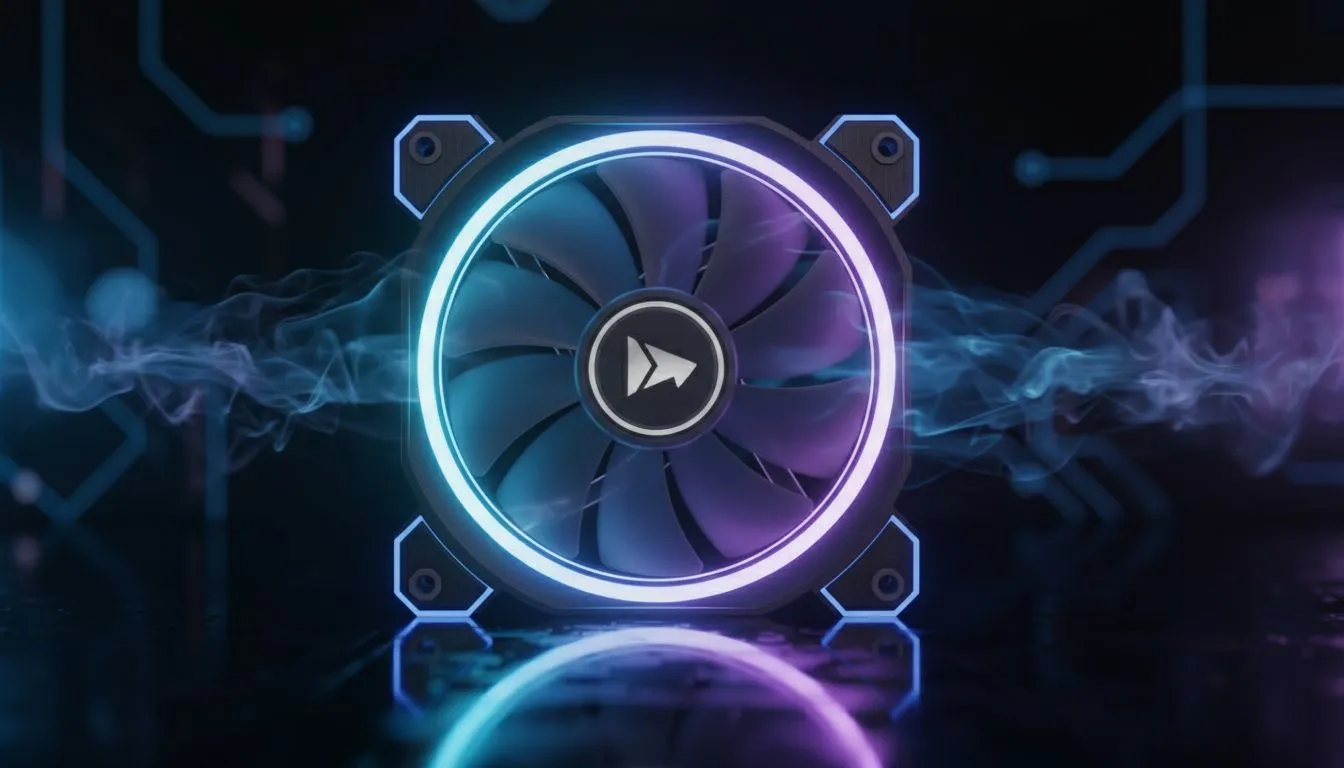
Unsure which way your fans are blowing? The side with the plastic frame or 'spider' holding the motor is almost always the exhaust side. The cleaner, open side with the brand logo is the intake. Double-check this to ensure your PC fan setup is correct and not fighting itself!
Ultimately, don't just throw fans in your case and hope for the best. A smart PC intake vs exhaust strategy is fundamental to a high-performing rig. By creating a logical airflow path, you'll lower temperatures, reduce noise, and let your components run at their full potential. It’s one of the most important steps in any build, and getting it right is crucial for the lifespan of all your effective CPU coolers and other hardware. ✨
Ready to Master Your Airflow? Getting your PC intake vs exhaust balance right is the key to unlocking peak performance and longevity. Don't let your components suffocate. Browse our full range of PC components and give your build the fresh air it deserves.
Aim for a balanced fan setup with slight positive pressure; balanced intake vs exhaust keeps temps low and limits dust.
Positive vs negative pressure pc: more intake creates positive pressure that reduces dust, while more exhaust causes negative pressure that can draw dust in.
A common starting point is two intake and one or two exhaust fans; adjust for case size and airflow optimization pc build needs.
Yes. Use filters on intake fans—intake exhaust fan placement with filters cuts dust and keeps component temps stable.
Yes. Case airflow guide 2025 recommends routing fresh intake air toward the GPU and exhausting hot air away to lower GPU temps.
Check component temps, run a smoke or incense airflow check, and confirm that a balanced fan setup pc yields lower, steady temps.
You can, but only-exhaust creates negative pressure that may increase dust intake and noise; balancing intake vs exhaust fans is recommended.
Stuck pixel on a Mechanical Keyboard is likely a display symptom around that setup, not the part itself. Check the monitor, cable, GPU output, drivers, and warranty path first.
Read more
How to fix stuck pixel Windows 11 USB DAC issues starts with display-only tests. Check HDR, scaling, monitor input, USB cable movement, and safe South African support options before connecting the pixel issue to audio hardware.
Read more
Windows 11 Steam Deck monitor issues often start with display mode, USB-C output, drivers, or dock power. Use this how to fix monitor not detected windows 11 steam deck checklist for SA handheld PC setups.
Read more
Stalker 2 Heart of Chornobyl PC build planning at R100,000 should stay cautious about parts and settings. Balance GPU, CPU, RAM, storage, cooling, and upgrade room before picking a South African gaming PC.
Read more
RX 9070 XT build stuttering needs a step-by-step check before replacing parts. Review drivers, settings, thermals, power, background apps, display limits, cables, and game options before changing hardware.
Read more
GTA 6 on R15,000 needs careful part balance. This SA build guide frames CPU, GPU, RAM, SSD, cooling, and upgrade trade-offs without promising live prices, stock, or exact FPS.
Read more
NVIDIA lists 550W required system power for the RTX 5060 reference specification, based on a high-end test system. A quality 550W unit can be enough, but CPU draw, transient load, connectors and ageing decide real headroom.

80+ Gold vs 80+ Platinum for couch co-op gaming is about PSU efficiency, heat, fan behaviour, quality, and wattage headroom, not direct FPS. SA buyers should compare the whole build.

Upgrade your setup with the best USB-C hubs for creators. Discover why high-capacity card readers and dual 4K output are essential for professional South African content production. 🚀💻

B850 motherboard FPS drops needs a methodical troubleshooting pass. Review drivers, thermals, power settings, background apps, cables and game settings before replacing parts in an SA gaming setup.
NVIDIA lists 550W required system power for the RTX 5060 reference specification, based on a high-end test system. A quality 550W unit can be enough, but CPU draw, transient load, connectors and ageing decide real headroom.

OpenRGB's master branch now carries changes labelled for 1.0 final, including translation and platform work, but the official tags page still lists 1.0rc3.1 as the newest packaged release. Stable users should wait for the signed release channel.

A motherboard can remain useful for many years when power, cooling and connectors stay healthy. Replace it for confirmed faults, damaged power delivery or a blocked platform need, not simply because the calendar reaches a fixed age.

The VAIO T combines a 13.3-inch display with a multi-flip mechanism for laptop, tablet and outward-facing viewing modes. Orders begin in Japan on 18 September; South African availability is unconfirmed.

The smallest ATX case 2026 buyers should choose is the smallest chassis that still fits their exact graphics card, cooler, power supply and airflow plan. ATX support alone does not prove a case has the smallest footprint or volume.

In a 6 bit + FRC vs 8 bit comparison, native 8-bit panels can produce 256 levels per colour channel directly, while 6-bit plus FRC rapidly alternates nearby values to approximate the wider palette. Panel quality still depends on more than bit depth.

The UGREEN LinkStation Pro eGPU dock combines Thunderbolt 5 and OCuLink connections with an integrated 850W ATX 3.1 power supply and up to 140W laptop charging. South African availability is unconfirmed.

Windows 11 KB5124008 can leave some USB Audio Class 1.0 devices with no sound, Code 10 or failed multichannel output. Microsoft confirms the issue and says switching to two-channel stereo can restore audio for some users.