Tired of your ping spiking at the worst possible moment? You’ve got the skills, but a dodgy connection can ruin any competitive match. For many, sorting out PC networking in South Africa feels like a massive headache. But it doesn’t have to be. A stable, fast home network is the foundation of great gaming and productivity, and getting it right is easier than you think. Let's break down the essentials for a lag-free life. 🚀
The Core of PC Networking in South Africa
Getting your home network optimised starts with understanding the key hardware. It's not just about your fibre line; the gear inside your home plays a massive role in speed and stability.
Your Router: The Brains of the Operation
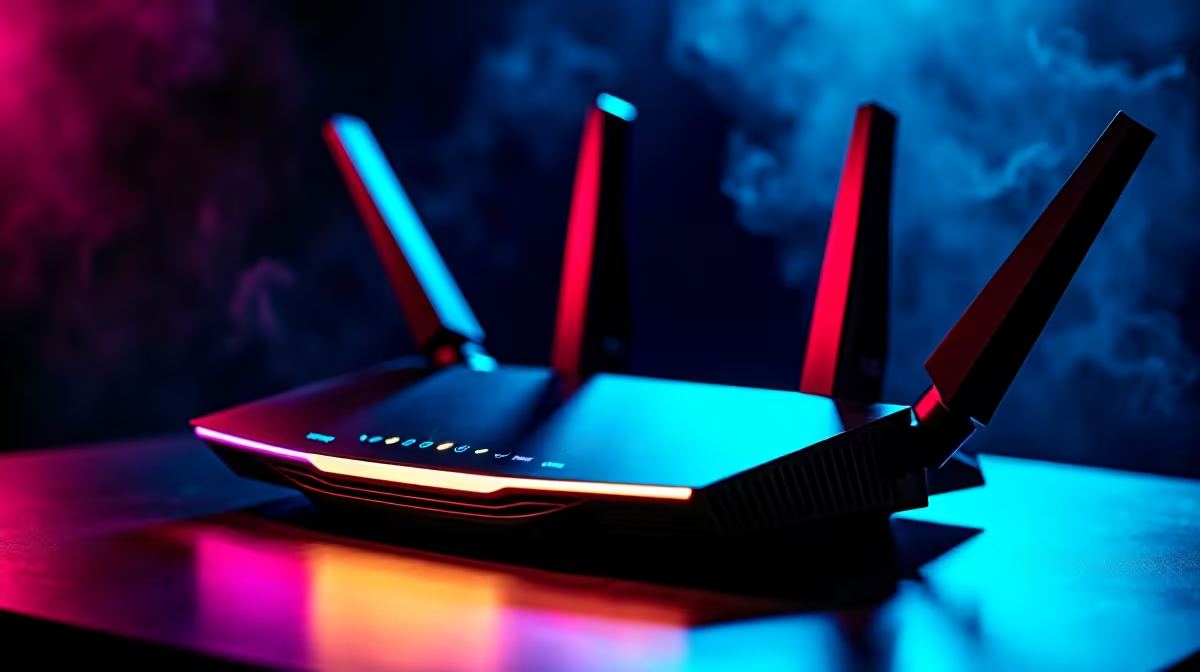
Think of your router as the air traffic controller for all your internet data. The free one from your ISP is often... average. Upgrading to a dedicated gaming router can offer better range, more stable connections, and crucial features like Quality of Service (QoS), which lets you prioritise traffic to your gaming rig. A powerful machine like a top-tier NVIDIA GeForce gaming PC deserves a router that can keep up with its demands.
Ethernet vs. Wi-Fi: The Wired Advantage
Wi-Fi is convenient, but for serious gaming, nothing beats a physical cable. An Ethernet connection is faster, more stable, and has lower latency (ping) because it isn't affected by walls, distance, or your neighbour's microwave. If you can, always plug your gaming PC directly into your router. Wi-Fi is fine for browsing, but for that clutch defuse, you want the reliability of a wired connection. It's a non-negotiable part of any solid PC networking setup.
Pro Tip for Stable Speeds ⚡
Use a CAT6 or CAT6a Ethernet cable. Older CAT5e cables still work, but CAT6 provides better performance and future-proofing, especially if you have a fibre connection faster than 1Gbps. They're an affordable upgrade that ensures you're getting the full speed you pay for.
Switches and Cables: The Unsung Heroes
What if your router is in another room? Or you have multiple devices to connect? A simple network switch is your best friend. It acts like a power strip for your internet, letting you plug in multiple Ethernet cables without losing speed. This ensures your console, your smart TV, and your powerful AMD Radeon gaming rig all get a stable, wired connection from a single port on your router.
Optimising Your Network for Gaming & Work
A fast network isn't just for play. With more people working from home, a stable connection is vital for video calls, large file transfers, and staying productive. The same principles that create a great gaming network also create a fantastic work-from-home environment. 🔧
A solid network ensures that your high-performance workstation PC can handle massive design files or complex code compilations without being bottlenecked by slow data transfers. Prioritising traffic with QoS and using wired connections where possible will make your workday smoother and more efficient. It’s a small investment in your PC networking infrastructure that pays off daily.
Ready for a Lag-Free Setup?
A rock-solid network is the foundation, but it needs a powerful PC to truly shine. Explore our incredible range of PC deals and build the ultimate rig to conquer your games and workflow.