


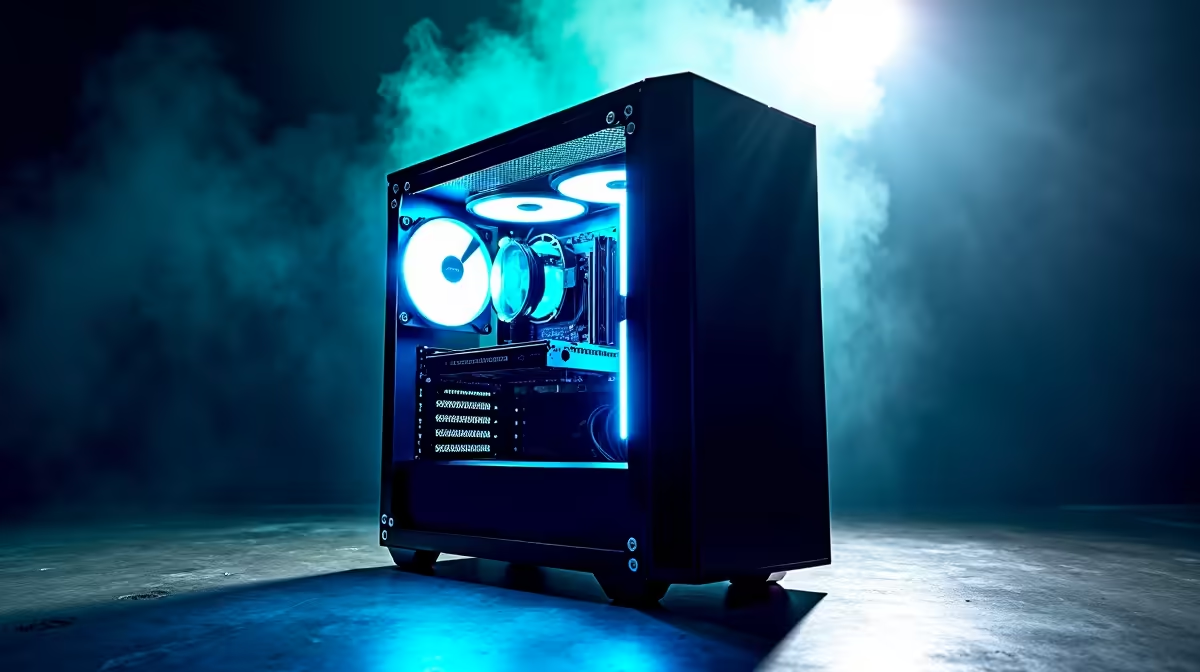
Is your gaming PC so loud it sounds like a jet taking off from O.R. Tambo? You’re not alone. Many gamers sacrifice peace and quiet for performance, thinking a silent rig is out of their price range. But what if you could have both? This guide will walk you through creating a quiet budget gaming PC build that delivers smooth frame rates without the distracting roar, letting you hear every footstep in-game. 🤫
Planning Your Quiet Budget Gaming PC Build
The secret to a silent gaming PC isn't about spending a fortune on exotic parts; it's about making smart, targeted choices. The goal is efficient cooling, which allows your fans to spin slower and quieter. Before you buy a single component, think about the three main sources of noise: the CPU cooler, the graphics card, and your case fans.
By focusing your budget on these key areas, you can achieve a near-silent experience. A well-planned quiet budget gaming PC build prioritises airflow and low-noise components over flashy RGB (though you can have that too!). If you'd rather see some examples first, check out our curated budget gaming PCs to get an idea of what's possible.
Key Components for a Whisper-Quiet Rig 🔧
Building a silent PC is an art. Let's break down the most important parts that will turn down the volume on your gaming sessions.
### The Chassis: Your Build's Foundation
Your PC case is your first line of defence against noise. Look for models with:
- Sound-Dampening Material: Some cases come with foam or dense material on the side panels to absorb internal vibrations and noise.
- Excellent Airflow: A case with a mesh front panel allows fans to draw in cool air easily, so they don't have to work as hard (or as loud).
- Ample Space: Good cable management isn't just for looks. Tucking away cables improves airflow, leading to better and quieter cooling.
### CPU Cooler: The Heart of Silence
The stock cooler that comes with your CPU is... fine. But it's often small and loud under load. For a truly quiet build, a third-party air cooler is your best bet. A large tower cooler with a 120mm or 140mm fan can dissipate heat more effectively at lower RPMs than a stock cooler. You don't need a pricey liquid cooler for a silent budget build; a quality air cooler often performs better and more quietly for less.
Master Your Fan Curves ⚡
Your motherboard's BIOS or software like FanControl lets you create custom fan curves. Instead of letting fans blast to 100% speed instantly, set a gradual curve. This keeps your PC quiet during light tasks like browsing and only ramps up smoothly when you're deep in a demanding game, making the noise far less noticeable.
### Graphics Card (GPU) & Power Supply (PSU)
Modern GPUs are impressively quiet. Many models feature a "zero RPM" or "fan stop" mode, where the fans don't spin at all until the card hits a certain temperature (usually around 50-60°C). When choosing a card, look for reviews that specifically mention noise levels.
Your Power Supply Unit (PSU) also has a fan. A high-quality, 80+ Gold rated PSU is not only more energy-efficient but often comes with a larger, slower-spinning fan that's much quieter. Some even have a similar zero RPM mode for low-load situations.
Balancing Your Budget for Performance 💰
Building a silent PC doesn't mean you have to compromise on frame rates. The key is finding the sweet spot. For many South African gamers, there are excellent gaming PCs under R20k that offer fantastic 1080p performance with quiet components. These builds often use efficient CPUs and GPUs that don't generate massive amounts of heat, making them easier to cool silently.
Of course, if your budget allows, you can step up to rigs over R20k for 1440p or 4K gaming, which will require more robust (but still quiet!) cooling solutions. Regardless of your budget, finding the right combination of parts is everything, and it always pays to see what the best gaming PC deals in South Africa are before you commit.
The Final Step: Build or Buy?
You've got the knowledge, but maybe not the time or confidence to assemble it all yourself. That's perfectly okay! A quiet budget gaming PC build requires careful assembly and cable management to maximise airflow. If the idea of thermal paste and front-panel connectors makes you sweat, consider a professionally assembled machine. 🚀
Our expert technicians live and breathe this stuff. We build, test, and optimise every PC to ensure it runs cool, quiet, and stable right out of the box. Why not skip the hassle and browse our latest pre-built PC deals? You get all the performance and silence, backed by a full warranty.
Ready for Silent Domination? A quiet gaming PC transforms your experience, letting you get fully immersed in your favourite worlds. Whether you build it yourself or let us handle it, the journey starts with the right parts. Explore our massive range of PC components and start planning your whisper-quiet rig today.











