Quick Answer
A sensible R80,000 Wuthering Waves build in South Africa should use Ryzen 7 7800X3D or Ryzen 7 9800X3D class CPU, RTX 4080 SUPER, RTX 5080 class or similar high-end GPU, 32GB to 64GB DDR5, 2TB to 4TB NVMe SSD, and a 850W to 1000W Gold PSU. That puts the money into the parts that affect input feel, frame pacing, storage, and cooling. Expect a stable 60-120 fps target, depending on the selected mode and monitor, with extra budget best spent on quiet cooling and screen quality.
Spend Where The Game Actually Notices It
Start with the graphics card, CPU, RAM, and SSD before spending on cosmetic case extras. In this price class, a practical component split is about 35-45% of the tower budget on the GPU, 15-25% on the CPU and motherboard platform, and the rest on memory, storage, case airflow, and power. For SA buyers, that usually means comparing Evetech configurations by GPU class first, then checking whether the listed motherboard, PSU rating, and SSD size are strong enough for the next two years.
Suggested Parts For The Budget
Use Ryzen 7 7800X3D or Ryzen 7 9800X3D class CPU as the CPU target, pair it with a RTX 4080 SUPER, RTX 5080 class or similar high-end GPU, and keep 32GB to 64GB DDR5 as the memory floor. A 2TB to 4TB NVMe SSD is the practical minimum once Windows, launchers, recordings, and a few large games are installed. For power, choose a 850W to 1000W Gold PSU from a known range rather than cutting the build short on the one part that protects every other component. Broad SA tower pricing at this level should stay close to R80,000, with small movement allowed for stock, case choice, and cooling.
Performance And Monitor Match
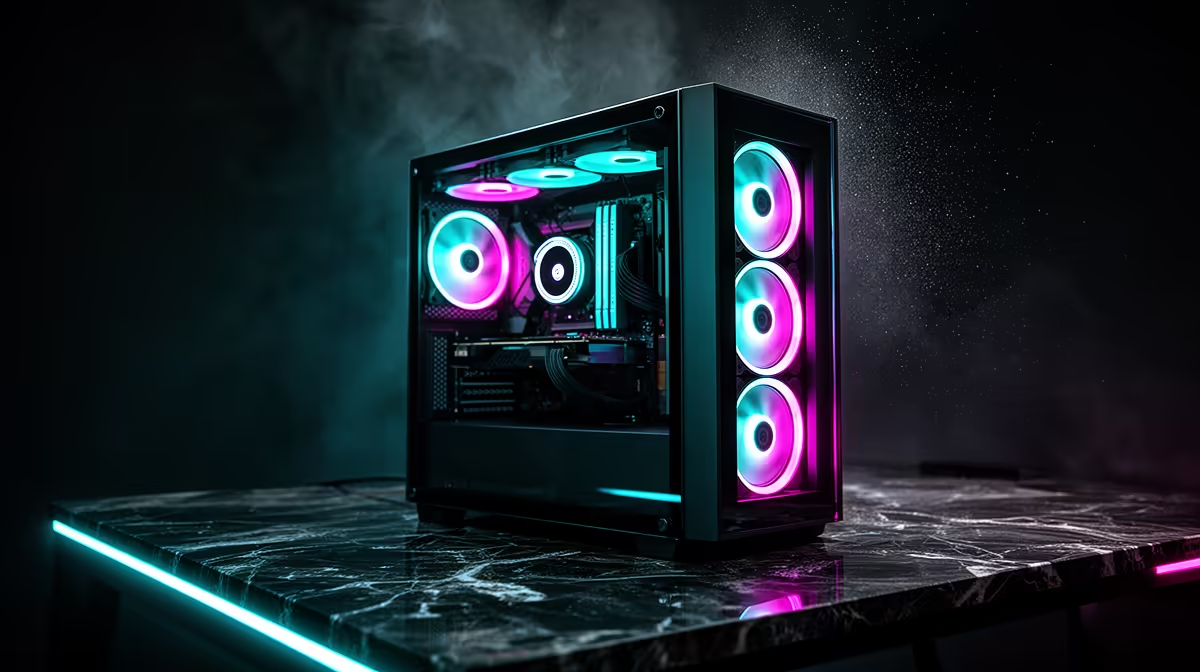
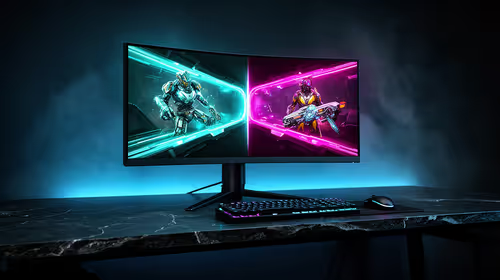
The monitor should match the real frame target. For this build, plan around a 4K 120Hz or 1440p 240Hz screen before adding more GPU spend. Wuthering Waves should deliver a stable 60-120 fps target, depending on the selected mode and monitor, with extra budget best spent on quiet cooling and screen quality. If you also play heavier titles, the same machine should keep 1% lows steadier when Discord, browser tabs, RGB software, and capture tools are open. Durban and Pretoria rooms can run warm in summer, so a front-mesh case and tidy cable path are more useful than an oversized glass showcase with weak intake.
FAQ
Is R80,000 enough for Wuthering Waves in South Africa?
Yes. R80,000 is enough for a enthusiast Wuthering Waves PC when the GPU, CPU, RAM, and SSD are balanced. Do not spend the full amount on one headline part while leaving the PSU, cooling, or monitor behind.
Should I choose 16GB or 32GB RAM for this build?
16GB is workable at the lower budgets, but 32GB is the better target from about R20,000 upward. It helps with launchers, voice chat, browser tabs, and future games even when Wuthering Waves itself is not using all of it.
What should I check before ordering?
Check the exact GPU model, SSD capacity, PSU wattage, case airflow, and monitor resolution. If the PC is for competitive play, prioritise stable frame pacing and a 144Hz or better display over decorative upgrades.
Build Check
ordering, match the Wuthering Waves PC to the monitor: 4K 120Hz or 1440p 240Hz is the practical target for this budget. If the selected tower has less than 32GB to 64GB DDR5 or less than a 2TB to 4TB NVMe SSD, fix that before paying for cosmetic extras.