


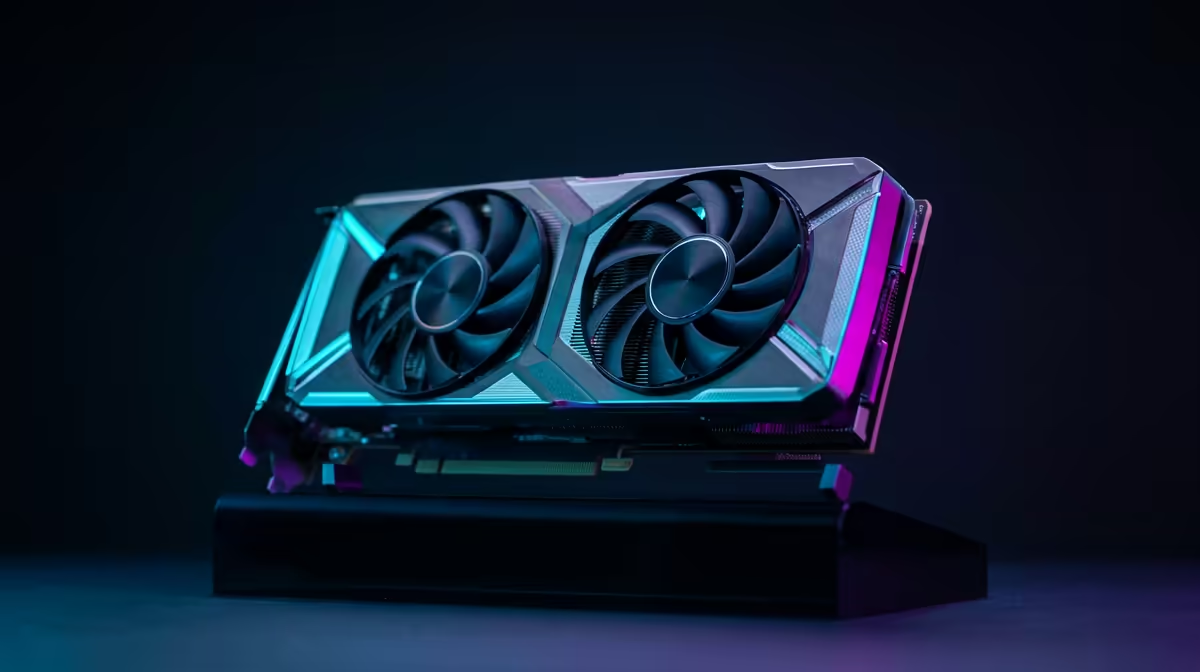
Is your gaming PC starting to sound like a jet engine during those intense loadouts in Apex or a nail-biting clutch in Valorant? You’re not alone. That constant whirring is the sound of your fans working overtime to fight off the Mzansi heat. The good news? You can absolutely reduce fan noise without sacrificing cooling performance. It just takes a little know-how. Let’s dive into the simple fixes and smart upgrades to bring peace back to your setup. 🤫
First Steps: Software Tweaks & Maintenance
Before you even think about opening your wallet, your first port of call should be software and a bit of elbow grease. These free methods are surprisingly effective at making your PC quieter.
Master Your Fan Curves
Most modern motherboards come with software that lets you control your fan speeds. Instead of letting them blast at 100% the moment your CPU hits 60°C, you can create a custom "fan curve." This tells your fans to ramp up more gradually, keeping things quiet during everyday tasks and only getting loud when truly necessary.
Pro Tip: Silent Fan Curve Setup 🔧
Most BIOS UEFI settings or utilities like MSI Afterburner let you link fan speed to component temperature. A great starting point is to keep fans at a low, inaudible speed (e.g., 20-30%) until your CPU or GPU hits around 50-60°C. Then, create a gentle slope up to 70-80% speed as temps approach 80°C. This simple adjustment can drastically reduce fan noise during light gaming or browsing.
The Dust Bunny Hunt
Dust is the arch-nemesis of cool and quiet computing. It clogs up heatsinks, suffocates fans, and insulates components, forcing your fans to spin faster to compensate.
Pop open your case (with the power off and unplugged, of course!) and give it a thorough clean with a can of compressed air. Pay special attention to:
- CPU cooler fins
- GPU fans and heatsink
- Case intake and exhaust fans
- Dust filters (these can usually be removed and washed)
A clean PC is a happy, quieter PC. You’ll be shocked at the difference this makes.
Next Level Quiet: Smart Hardware Upgrades
If software tweaks and a good clean aren't enough, it’s time to look at hardware. Upgrading your cooling components is the most effective way to reduce fan noise without sacrificing cooling for the long term. Larger fans and more efficient heatsinks can move more air at lower RPMs... which means less noise.
Better CPU Cooling Solutions
The stock cooler that came with your CPU is designed to be "just good enough." It's often the loudest component in a build under load. By upgrading your CPU cooler, you get a larger heatsink and a better-quality fan, leading to a massive drop in noise and a healthy drop in temperatures.
For those wanting top-tier performance with a whisper-quiet profile, All-in-One (AIO) liquid coolers are fantastic. They move the heat away from your CPU to a radiator, where larger fans can dissipate it quietly. Brands offer a huge variety, from great value coolers from Gamdias to premium options from Corsair that combine performance with stunning RGB aesthetics. ✨
Choosing the Right AIO Cooler
When it comes to liquid cooling, size matters. A larger radiator provides more surface area for heat dissipation, allowing fans to spin slower and quieter. For most gaming builds, the popular 240mm AIO coolers offer the perfect balance of performance, price, and compatibility. If you want to see what a modern AIO can do for your rig's acoustics and style, check out Gamdias's impressive liquid coolers for a glimpse at the possibilities. 🚀
Ultimately, achieving a quiet yet powerful PC is a balancing act. By combining smart software control with high-quality cooling hardware, you can finally enjoy your games with only the sounds the developers intended.
Ready for a Quieter Gaming Experience? Don't let a noisy PC ruin your immersion. A simple upgrade can make all the difference. Explore our massive range of CPU Coolers and find the perfect solution to keep your rig cool and quiet.









