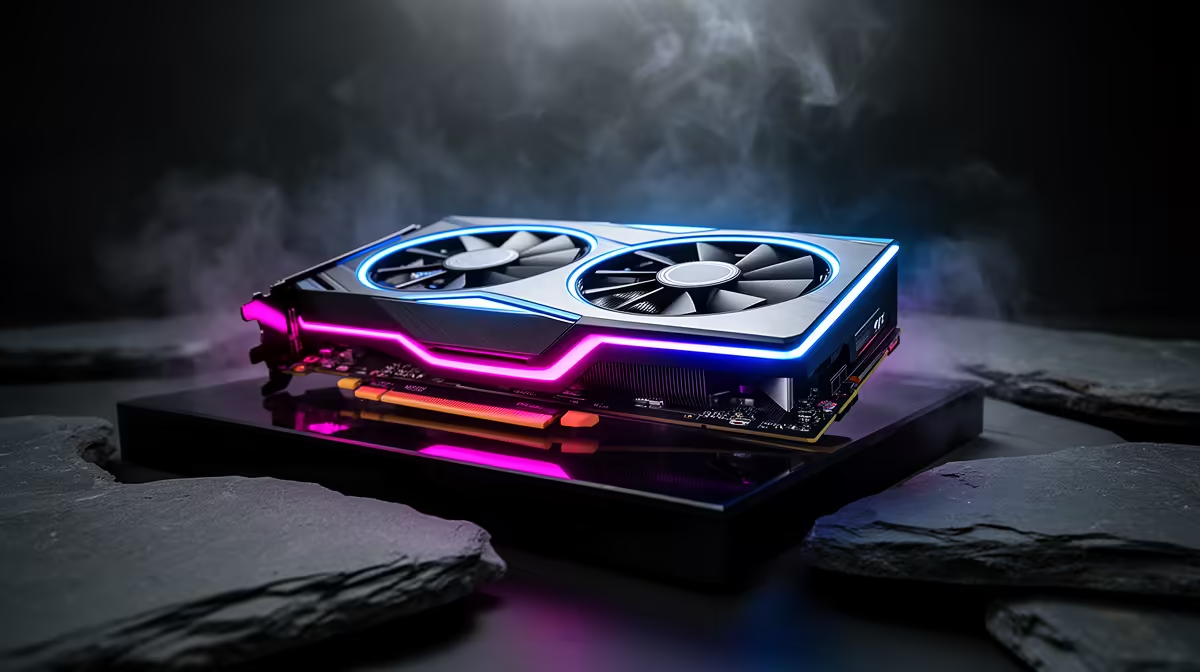
An RTX 5070 Ti undervolt should hold through a long 1440p session, a cold boot and the sudden load change when a menu gives way to gameplay. The card's 300W target leaves useful room to cut heat. Stability comes from a conservative curve and varied testing, not one magic voltage shared online.
Quick Answer
Start with the RTX 5070 Ti at stock, note its sustained clock, then target a lower voltage and test one curve change at a time. Keep the power limit and memory offset unchanged until the core profile is proven. The graphics card median at Evetech was R13,299 as of July 2026, placing a 5070 Ti-class purchase above that reference and making a recoverable tuning process worth the effort.
🧭 Choose the load that represents your PC
Use the resolution and settings you bought the card to run. A 1440p high-refresh player should test high frame rates and demanding visual effects. A 4K owner needs a heavier GPU-bound scene. Record clock, voltage, board power, temperatures and fan speed once the card is fully warm.
Note the case-fan setting and room conditions. Open-panel testing changes the airflow around the cooler and may hide heat recirculation. Keep the finished PC in its normal position.
Evetech's graphics card category provides the wider comparison, while the RTX 5070 Ti range lets you check board length, thickness and cooler layout.
📉 Build the curve from a cautious point
Open the voltage-frequency editor and identify a point below the stock operating voltage. Assign a clock slightly under the warm stock figure, then flatten the curve above that point. Apply it and run the same test again.
If the result holds, adjust in a small step. A driver recovery, game crash, black screen or coloured artifact tells you the curve is too ambitious. Return to the previous point and test for longer. Do not add a memory overclock while finding the core limit.
A lower power-limit slider is quicker, but it may pull clocks down whenever the card reaches that cap. Curve tuning gives you more control over the voltage used for a chosen clock. You can combine the two later if you want a strict power ceiling, after each change has been tested on its own.
📊 Judge frame times beside temperatures
The best profile keeps the experience close to stock while reducing heat or noise. Compare average frame rate, low-frame behaviour and the frame-time trace. A card can avoid crashing yet clock-stretch or fluctuate enough to make delivery worse.
Test a small-case build with extra care. Restricted intake can make a modest reduction more valuable because every watt becomes heat inside a limited volume. Confirm that the card does not pull warm exhaust back through its own fans.
Visit the GPU best-seller page when you want a market check on cooler styles and neighbouring tiers. Tuning refines the card you own; it cannot replace a chassis with poor ventilation.
💾 Keep a recovery path
Save the stock setup and stable curve under clear names. Leave automatic startup disabled during the first days, so a failed profile cannot trap you in a crash loop. If the screen goes black, restart and return to defaults.
Driver updates can reset the tuning utility or change stability. Confirm the active profile after updating, then run a shorter version of your test routine. Seasonal room temperatures also matter in a compact case; a winter result may need a little more margin in summer.
Write the chosen voltage and clock in a note outside the tuning app. If a software reset erases the profile, you can rebuild it from a known value and retest instead of trying to remember the curve.
Avoid changing thermal paste as part of an ordinary undervolt. That is a separate physical intervention with its own warranty implications. Fix software tuning first and open the card only when a real maintenance need and the maker's terms support it.
Frequently Asked Questions
What voltage offset is a stable starting point for RTX 5070 Ti undervolting?
There is no universal value. Use the stock curve as your reference and move one small step at a time.
Does undervolting an RTX 5070 Ti help 1440p frame times?
It can help the card hold a steadier thermal state, but an unstable or overly low curve can make frame times worse. Measure both states.
How do you know an RTX 5070 Ti undervolt has gone too far?
Look for crashes, driver resets, visual corruption, black screens or clock instability. Return to the last proven profile.
Can you undervolt an RTX 5070 Ti without a power limit change?
Yes. Curve tuning alone can reduce voltage and power while keeping the target clock.
Is RTX 5070 Ti undervolting worth it for a small case build?
Yes, heat reduction has extra value where airflow volume is limited. Case ventilation still needs to be sound.
Ready to tame a fast 1440p card?
Compare RTX 5070 Ti cooler sizes at Evetech, then leave enough case clearance for the undervolt to translate into lower noise.