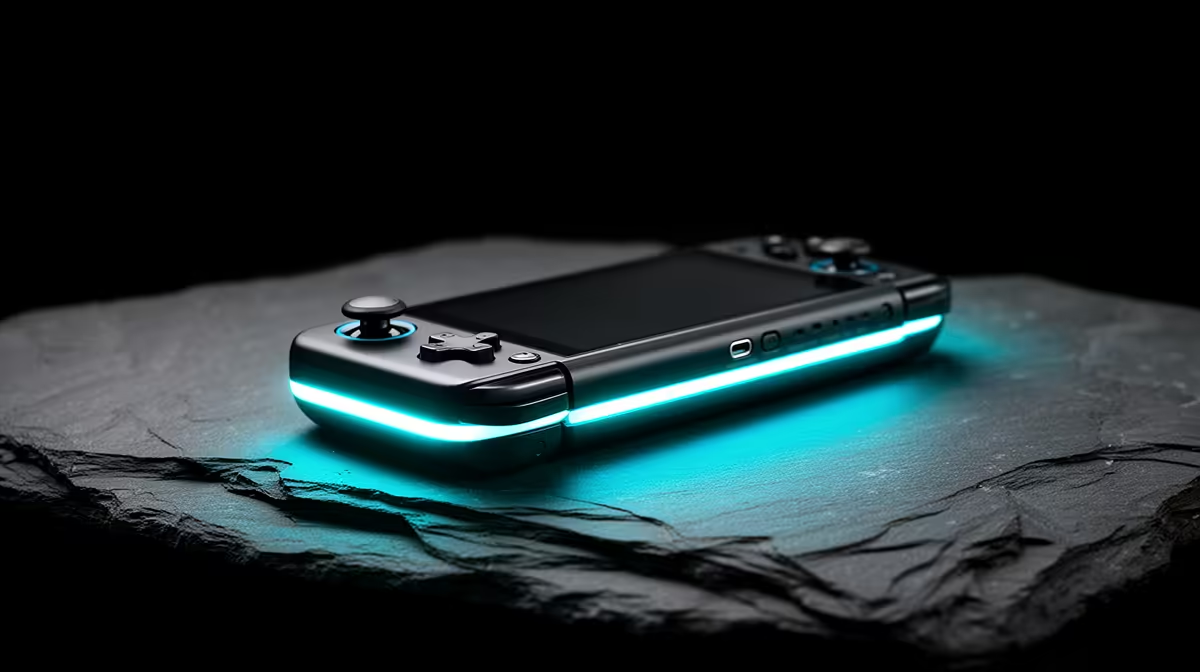
Steam Deck charges through USB Power Delivery. Valve specifies a 45W USB-C PD 3.0 supply for the Deck, and the handheld does not use Quick Charge or other phone fast-charge standards. A USB-C plug can fit while the charger and cable negotiate too little power.
Quick Answer
Connect Valve's supplied 45W charger directly to the Deck. Confirm the charge LED, leave a depleted unit for at least fifteen minutes and restart. If that works, test the third-party charger, cable and dock one at a time. Use a PD supply and cable rated for the required contract.
Evetech's handheld console selection helps compare device and charger ecosystems, while its popular PC page gives the wider portable-computing context. Verify charger listings by exact PD output profiles, not a total multi-port wattage.
Read the Charge Indicator
When the Steam Deck receives charge, the LED by the USB-C port lights. Valve notes that its brightness can dim after a short period as normal behaviour. A depleted battery can make the LED flash when you press Power.
If the Deck has been empty, connect the supplied PSU directly, check that the LED is on and wait at least fifteen minutes before trying to start it. Do not repeatedly force boot while the battery lacks enough power.
A Deck left connected for a long time can report below 100 per cent because Valve allows some discharge to support battery health. That alone does not prove charging has failed.
Understand the Power Contract
USB Power Delivery negotiates voltage and current between source and device. The Deck's official supply is 45W PD 3.0. A charger advertising 65W total can split that output between ports or offer the wrong contract on the port you chose.
Quick Charge branding on a phone adapter does not substitute for USB PD. A basic USB-C or USB-A charger may supply enough to charge slowly while the Deck sleeps and still lose battery during a game.
Read the charger's output table. Use the USB-C PD port and disconnect another laptop or phone that causes dynamic power sharing during the test.
Check the Cable
Use the captive cable on the supplied Valve charger for the baseline. For another supply, use a USB-C to USB-C cable rated for its PD output. A charge-only cable can lack the capability or durability needed.
Inspect both connectors for bent metal, scorch marks, looseness and debris. Clean only with the device off and a method approved for electronics. Do not insert a metal pin into the port.
Try a short known-good cable. If the connection changes when the plug moves, stop flexing it and replace the faulty cable or service the port.
Isolate the Dock
A dock needs USB-C PD passthrough to power the Deck. Valve warns that a dock can reserve part of the incoming contract for USB devices, creating a Slow Charger warning.
Remove storage, Ethernet, controllers and display, then test power through the dock. If direct charging works and docked charging does not, check the dock's input rating, firmware and supplied PSU.
Reconnect peripherals one at a time. A bus-powered SSD and phone can consume part of the budget. The charger must cover the dock and Deck, but a larger number does not force the Deck above its negotiated need.
Test at Idle and Under Load
At the desktop or library, note battery percentage and charge estimate. Then run a game at a known TDP. A marginal charger can show connected while the battery falls because system draw exceeds delivered power.
Do not use the game as the first test on a deeply depleted battery. Charge while shut down, then compare idle. Keep the Deck cool and remove a case that blocks vents.
An inline USB-C power meter can help when it is rated for the full PD path and does not interfere with negotiation. Treat the reading as diagnostic context, not permission to use an uncertified charger.
Check Software and Battery State
Install stable SteamOS updates and restart. Close third-party Desktop Mode tools that can keep the APU awake. A bad process raises consumption and can make normal charging look slow.
Battery percentage is an estimate. If the unit shuts down at a high reading or remains stuck after verified direct charging, use Valve's current battery and support procedure rather than forcing repeated deep cycles.
Do not open the Deck to disconnect the battery during ordinary charger diagnosis. The battery, connector and nearby components can be damaged.
Deal With Heat and Damage
Stop charging if the Deck, cable or adapter becomes unusually hot, smells burnt or shows discolouration. Disconnect from mains and move it away from flammable material if safe. A swollen case or lifted screen can indicate battery trouble and needs qualified handling.
A warm charger during use can be normal within its design. Compare with the maker's operating guidance and ensure ventilation. Do not cover it with bedding or use it through a damaged extension.
After liquid reaches the USB-C port, keep power disconnected until the device is inspected and dry. Charging through contamination can corrode or short contacts.
Build a Travel Charger Setup
Choose a reputable PD charger whose single USB-C port can offer at least the Deck's required 45W contract. If it has several ports, check the output table for the combination you will use.
Pack a rated USB-C cable and test the pair at home under game load. A travel adapter changes plug shape and must carry the charger's mains rating safely; it does not convert poor local power.
Keep the cable coiled gently and protect connector ends. A tiny charger saves space only if it stays cool and holds the negotiated output.
FAQ
Can any 45W phone charger power Steam Deck?
No. It needs a compatible USB Power Delivery contract. Other fast-charge standards and total wattage labels are not enough.
Why does a dock show Slow Charger with a large PSU?
The dock can reserve power for itself and connected devices, or the selected port and cable may negotiate a lower contract.
Is 97 per cent while left plugged in a battery fault?
Not by itself. Valve allows some discharge during long connected periods to support battery health.
Prove direct charging with Valve's 45W PD supply, then isolate the cable, multi-port charger and dock under both idle and game load.