So you’re ready to share your gaming passion with the world and start streaming. Awesome! But looking at pro setups can be intimidating, leaving you wondering what gear you actually need to begin. This Q&A guide is designed to give aspiring South African streamers a stress-free start. We'll cut through the noise and focus on the affordable, essential gear that will make your first stream look and sound great, without needing a massive budget. ✨
Your Beginner Streaming Setup Questions Answered
Getting started is easier than you think. Here are the answers to the most common questions from new streamers on a budget.
Q: What is the absolute minimum gear I need to start streaming from my PC?
A: You can get started with three key items: a good microphone, a decent webcam, and some form of lighting. Your PC and internet connection do the heavy lifting, but these three things make up your "virtual studio." You can find all three in the range of streaming essentials designed to get you live quickly.
Q: My gaming headset has a built-in mic. Can't I just use that?
A: You can, but it's the biggest compromise. Most gaming headsets have mics designed for clear communication, not broadcast quality. The single biggest upgrade you can make for a professional-sounding stream is investing in one of the many affordable, high-quality USB microphones available today.
Q: Do I need a fancy 4K camera to look good on stream?
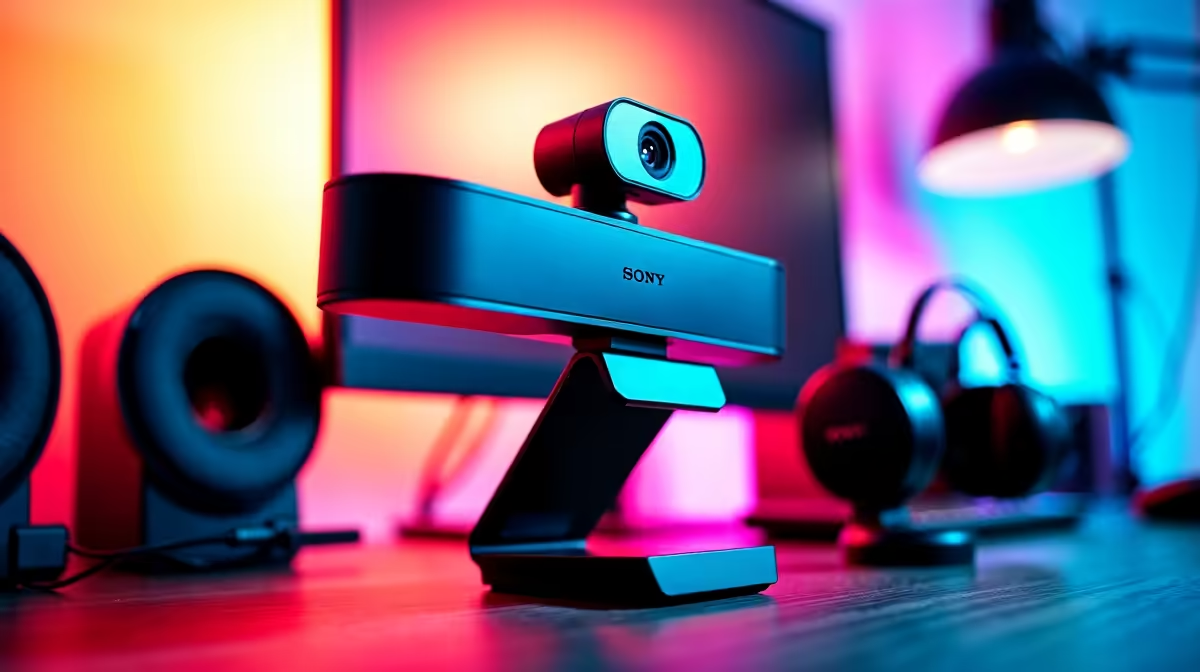
A: Not at all. For the small facecam window on a game stream, a solid 1080p webcam is perfect. It provides a sharp, clear image without the high cost and system strain of a 4K camera. The selection of great-value webcams on the market today is better than ever.
Q: I see all the big streamers using Corsair's Elgato gear. Is it worth the price?
A: Elgato is the industry standard for a reason: their gear is high-quality, reliable, and works seamlessly with streaming software. While you don't need it to start, investing in a piece of Corsair streaming gear, like a Wave microphone or a Key Light, is a smart move if your budget allows. It’s equipment you won’t have to upgrade for years.
Q: How can I make my boring wall background look more interesting?
A: This is where lighting flair comes in! You don't need to repaint or redecorate. Adding modular RGB light panels to the wall behind you is a super easy way to add colour and personality to your stream. Brands like Cololight let you create unique shapes and effects that make your setup instantly recognizable.
Q: What's the one piece of gear that beginners always forget?
A: Lighting! So many new streamers buy a great camera and mic but sit in a dimly lit room. A simple LED ring light or a small key light pointed at your face will make even a budget webcam look incredible. It is, without a doubt, the most cost-effective upgrade you can make.
Pro Tip: Check Your Upload Speed!
Your fast download speed is great for gaming, but for streaming, your upload speed is what matters. Before you go live, run an online speed test. For a smooth 1080p stream, you'll want a stable upload speed of at least 6 Mbps.
Key Takeaways
Before you start buying, keep these core ideas in mind:
- Audio First: A dedicated USB microphone is the most important upgrade for stream quality.
- 1080p is Perfect: A good quality 1080p webcam is all you need for a great-looking facecam.
- Light Up Your Face: Don't underestimate the power of a simple key light or ring light.
- Add Flair Later: Background lighting and other accessories are fun additions you can make over time.
Focus on the fundamentals, and you'll have a stream you can be proud of.
Ready to Launch Your Channel?
Stop waiting and start creating. Explore our full range of streaming essentials and find the perfect gear to kickstart your streaming career today.