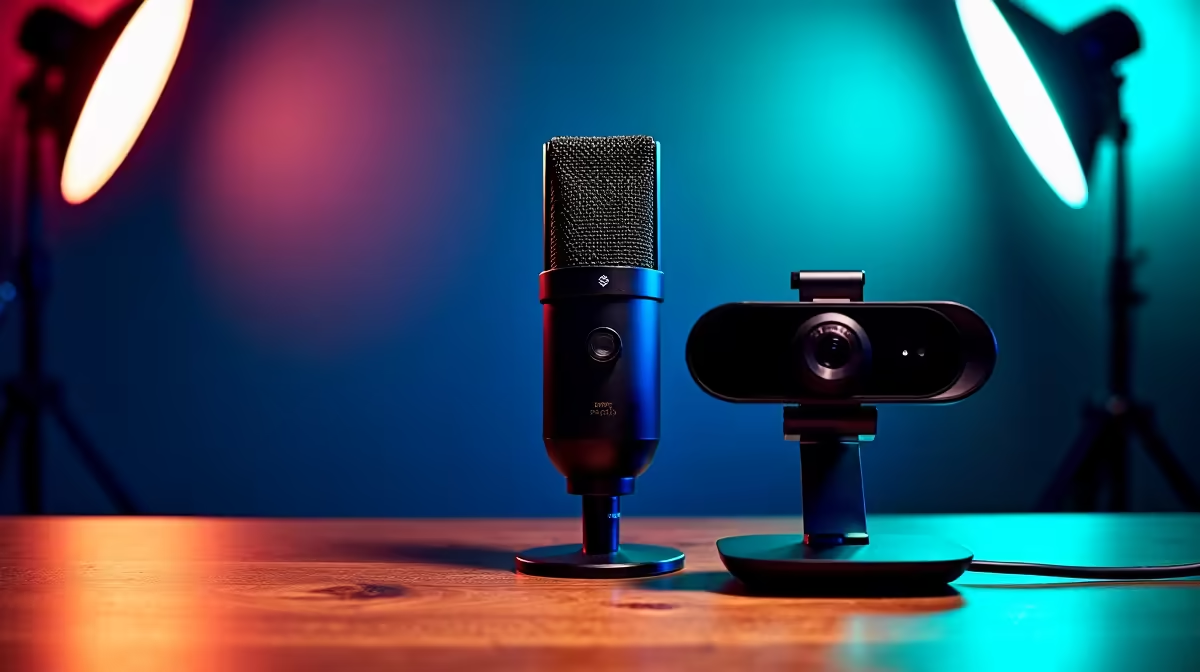
So, you’re ready to hit that ‘Go Live’ button? Awesome! Joining the ranks of South African streamers on Twitch or YouTube is an epic journey. But before you start building your community, you need the right tools. Don’t worry, a pro-level streaming setup in South Africa doesn’t have to cost a fortune. This guide covers the essential gear for your first stream, helping you get online with quality that will make viewers stick around.
The Heart of Your Streaming Setup: The PC
First things first... your computer is the engine of your entire operation. It has to do two demanding jobs at once: run your game smoothly and encode your video stream for your audience. A weak PC will lead to dropped frames and a laggy experience for everyone. That’s a fast track to zero viewers.
Your PC's processor (CPU) and graphics card (GPU) are the key players. Modern GPUs from NVIDIA (using their NVENC encoder) are fantastic at handling the streaming load with minimal impact on your game's performance. When choosing a machine, this is a critical feature for any modern streaming setup.
For those just starting, our range of affordable budget gaming PCs offers a fantastic entry point. If you have a bit more to invest for a smoother experience, exploring solid PCs under R20k will give you more power for modern titles. For those serious about quality and longevity, our future-proof rigs over R20k are built to handle AAA gaming and high-bitrate streaming for years to come.
Your Window & Voice: Camera and Microphone
You can have the best gameplay in the world, but if your audience can't see or hear you clearly, they'll click away. While you can start with a basic webcam, remember this: audio is more important than video. 🎤
Audio is King
Viewers will forgive grainy video, but they won't tolerate crackly, muffled, or buzzing audio. A dedicated USB microphone is one of the best first investments for a beginner streaming setup in SA. It's a massive step up from any headset mic and provides that crisp, clear sound that keeps people engaged.
Audio Tip for New Streamers ⚡
In OBS or Streamlabs, right-click your Mic source, go to 'Filters', and add a 'Noise Suppression' filter. The 'RNNoise (good quality, more CPU usage)' option is excellent for cutting out background noise like PC fans or the hum of an unexpected outage-era inverter. It’s a simple trick that makes you sound instantly more professional.
Video Essentials
You don't need a fancy DSLR camera right away. A good 1080p webcam like a Logitech C920 or a Razer Kiyo is more than enough to get started. The real secret to good video isn't the camera... it's lighting! A simple ring light or a single key light placed in front of you will dramatically improve your camera quality, eliminating shadows and making you look bright and clear.
Putting It All Together for Your First Stream
Once your gear is sorted, it’s time to bring your streaming setup to life. Free software like OBS Studio or Streamlabs OBS is the industry standard. They allow you to combine your game, camera, and microphone into one professional-looking scene.
Take your time with the setup process. Watch a few tutorials, create some simple scenes, and do a few test recordings before you go live. The goal isn't perfection on day one; it's about creating a stable, good-quality broadcast. Getting started is easier than ever, especially if you opt for one of our ready-to-go pre-built PC deals that takes all the guesswork out of the hardware.
Building your streaming setup in South Africa is the first exciting step. Choose your gear wisely, focus on clear audio, and most importantly, have fun with it! Your community is waiting. 🚀
Ready to Go Live?
The journey to your first stream starts with the right gear. For the best performance, choice, and value in South Africa, a powerful PC is your launchpad. Explore our best gaming PC deals and find the perfect machine to kickstart your streaming career.